
S
solutions.studio6h
Views
54K+41%
Revenue
$13K+88%
Live in EzUGC
Black Forest Labs' video model with synchronized audio built in. Clips run 5 to 20 seconds at 720p or 1080p, keyframes pin your product where the brief needs it, and a draft preview lets you check a take before you commit to it.
Create your first ad




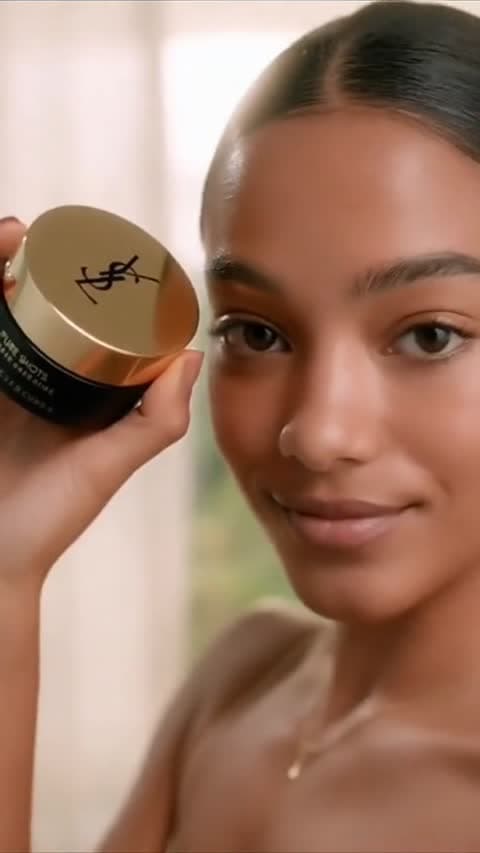

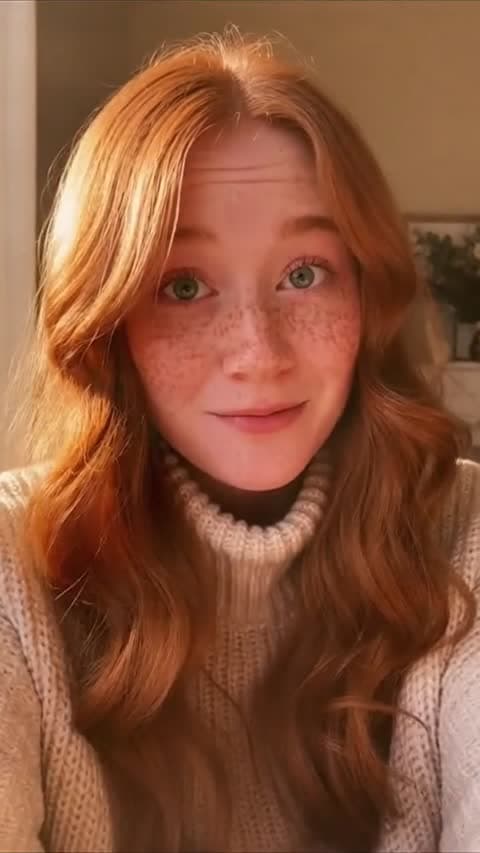
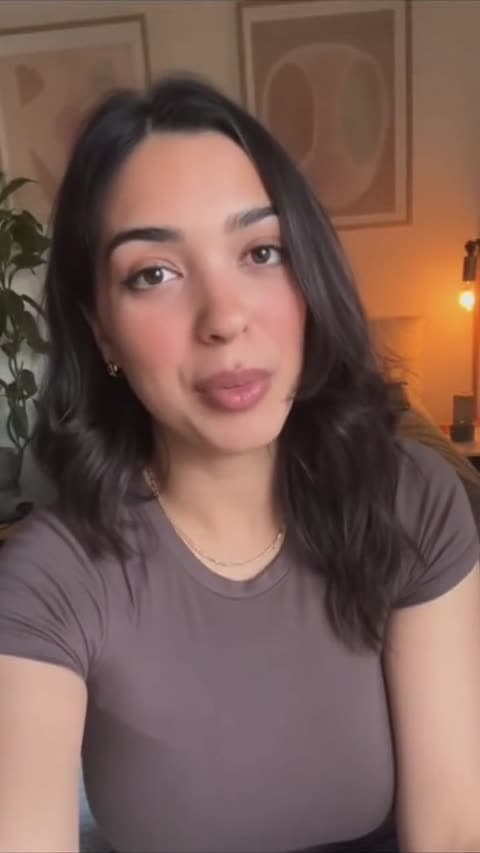
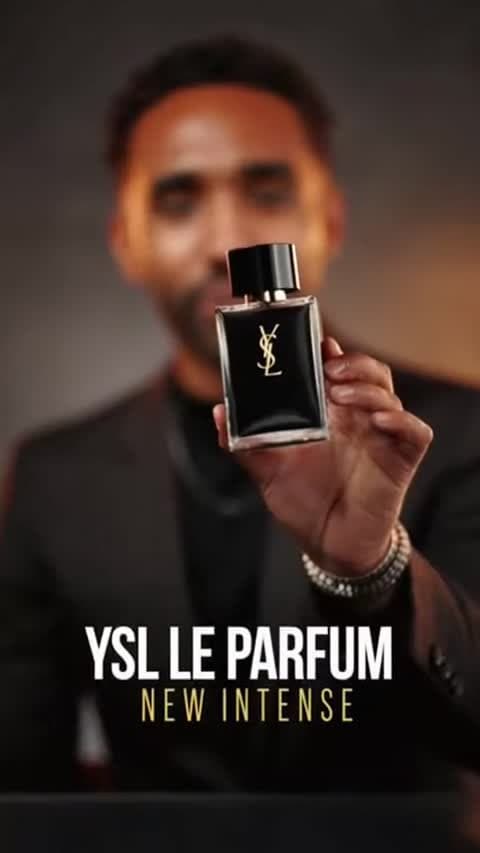
What it does
Every FLUX 3 render arrives with a synchronized audio track already attached. Dialogue, ambience, and effects come out of the same pass as the picture, so there is no separate sound step to schedule.
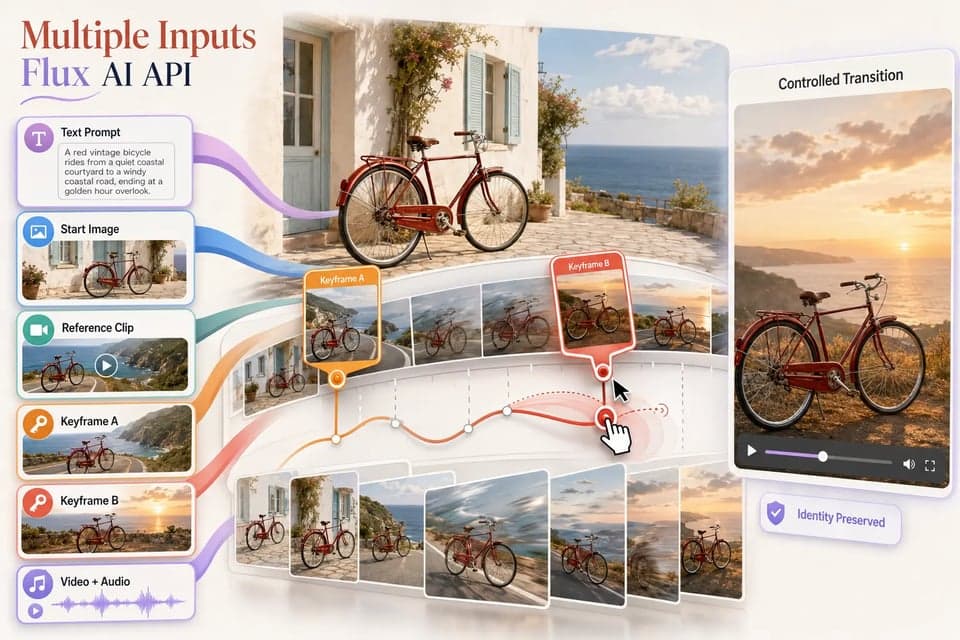
Attach an image to the first frame, the last frame, or a specific timestamp. Your product shows up where the brief says it should instead of wherever the model decides to put it.
Draft mode returns a rough cut in a fraction of the time. Approve the take you want and render it at full quality without paying for the video twice.
The underlying idea
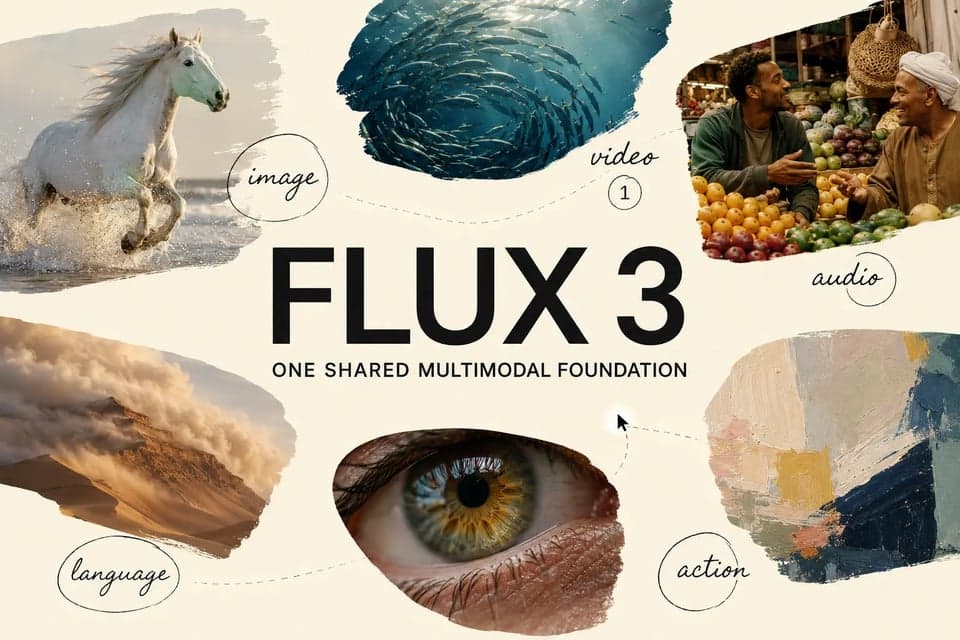
FLUX 3 learns picture, motion, audio, and language together rather than bolting a sound model onto a video model. When a bottle opens on screen, the sound of it opening comes from the same generation that produced the motion, which is why the two line up without anyone nudging them into place.
For a creative team the practical effect is fewer passes. A spoken hook, a product interaction, and the ambience of the room used to be three jobs with three handoffs between them. Getting them in one file changes what a single generation is worth, because the thing you are reviewing is closer to the thing you would actually run.
How to use it
01
Describe the hook, the product moment, and the line you want spoken. FLUX 3 handles dialogue and ambience itself, so audio direction belongs in the prompt rather than in a follow-up edit.
02
Text-only prompts can render as a fast draft. Use it to check pacing, framing, and whether the spoken line lands before you commit to the full-quality version.
03
Anything from 5 to 20 seconds, at 720p or 1080p, in landscape, portrait, square, or ultra-wide. Approve the draft and the full render replaces it on the same video.
Capabilities
Prompt-led generation from 5 to 20 seconds at 720p or 1080p.
Pin an image to the first frame, last frame, or a timestamp.
Dialogue, ambience, and effects in the same render, on by default.
Spoken delivery across languages, with readable on-screen text.
Specifications
Model documentation and model behaviour are different things. Before FLUX 3 went into the composer we ran it against the live API and set these limits to what it actually accepted, including which frame sizes it will render and which it refuses.
Early comparison claims
Black Forest Labs published its own head-to-head preference results for 10-second, 720p text-to-video clips with native audio. These are the developer's numbers rather than an independent benchmark: the sample size, prompts, judges, and scoring method were never published. Treat them as a reason to test the model on your own brief, not as a result you can quote to a client.
Why the architecture matters
Most video-generation comparisons stop at the frame. Does the camera move? Does the person look real? Is the product still roughly the right shape? Those are useful questions, and they leave out half the job when the creative needs spoken delivery, sound effects, typography, or a sequence of shots that belong to the same campaign.
FLUX 3 learns those signals together, which gives it more context for what should happen after a hand lifts a glass, a package opens, or a creator finishes a line. Not every output will be coherent. But the model is aiming at a harder problem than producing a pretty five-second clip, and the twenty-second ceiling means it has room to attempt an actual arc instead of a fragment.
For a performance team the payoff is fewer fixes after the render. A product demo that needs a separate voice pass, a second tool for animated text, and a third edit to hide a continuity break can still become an ad. It just stops being a fast testing workflow, and testing speed is usually what decides how many concepts you get to try in a week.
Judge the model on complete creative beats. Run an opening visual, a spoken hook, a product interaction, the proof moment, and the call to action as one unit. A clip can look impressive on loop and still miss the work when the brief has to hold together for someone scrolling with sound on.
Creative examples
Image, video, audio, and language are trained together, so what happens on screen and what you hear come from the same place.
The render lands with a synchronized track already on it. Nothing to schedule, nothing to line up afterwards.
Attach an image to the opening frame, the closing frame, or an exact second of the timeline.
Hard cuts inside a single generation, so a hook and a payoff can live in one clip.
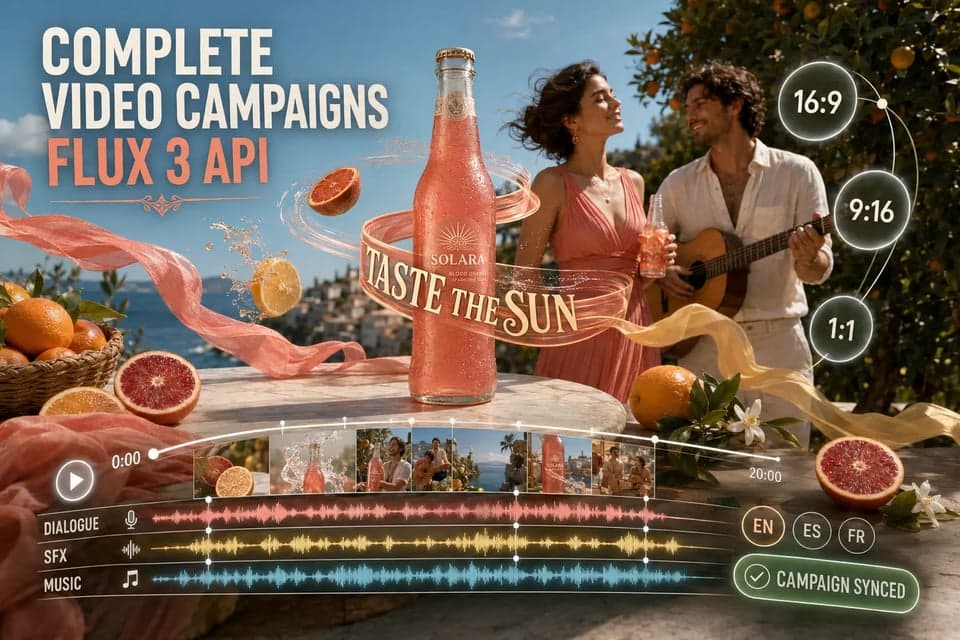
Spoken delivery for creative that has to run in more than one market.
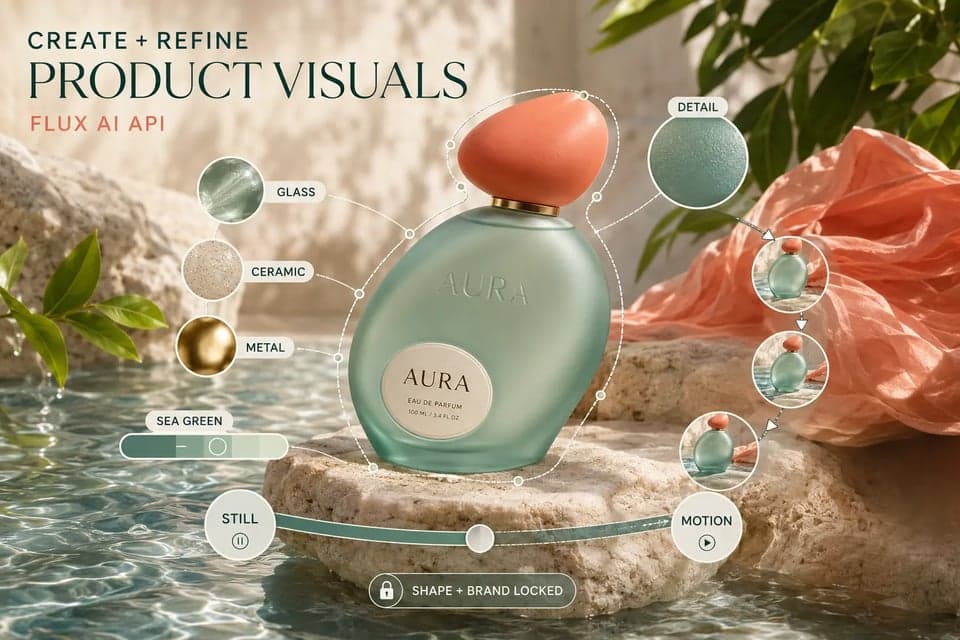
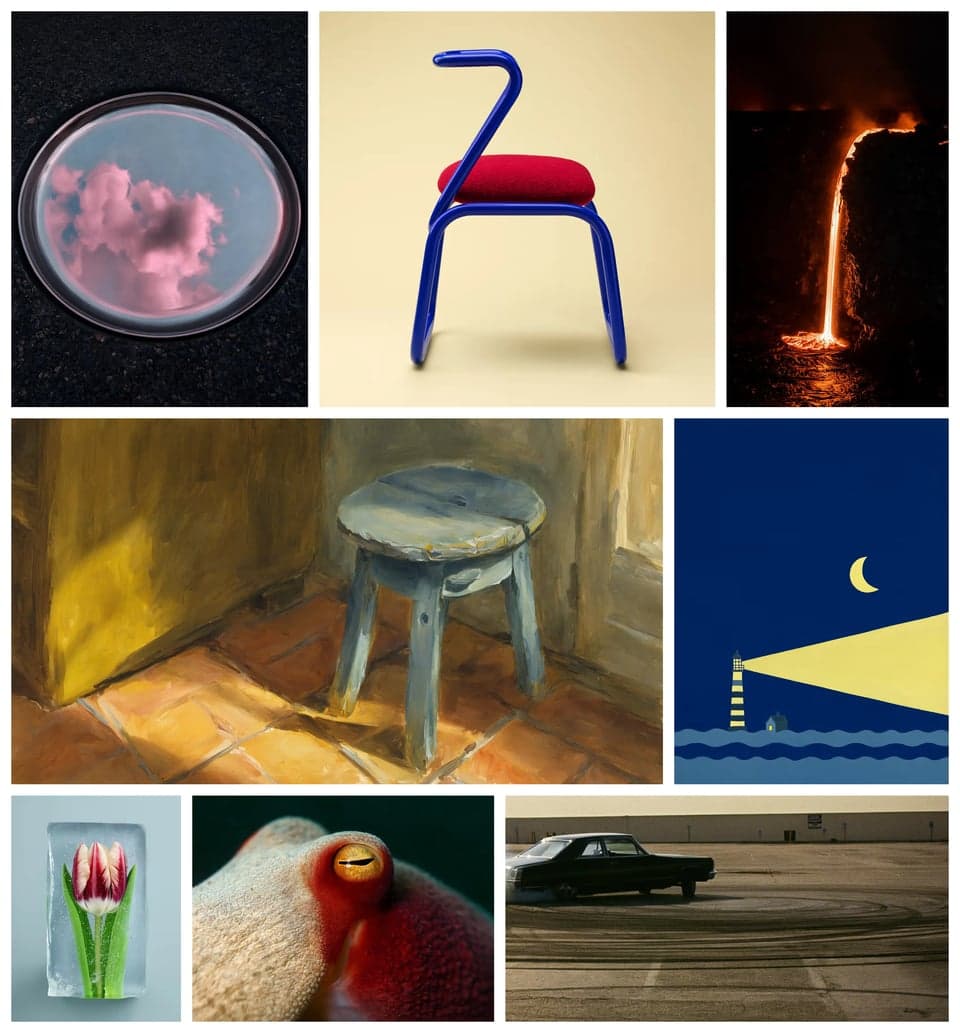
Titles and animated typography that survive the render instead of turning into shapes.
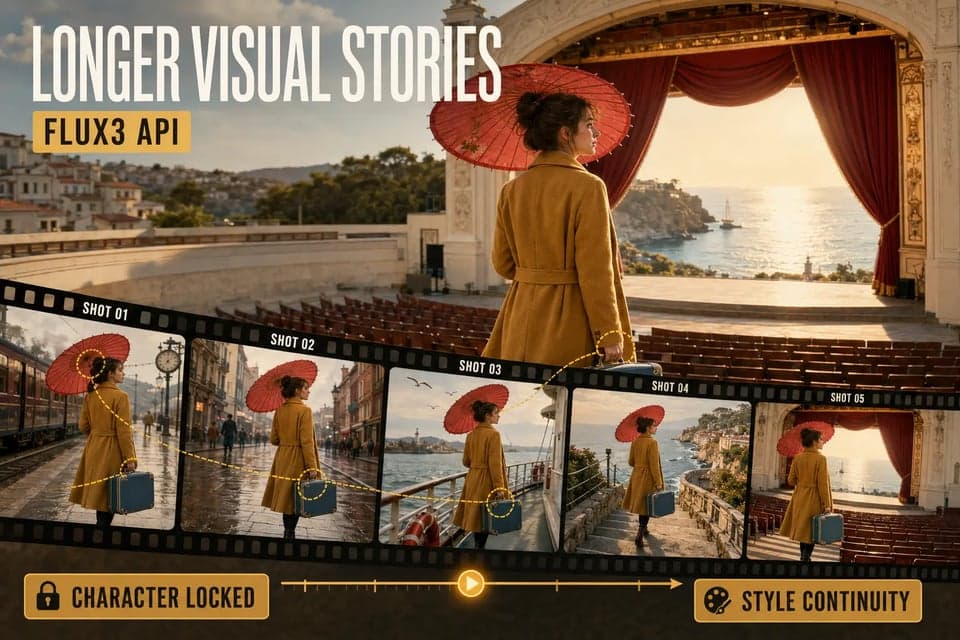
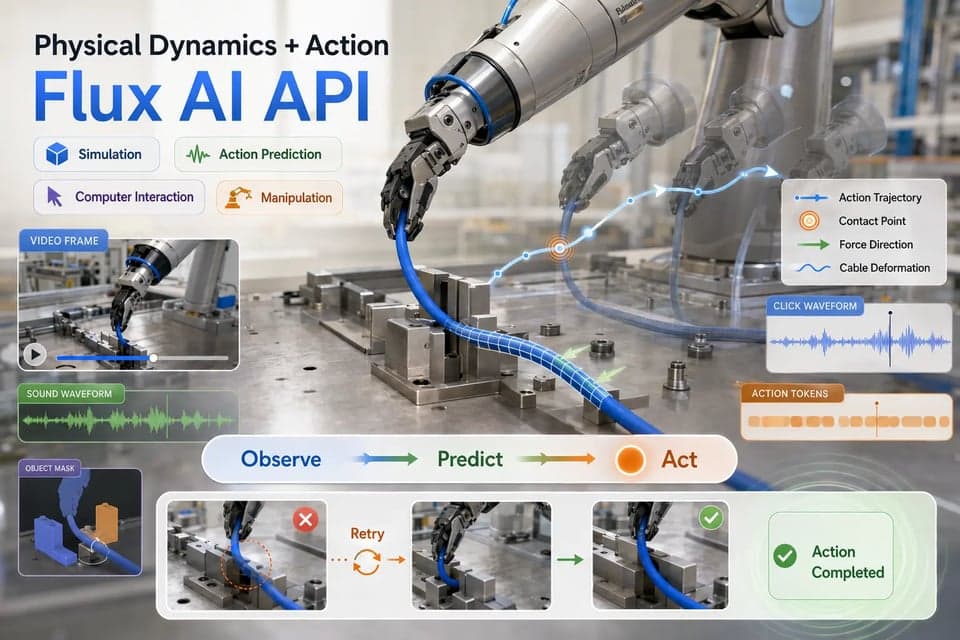
Motion and object interaction that hold up when a hand lifts, pours, or opens something.
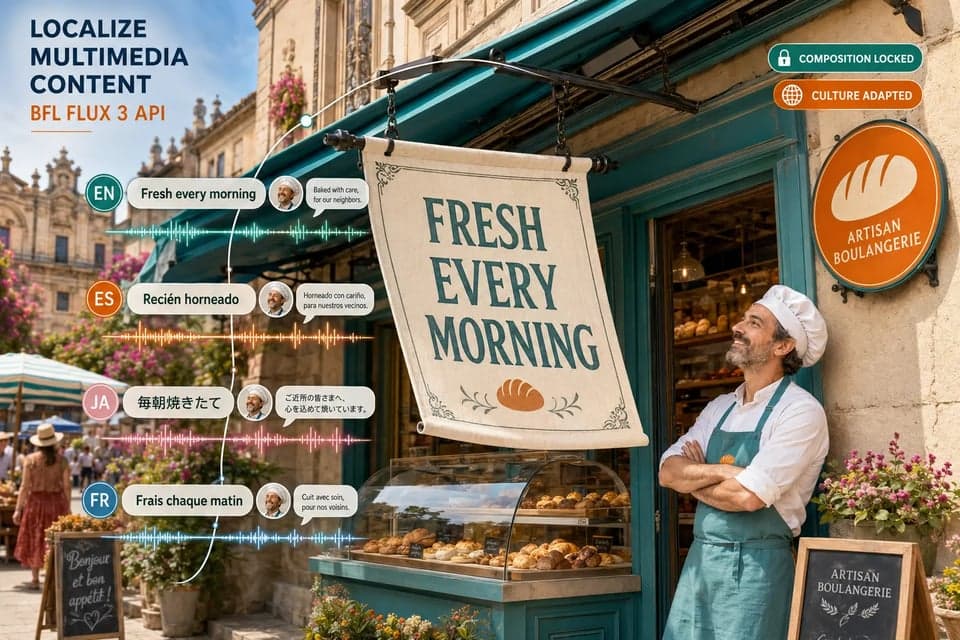
Product stories, creator-led ads, and short-form social built around a spoken hook.

A pinned product frame becomes the opening beat of a motion concept.
A fair production test
A prompt gallery will not tell you whether FLUX 3 belongs in your paid-creative workflow. Use the same controlled brief you already trust, then judge the outputs on what your team would need to approve and ship.
01 / Keep the prompt fixed
Do not give FLUX 3 a cinematic brand film while the comparison model gets a bare text prompt. Start with the same product facts, customer objection, creator archetype, visual reference, and end frame. The test is about the model, not which team wrote the more flattering prompt.
02 / Separate concept from execution
A weak concept can make a strong model look bad. Keep the core creative idea constant, then score how well each result follows the prompt, preserves the product, handles motion, keeps the creator believable, and lands the intended sound or spoken line.
03 / Track the rejects
Count every generation, every rejected version, and why it failed. Did the product drift? Was the lip sync wrong? Did the camera move against the brief? A model that produces one striking clip and nine unusable ones can be expensive even when its per-generation price looks low.
04 / Include the edit pass
Log the time spent fixing captions, adding audio, covering visual mistakes, re-cutting the sequence, and getting approval. A model with native audio is useful only if the audio is close enough to keep. The same goes for any claimed reference or continuity control.
05 / Run a second-order variation
Take the strongest result and ask for a new hook, a different creator delivery, a new language, or a revised proof point. This is where draft mode pays for itself, and it shows whether FLUX 3 can turn one promising direction into a batch of controlled variations.
The scorecard
Add generation cost, review time, editing time, and regeneration cost. Divide that number by the clips that were actually approved for launch. That is the number to compare with your existing model lane, not a single impressive preview or an unpublished preference percentage.
Where it fits best
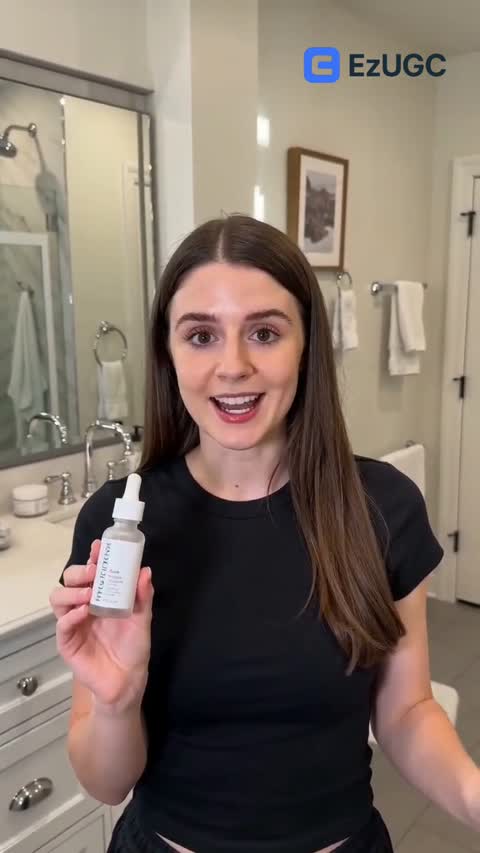
A creator delivers the opening line, the product does something on camera, and the room sounds like a room. All of it comes out of one generation, which removes the voice pass and the sound edit from the schedule.
Most video models stop between 5 and 10 seconds, which forces a hook and a payoff into separate clips. Twenty seconds is enough for a problem, a product moment, and a call to action inside one file.
Draft previews let you throw ten directions at a brief and only pay full attention to the one that works. The approved draft then renders at full quality without a second charge.
Pin an approved product photo to the opening frame and let the model build the motion around it. The thing you are selling stays the thing you are selling.
Translated captions are not the same as a localized ad. Spoken delivery, on-screen copy, and visual context all come from the same generation, so they agree with each other by default.
What we verified
A new model page usually repeats whatever the provider published. We ran FLUX 3 against the live API first and set our limits to what the model actually accepted: 720p and 1080p, seven frame sizes in each, and clip lengths of 5 to 20 whole seconds. Sizes outside that list come back refused, so the composer offers only the fourteen it takes. One quirk worth knowing is that every accepted size is a multiple of 32, which is why 16:9 at 1080p is 1920x1088 rather than the familiar 1920x1080.
Those details matter because of how video billing works. Providers charge by resolution tier, so a request that silently falls back to a larger size costs more than the one you asked for. The resolution picker in EzUGC snaps your choice to the nearest size the model accepts inside the same tier, never above it. Ask for 720p and you are billed for 720p.
The same care applies to draft mode. Two calls go to the provider for one finished video, and you are charged once, at the draft. Approving a preview and rendering it at full quality adds nothing to your usage, because you already paid for that video when you asked for the draft.
Where it fits
Reach for it when the ad depends on sound. A spoken hook, a voice that carries the product claim, or a moment whose impact comes from what you hear rather than what you see are all cases where a silent render plus a separate voice pass costs you a day. FLUX 3 delivers the audio with the picture, and the two are already in sync.
Reach for it when the story needs more than ten seconds. A problem, a product moment, and a call to action rarely fit into a shorter clip without feeling clipped. Twenty seconds with hard cuts inside a single generation lets you keep the arc in one file instead of stitching three renders together and hoping the character survives the joins.
Reach for it when you are still deciding what the ad should be. Draft previews are the cheapest way to see whether a direction has legs, since a rough cut is enough to judge pacing and delivery. Approve the one you like and it becomes the finished video without a second charge, which changes how many concepts you can afford to try.
Use something else when your priority is a specific creator identity or a locked resolution. Digital twins, avatar lipsync, and 4K output all live with other models in EzUGC, and the video composer lets you switch between them on the same brief. That is usually the fastest way to find out which model deserves the budget: run the same prompt through two of them and compare what you would actually approve.
Whichever you pick, the cost that matters is per usable ad rather than per generation. Count the renders you rejected, the time spent fixing captions or audio, and the rounds of approval. A model with native sound only saves you time if the sound is good enough to keep, which is exactly the kind of thing a draft preview answers in a minute.
Reference controls
The most useful part of FLUX 3 is control: holding a product, character, or scene steady while sound and motion change around it. Pin an approved frame to the opening or closing beat, or to an exact second, and the model builds the rest around that anchor.
Compare every video model in EzUGCFor creators getting started
For growing teams and power users
For brands who need more
FLUX 3 Video is Black Forest Labs' video generation model with native synchronized audio. It handles text-to-video, image-to-video with keyframe control, and video extension on one architecture, producing clips of 5 to 20 seconds at 24 fps.
Write the beat, draft it, and render the take that works. Sound included.
Create your first ad