
S
solutions.studio6h
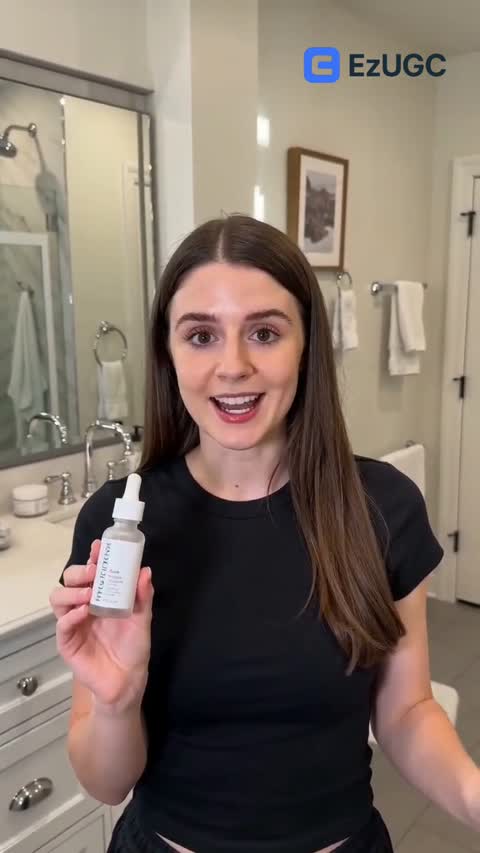
Views
54K+41%
Revenue
$13K+88%
Generated with MiniMax H3 at 2K. Unmute to hear the audio - it was produced in the same pass as the picture.
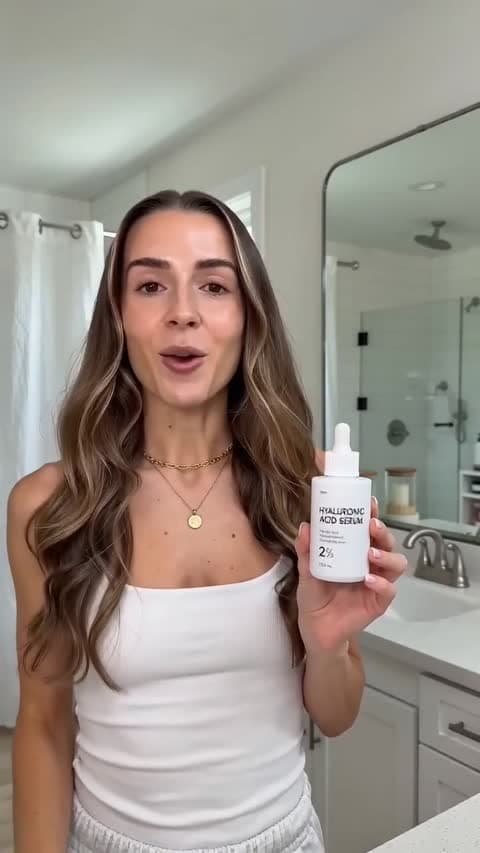
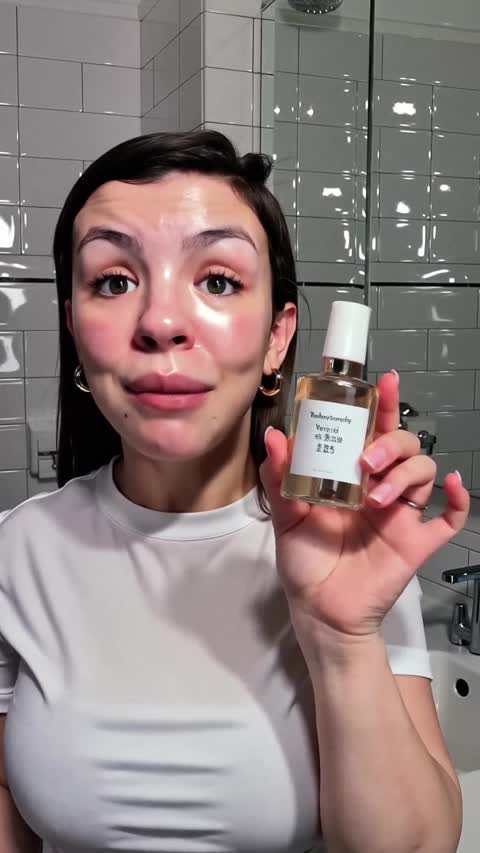

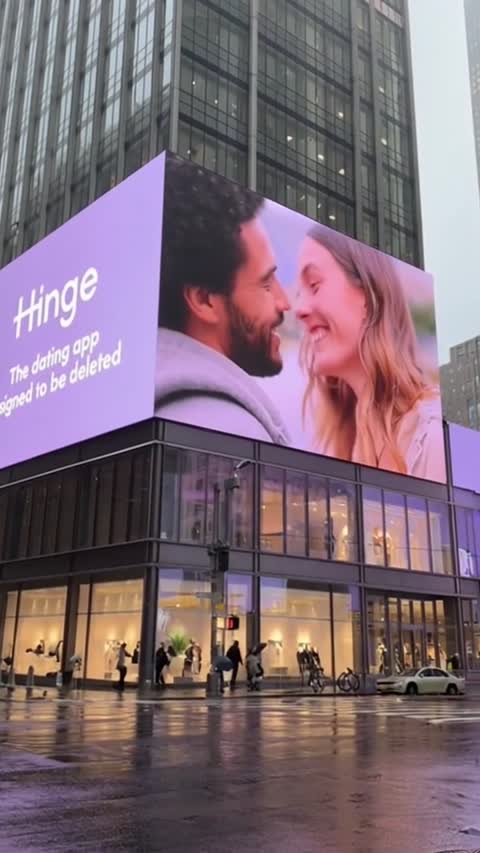
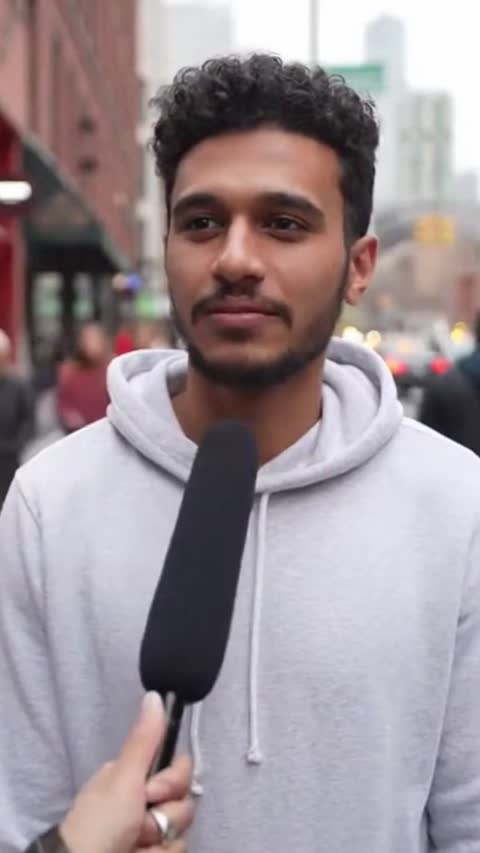
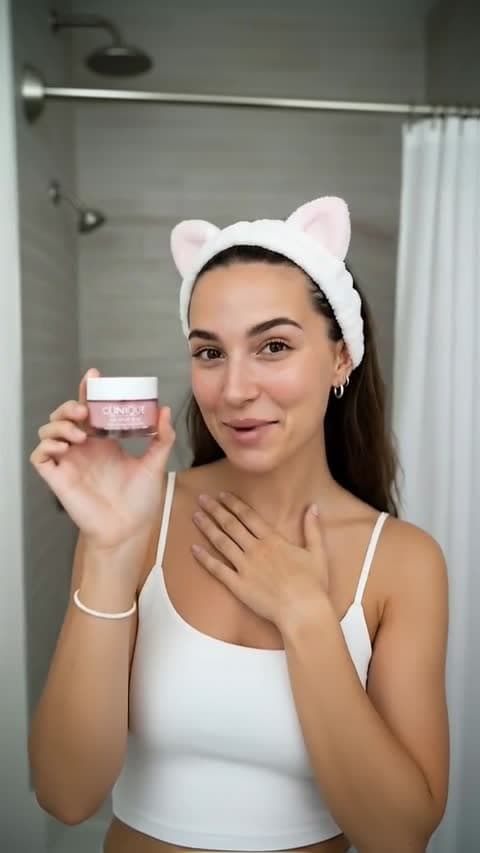

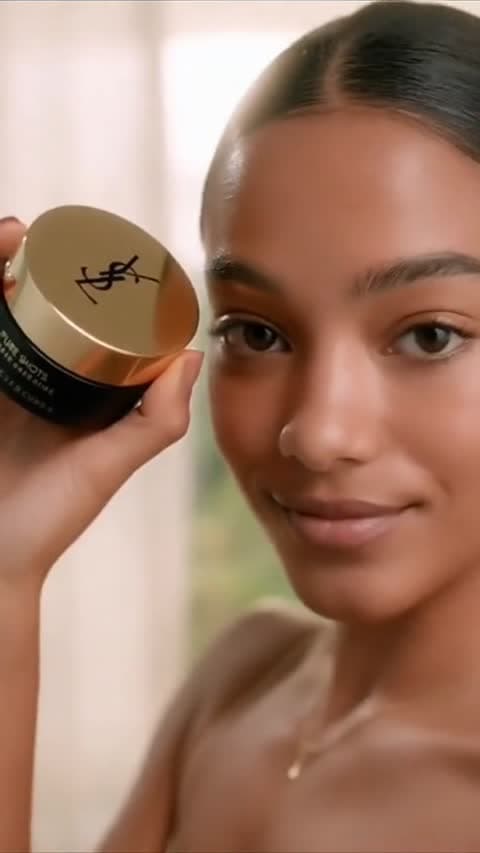

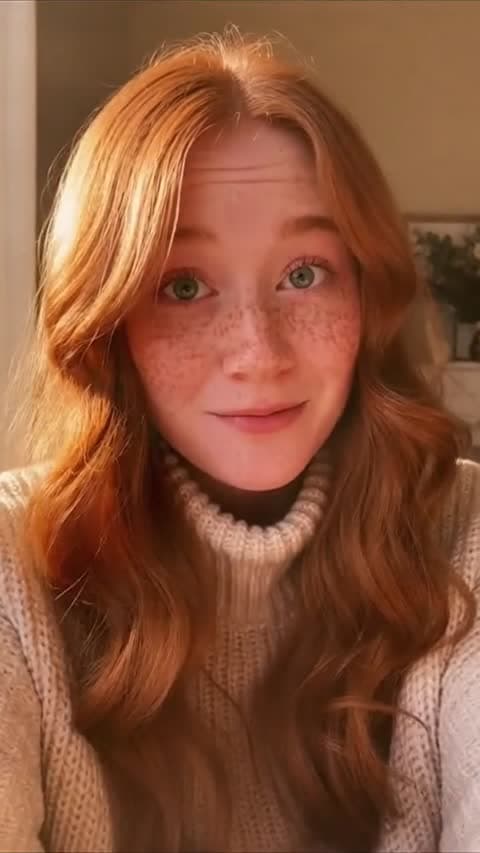
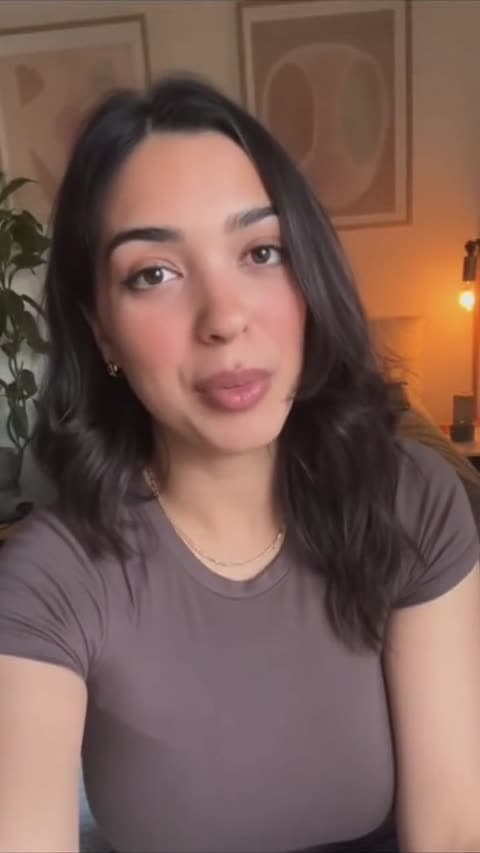
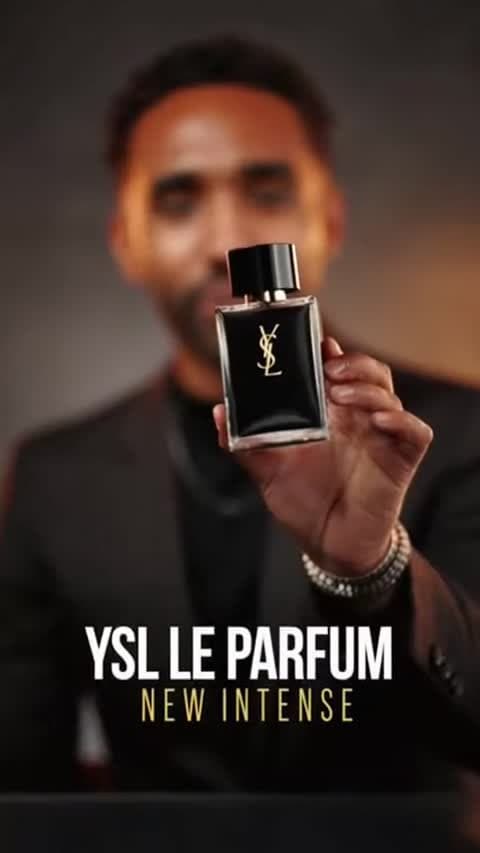
H3 generates stereo audio in the same pass as the video, so a clip comes back with the line spoken, the footsteps landing, and the room already sounding like a room.
Start NowMix reference images, clips, and audio in one brief. One image sets the character, another sets the location, a clip carries the camera move, and audio carries the voice.
Start NowLonger, sharper takes than most ad models allow, which leaves room for a hook, a product beat, and a close in a single generation.
Start NowMost video models hand back a silent clip. You then write a script, record or synthesize a voice, cut the audio to the picture, and hope the mouth roughly matches. That gap is where a lot of ad production time quietly goes, and it is why so many AI test videos end up as b-roll with a voiceover pasted over the top. H3 collapses that into one step by generating the sound and the picture together, which means the take you review is much closer to the take you would actually run.
The second shift is how references work. Instead of one model for animating a frame and another for holding a character steady, H3 reads a mixed set of inputs as a single brief. You can give it a photo of your creator, a clip whose camera move you liked, and an audio track carrying the voice you want, then describe how those pieces should combine. For a team running weekly creative tests, that is the difference between rebuilding a concept from scratch and regenerating the same character in a new scene until one version wins.
Get more from H3 in three practical steps
Attach your references, then say what each one is for in the prompt: the face from one image, the camera move from the clip, the voice from the audio track.
Start NowChoose MiniMax H3 in EzUGC when the brief needs synced sound, consistent characters across shots, or a longer 2K take.
Start NowBecause sound is generated, not added later, name the dialogue, effects, and the moment a cue lands. Compare takes and keep the strongest hook.
Start NowDialogue, effects, and room tone generated with the picture in one pass.
Combine reference images, video clips, and audio in a single brief.
Pin the opening and closing frame to control how a shot resolves.
Six aspect ratios from ultra-wide to full vertical for paid social.
Creator Speaks To Camera
Synced Dialogue
Same Face, Three Scenes
Character Consistency
Product Reveal With Sound Design
E-commerce
Borrowed Camera Move
Motion Reference
First Frame To Last Frame
Shot Control
Vertical Hook In 2K
Paid Social
For creators getting started
For growing teams and power users
For brands who need more
MiniMax H3 is MiniMax's multimodal video model. It reads text, images, video, and audio as a single context and returns a finished clip with synchronized stereo sound. In EzUGC it is available for text-to-video, first and last frame control, and reference-driven generation.
Yes. H3 produces stereo audio in the same pass as the video rather than adding it afterward, so dialogue, sound effects, and ambience come back with the clip. Because the sound is generated, it is worth directing in your prompt: name the lines, the effects, and where a cue should land.
H3 accepts a mix of reference images, video clips, and audio in one generation, with up to three reference clips. Reference audio has to travel with at least one reference image or video rather than on its own, so an audio track by itself will be rejected. EzUGC surfaces the current limits in the composer when you attach files.
H3 outputs 2K clips between 5 and 15 seconds across six aspect ratios, covering ultra-wide, landscape, square, and vertical framings. When you pin a first or last frame, the output follows that image instead of the resolution picker.
Hailuo 2.3 generates from a prompt or a single image at lower resolution and shorter length. H3 moves to 2K, stretches to 15 seconds, and adds the parts that change the workflow: mixed image, video, and audio references, native synced sound, and voice carried from a reference track.
Start with one product and one spoken hook so you can judge the audio and the motion together. Then attach a reference image of your creator or product and regenerate the same beat in a new setting to see how well identity holds across shots.