
AI ACTORS
300+
Available for creator-style outputs without sourcing fresh talent for every campaign.
A good UGC video workflow turns one brief into scripts, creator-style videos, product visuals, and export-ready assets without bouncing across four different tools.
AI ACTORS
300+
Available for creator-style outputs without sourcing fresh talent for every campaign.
AVERAGE GENERATION
2 minutes
Directional internal benchmark used to keep script-to-export cycles short.
LANGUAGES
29
Useful when one workflow also needs localization for Meta, TikTok, and landing pages.
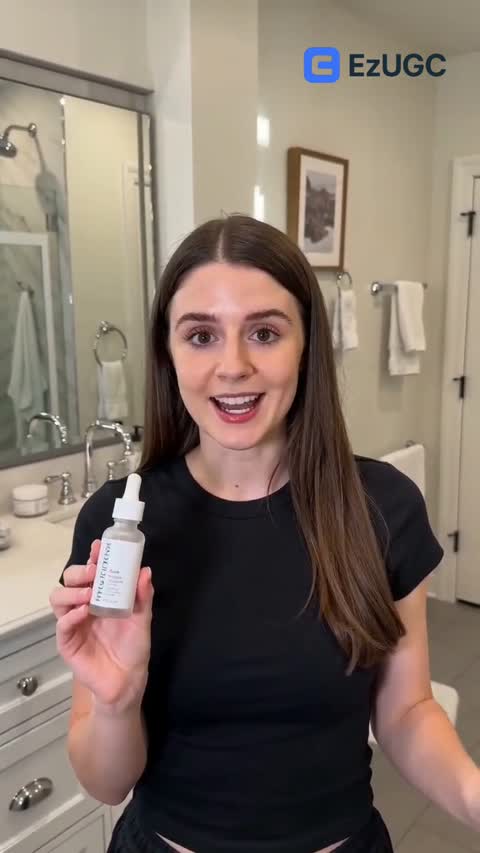
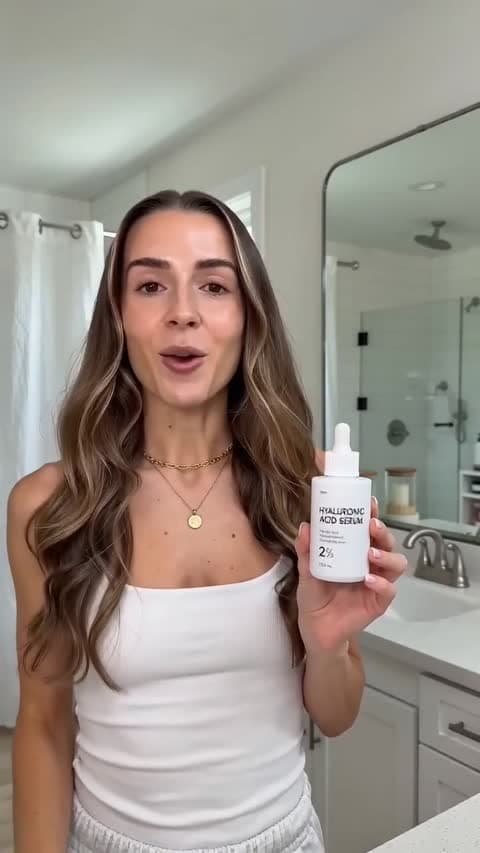
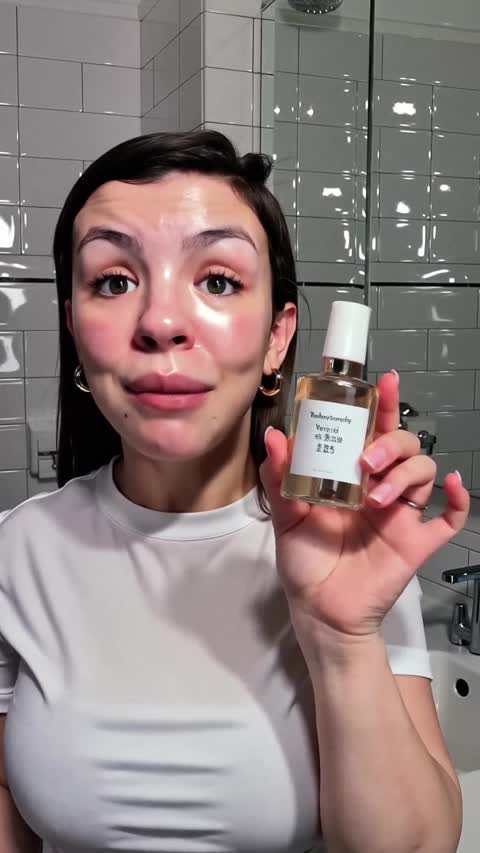





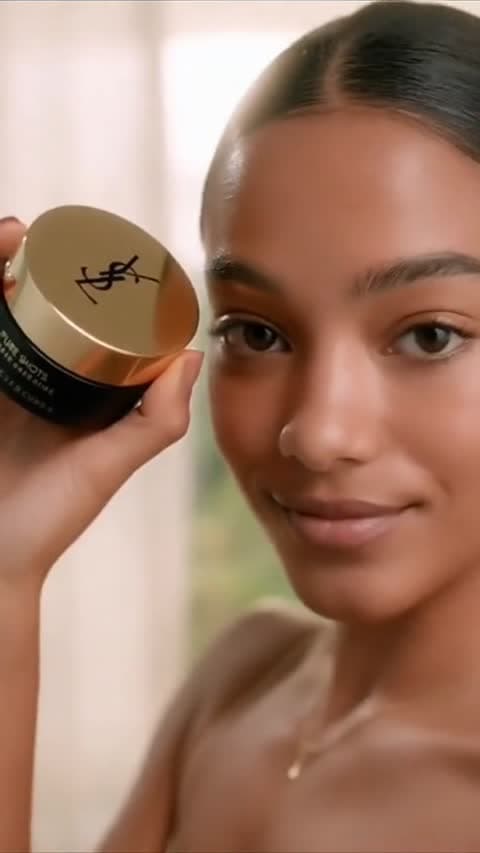



Quick answer
A usable workflow keeps the brief, script, creative output, and export handoff attached to one another. Once those pieces split across tools, teams usually lose time in re-prompting, QA, and approval cleanup.
Benchmarks for video marketing adoption, ROI, and buyer behavior.
Current AI-driven customer-engagement and content-experience benchmarks.
Recent marketer-reported ROI and channel investment trends, including short-form video.
If every new idea starts from a blank page, the workflow breaks before generation even starts.
The workflow has to move from brief to believable delivery fast enough to support weekly testing.
Video rarely ships alone. Teams still need thumbnails, product shots, and statics for the same campaign.
Approved files need names, labels, and packaging that media buyers can use without extra cleanup.
The gap is not whether each individual tool is good. The gap is how many times the team has to rebuild the same campaign context before the export is finally ready.
Write the brief in docs or Notion
Wire automations in n8n
Generate motion clips in Kling or Runway
Handle talking-head delivery in HeyGen
Patch exports in a separate editor
Each step can work, but the team still has to manage context drift between tools.
Set the campaign brief once
Spin up multiple script angles
Generate AI UGC videos with the same product context
Create matching statics and product visuals
Review and export from one workflow
The same brief stays attached to every asset, which is what makes the workflow feel fast in practice.
STEP 1
Lock the product, offer, audience, and CTA first so every version stays tied to the same job.
STEP 2
Write several hooks from the same base message instead of restarting the process for every new test.
STEP 3
Create the AI UGC video, supporting product visuals, and static variations inside the same workflow.
STEP 4
Approve the strongest takes, cut weak variants early, and avoid polishing drafts that were never going to launch.
STEP 5
Ship the approved set with clean names and clear angle labels so media buyers can launch immediately.
The workflow is only useful if it helps the team ship more approved creative inside the same launch window.
Volume signal
5,000+
Directional internal benchmark for monthly videos generated. The bigger point is that workflow speed has to hold even as volume rises.
If your team wants fifty videos, the real issue is not whether the ideas started in a spreadsheet. The issue is whether every row forces another round of manual tool switching, broken naming, and QA cleanup.
Before you try to scale to dozens of videos, lock one version that the team agrees is launch-ready.
Scale by swapping hooks, objections, audiences, and offers against the same approved structure.
If your team wants fifty assets, naming and approval rules matter as much as generation speed.
Direct answers for teams evaluating AI UGC video workflows and tool-stack complexity.
The commercial page for Shopify and ecommerce teams evaluating EzUGC for product-video workflows.
Use this answer-first diagnosis when the workflow is running but the videos still are not turning into enough sales.
See the side-by-side comparison for teams evaluating a multi-tool stack against one platform.
Let ChatGPT, Claude, or Perplexity do the thinking for you. Click one button and see what each AI says about EzUGC.ai.
 Ask ChatGPT
 Ask Claude
 Ask Perplexity