
S
solutions.studio•6h

Views
54K+41%
Revenue
$13K+88%
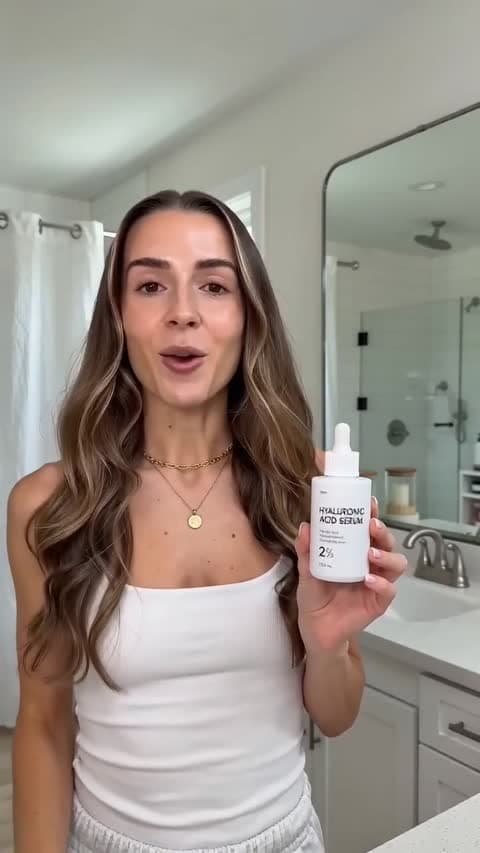


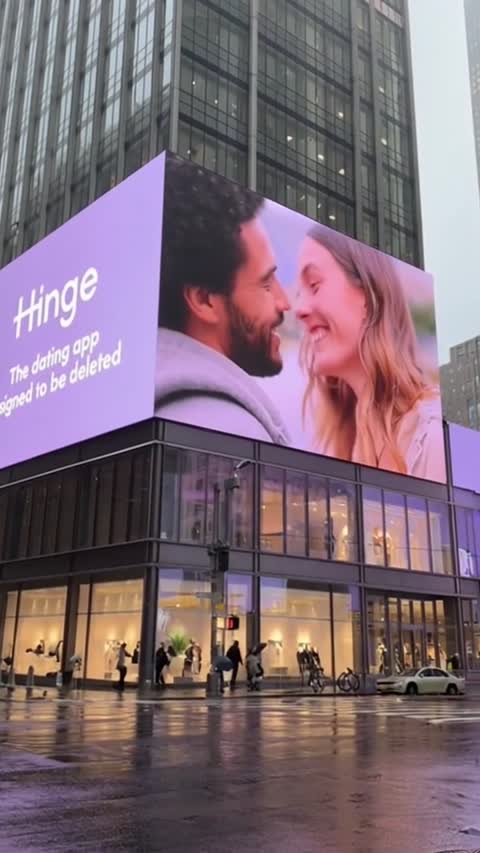







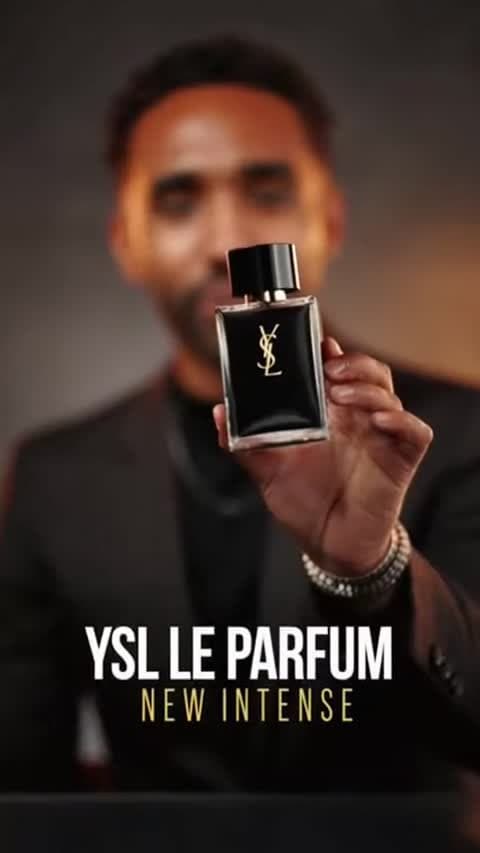
Use Kling O3 4K when the team wants a more serious high-resolution model comparison.
Start NowStart from text or a strong product frame and generate a polished short video for review.
Start NowCompare it against Kling 3.0 4K with the same brief, aspect ratio, and duration.
Start NowCompare Kling O3 4K when the team already has a credible scene to refine
Use the same prompt and format you would test on another 4K route so the comparison stays fair.
Start NowChoose it when visual finish matters and the team needs another premium 4K option in the set.
Start NowReview product clarity, motion, and whether the clip makes sense immediately in a real ad feed.
Start NowCreate a cleaner final-review pass for serious tests.
Supports horizontal, vertical, and square 4K options.
Animate a product frame when the composition is already strong.
Useful beside other Kling models in the same brief.
Premium Product Scene
E-commerce
4K Model Compare
Creative QA
First-Frame 4K Clip
Paid Social
High-Finish Hook
Performance
Vertical Launch Test
Meta/TikTok
Square Feed Concept
DTC
For creators getting started
For growing teams and power users
For brands who need more
Kling O3 4K is best for premium 4K video tests where the team wants high-resolution output and a cleaner final-review pass.
Yes. EzUGC supports Kling O3 4K for text-to-video and first-frame image-to-video jobs.
The current EzUGC route supports 3840x2160, 2160x3840, and 2880x2880 output options for Kling O3 4K.
Both are 4K Kling routes in EzUGC. Treat Kling O3 4K as another high-resolution option to compare when visual finish and model taste matter.
EzUGC maps this page to the Runware model ID klingai:kling-video@o3-4k.