
S
solutions.studio•6h
Views
54K+41%
Revenue
$13K+88%
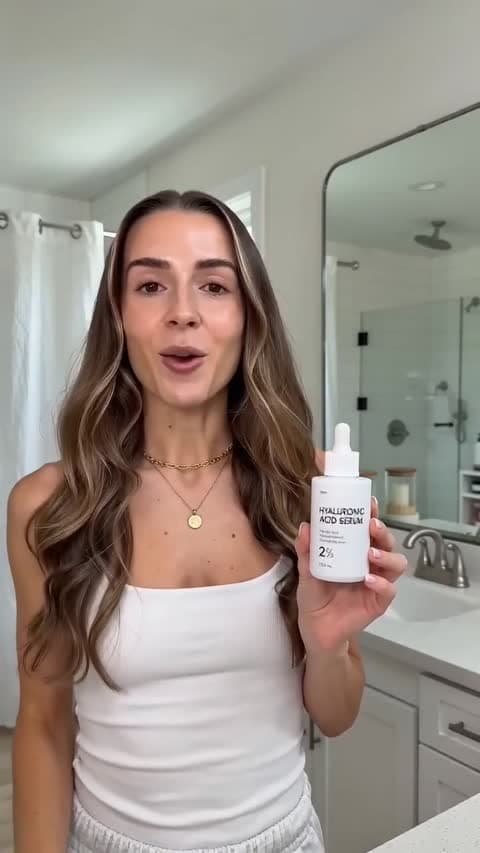
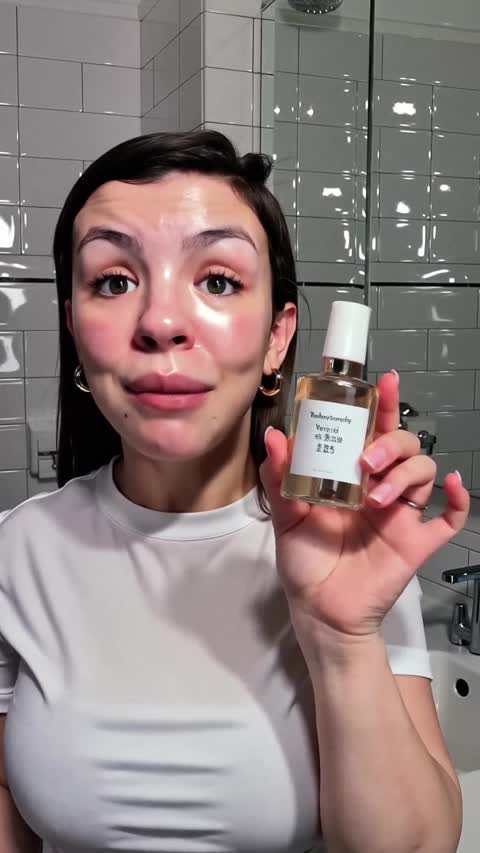

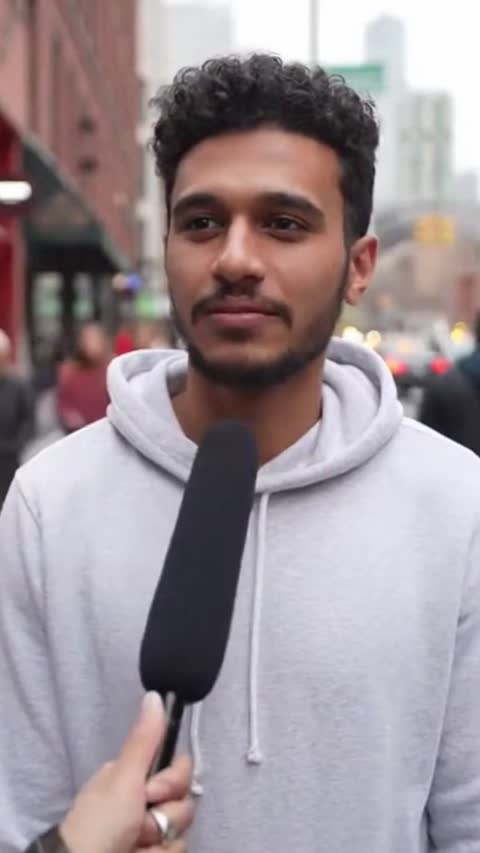
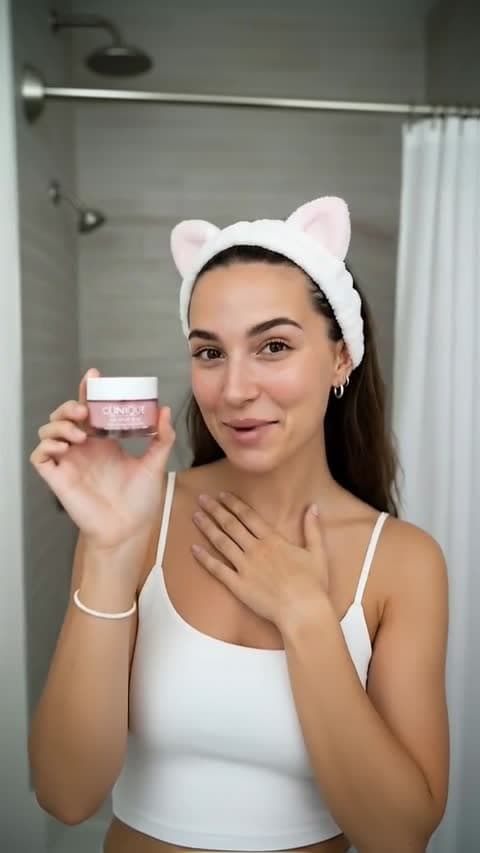
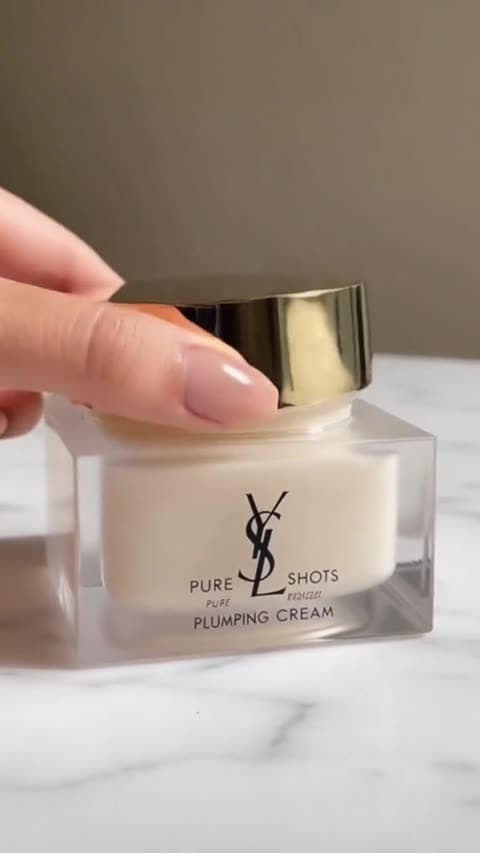
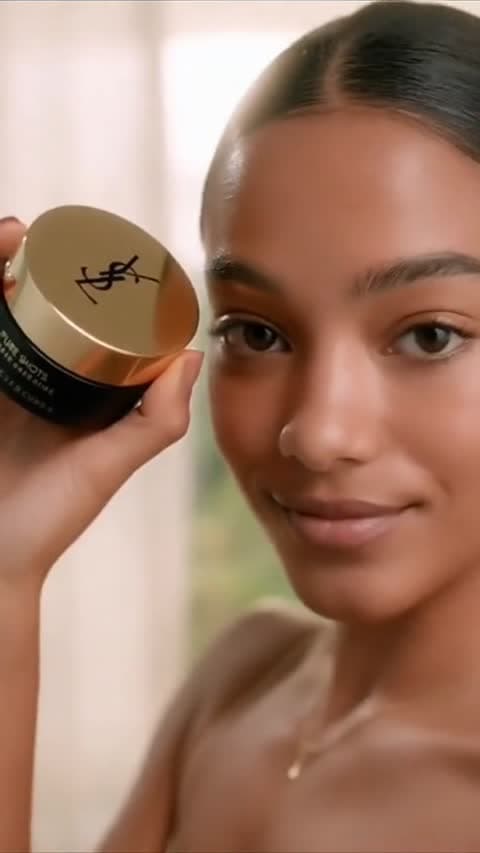
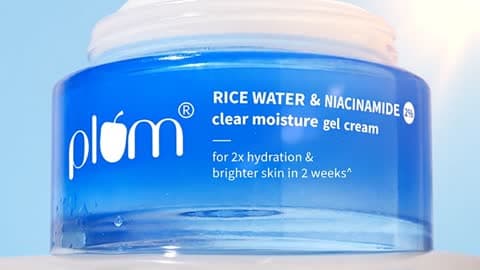
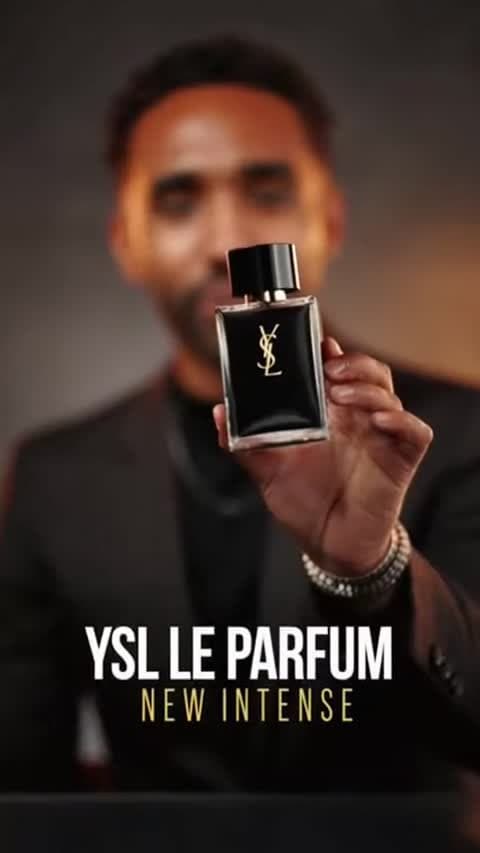
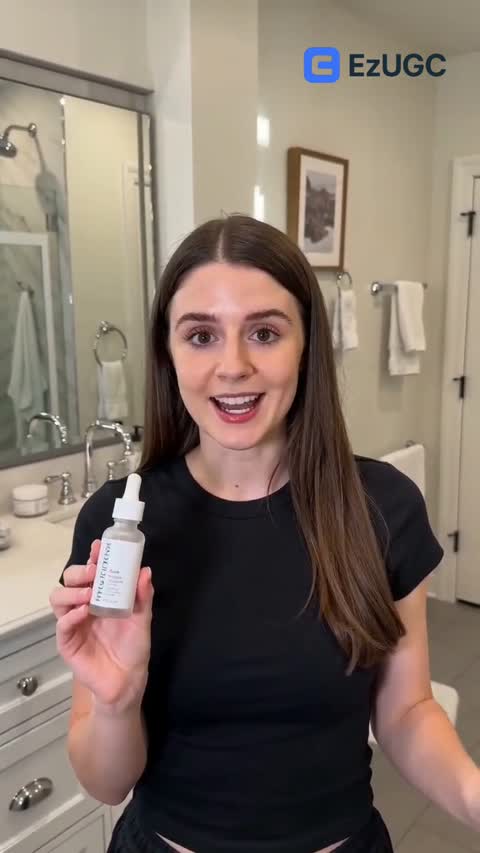
Turn a prompt or first frame into a short motion pass when the team needs to judge an ad idea quickly.
Start NowUse Grok Imagine Video for prompt-led clips or image-to-video experiments from an existing product frame.
Start NowTest motion and generated audio together, then review the sound separately before paid-social use.
Start NowRun a focused Grok video test before spending time on a larger production pass
Name the product, action, setting, and camera movement so the model has a focused short-video job.
Start NowUse it when you want a fast model-taste check from text or a first frame before moving to a heavier route.
Start NowReview the first second, product clarity, motion, and audio before deciding whether to iterate or switch models.
Start NowBest for compact ad scenes and fast creative checks.
Animate a product visual or static concept into a motion test.
Useful for comparing Grok's visual style against other routes.
Move through early ideas before spending 4K render time.
Prompt-Led Product Shot
E-commerce
First-Frame Animation
Paid Social
Native Audio Test
Creative QA
Fast Hook Draft
UGC Ad
Model Taste Compare
Ad Ops
Short Concept Clip
Performance
For creators getting started
For growing teams and power users
For brands who need more
Grok Imagine Video is best for short video tests where the team wants a fast concept pass from either a prompt or a first frame.
Yes. EzUGC supports Grok Imagine Video for both text-to-video and first-frame image-to-video workflows.
The current provider route supports native audio. Teams should still review the output before using it in a paid ad, especially when captions, voiceover, or brand audio rules matter.
EzUGC supports short clips in the 1 to 15 second range for this route. The live app remains the source of truth for current limits.
EzUGC maps this page to the Runware model ID xai:grok-imagine@video.