
S
solutions.studio6h
Views
54K+41%
Revenue
$13K+88%
Generated with Gemini Omni Flash at 720p. Unmute to hear the audio, which was produced in the same pass as the picture.
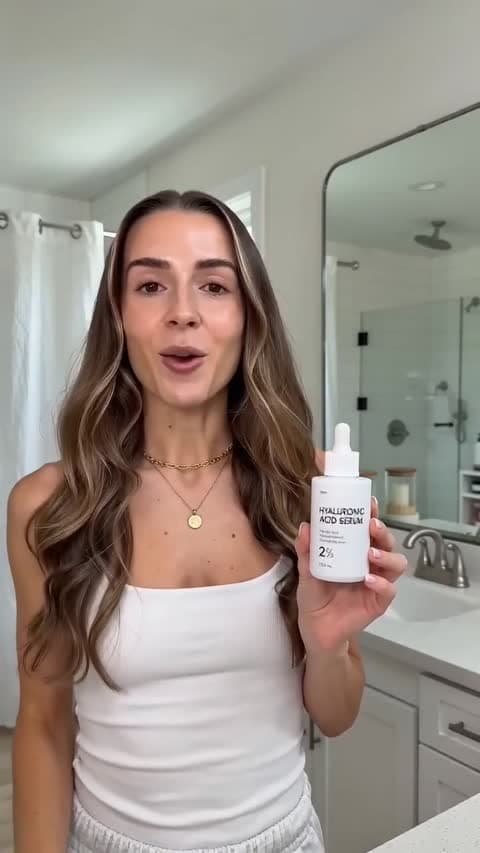
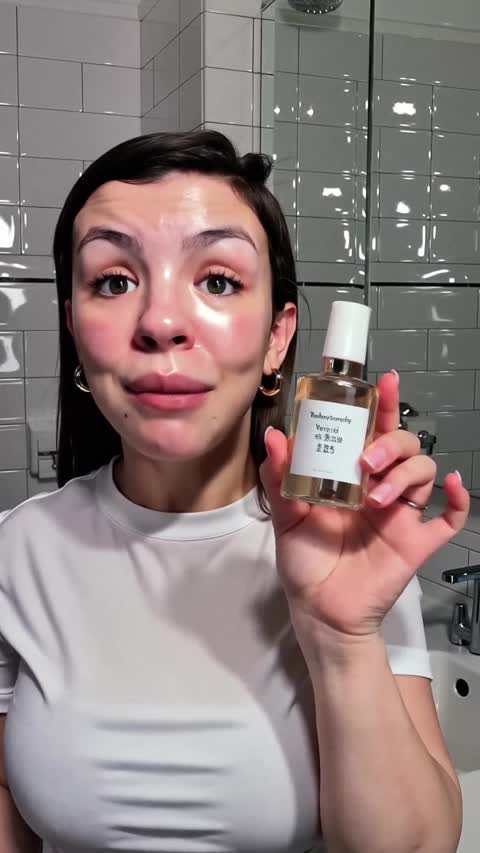

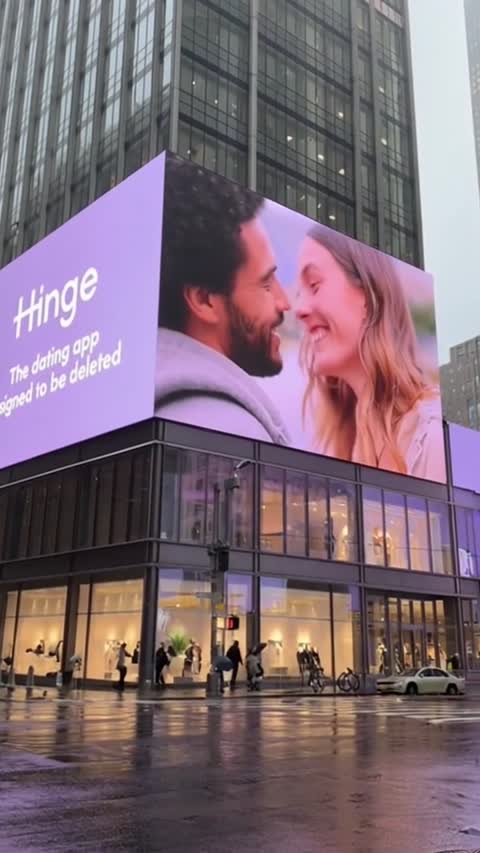
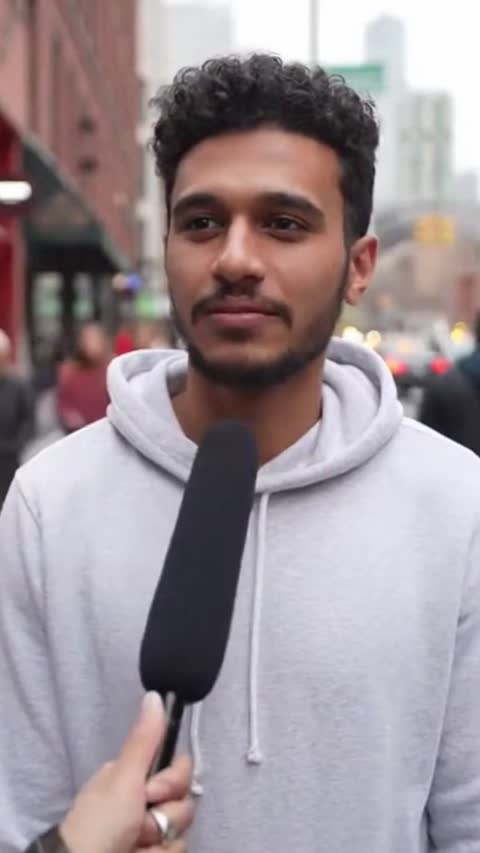
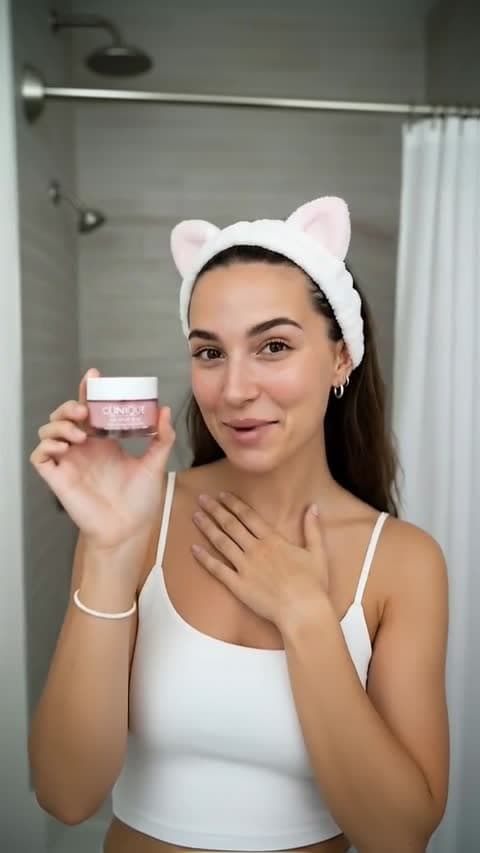


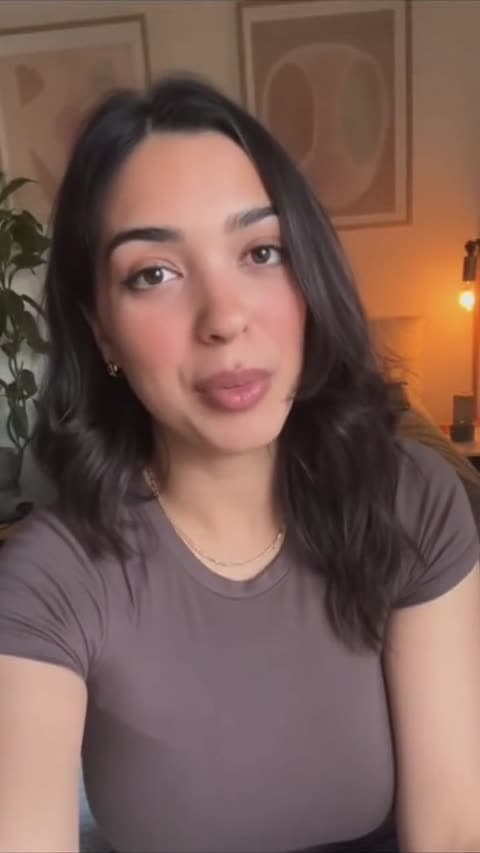
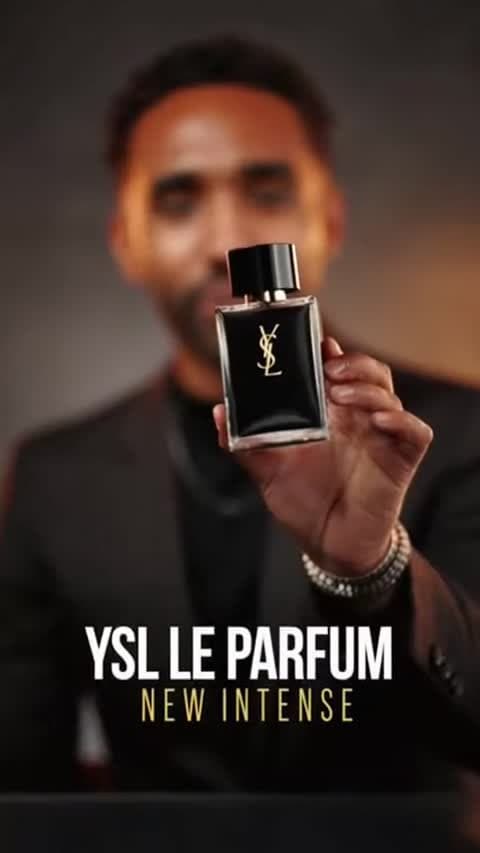
Ask for another line and Omni continues the clip you already have instead of generating a stranger. Your creator stays put, wardrobe and room included, so a second idea costs one prompt rather than a fresh casting lottery.
Start NowHand it a clip and describe what should change. It keeps the camera move and the timing, and rewrites the setting around them, which is how you get a summer and a winter version of the same ad without reshooting either.
Start NowDialogue and room tone are generated in the same pass as the video, so you skip the separate voice job and the silent b-roll that sits around waiting for a script.
Start NowGetting one good AI clip is no longer the hard part. Getting the second one is. You land a take you like, you want the same person to say a different line, and the only lever most models give you is the prompt. So you tweak a few words, run it again, and a different face walks into a different kitchen. Anyone who has tried to build a three variant hook test out of AI video knows that loop, and knows how much of the day it eats.
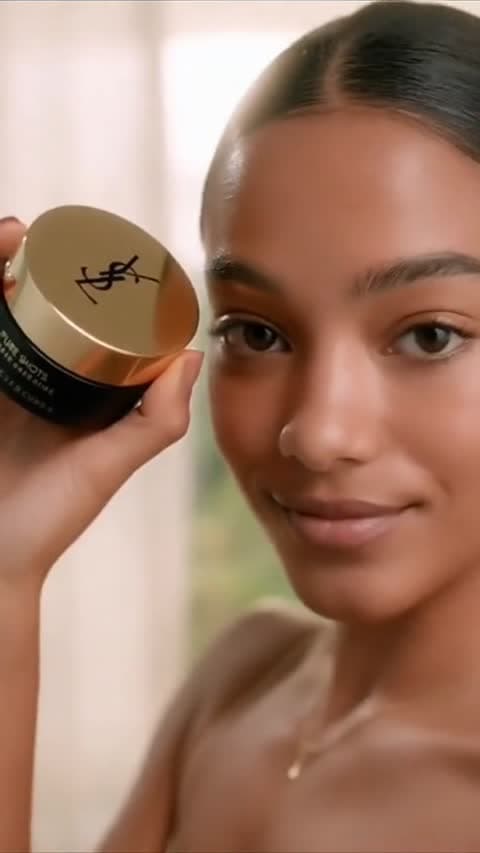
Omni handles that case directly. A continuation points at the clip you already generated, so the creator and the room persist and you are adding a beat rather than re-rolling the whole shot. The editing path does the same job for footage that already exists: send a clip, describe the new setting, and the camera move and timing survive the change. The two product samples above started as one generation. The kitchen version is the same clip after an edit, which is a cheaper way to get a seasonal variant than shooting a second one. Sound is generated alongside all of it, so a take you are reviewing is close to a take you could run.
Three habits that get more out of the model
Omni is listening for audio direction, so put the spoken line in quotes and name the ambience you want underneath it. A prompt that only describes the picture gets you a room that sounds like nothing.
Start NowPick it in EzUGC when a brief needs synced sound, several passes at the same creator, or an edit of footage you already have.
Start NowWhen a take is close, continue it rather than editing the prompt and starting over. That is where the model earns its place: version three still looks like version one.
Start NowDialogue, effects, and ambience generated with the picture in one pass.
Continue a previous Omni clip and keep the same character and setting.
Feed it an existing clip and rewrite the scene around the original motion.
Guide look and styling with references, or pin the opening frame.
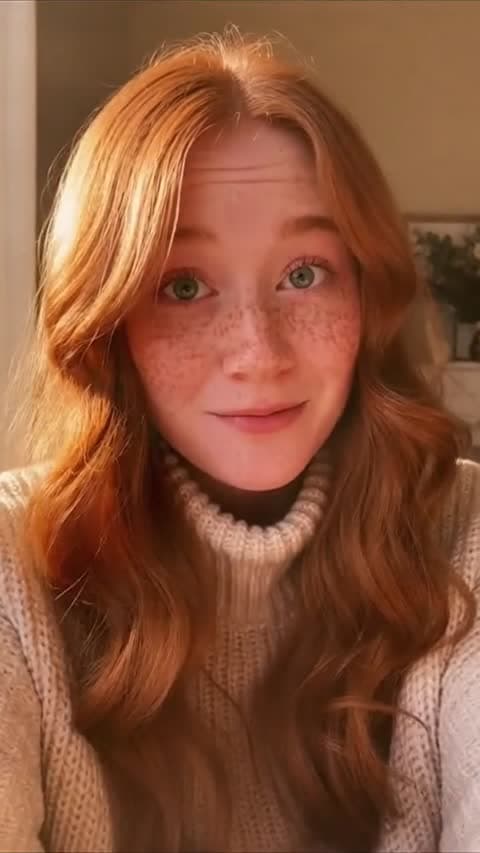
Every clip below was generated with the model. The two multi-turn tiles are one generation and its continuation; the two product tiles are one clip before and after an edit.
Creator Speaks To Camera
Synced Dialogue
Take One
Multi-Turn
Same Creator, Next Beat
Multi-Turn Continuation
Product Reveal, Studio Backdrop
Before The Edit
Same Clip, Kitchen Setting
After The Edit
Vertical Hook
Paid Social
For creators getting started
For growing teams and power users
For brands who need more
Gemini Omni Flash is Google's multimodal video model, available in EzUGC through Runware. It generates video with synchronized audio and accepts text, images, and video as input. Alongside text-to-video and image-to-video, it can edit a clip you already have and continue one of its own earlier generations.
Yes. Audio is produced in the same pass as the picture, so dialogue, effects, and ambience come back attached to the clip. Every demo on this page was generated with the model and kept the audio track it returned. Because the sound is generated rather than added later, it is worth directing: put the spoken line in quotes and say what should be audible underneath it.
You can point a new generation at a previous Omni clip and keep going from it rather than starting fresh. The character, wardrobe, and location carry across, so you can add a second beat to a take that already works. The two multi-turn samples above are exactly that: one generation, then a continuation of it.
It can. Give it a source clip and describe the change, and it rewrites the scene while holding the original camera move and timing. The paired product samples above show the same generated clip before and after being moved from a dark studio backdrop into a sunlit kitchen. Duration and framing are inherited from the source, so an edit returns a clip the same length as the one you sent.
It outputs 720p in landscape (1280x720) or vertical (720x1280), at durations between 3 and 10 seconds. Vertical is native rather than a crop, so hooks for paid social come out the right shape. It also accepts up to seven reference images, which drops to five when you are editing or continuing an existing video.
In EzUGC both run at 720p and both generate their own audio, so the choice is not about resolution. Veo 3.1 gives you dual-frame control, meaning you can pin the last frame as well as the first, and it runs at a fixed 8 seconds. Omni covers 3 to 10 seconds, takes up to seven reference images, and adds two things Veo does not do here: editing a source video and continuing one of its own clips. Reach for Veo 3.1 when you need a shot to land on a specific closing frame, and Omni when you expect to iterate on the take.