
S
solutions.studio•6h
Views
54K+41%
Revenue
$13K+88%
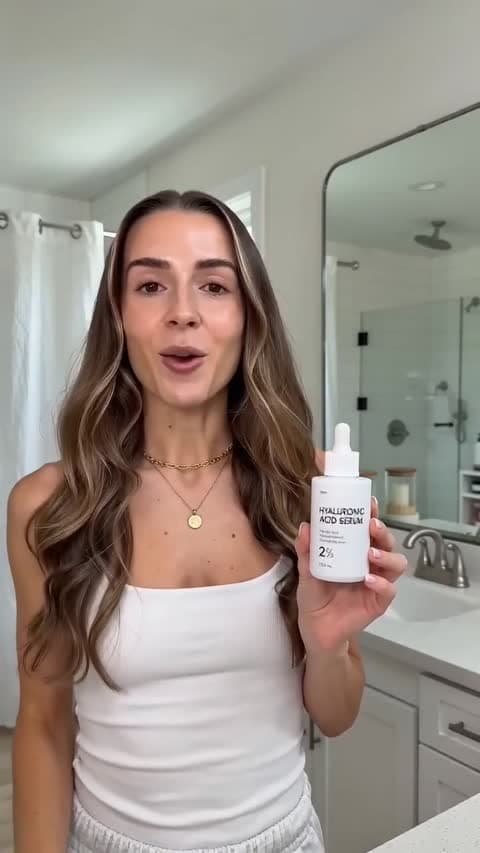
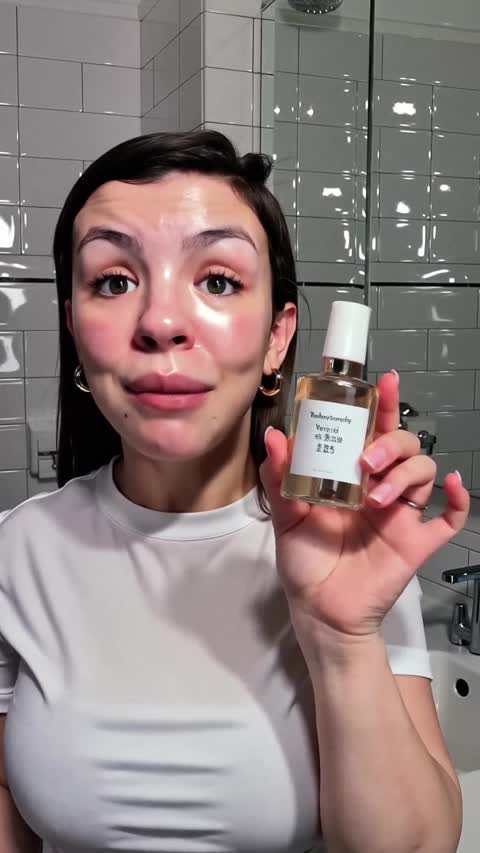

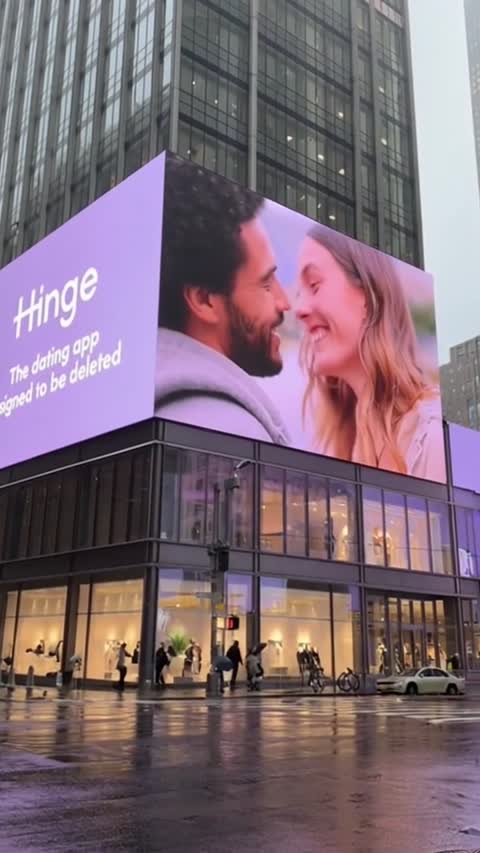
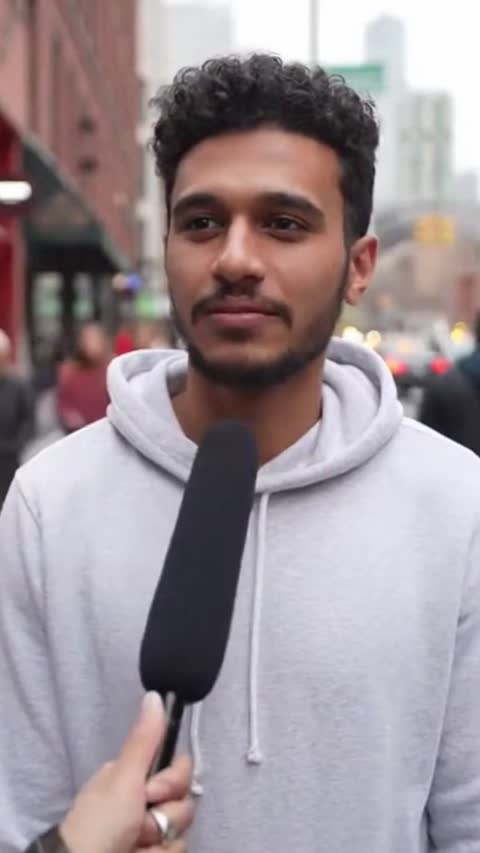
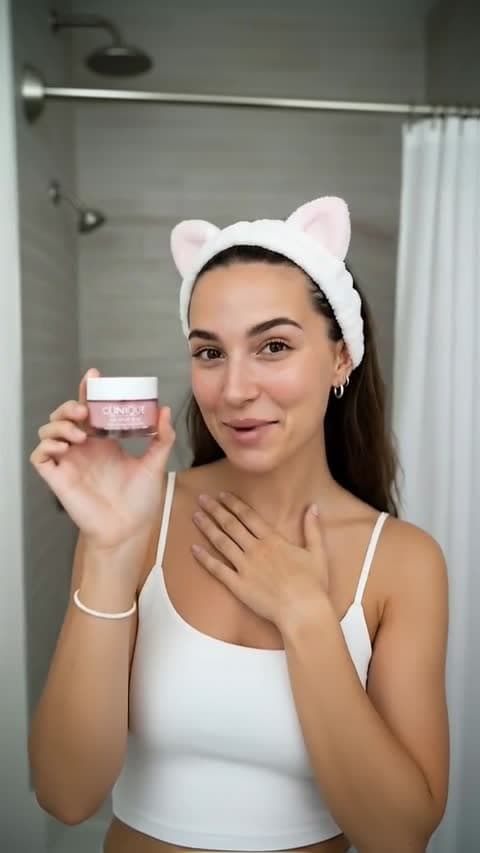
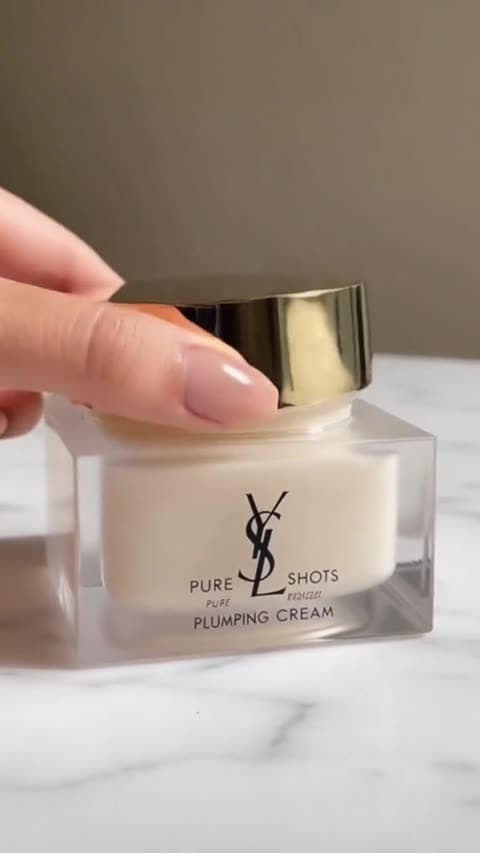
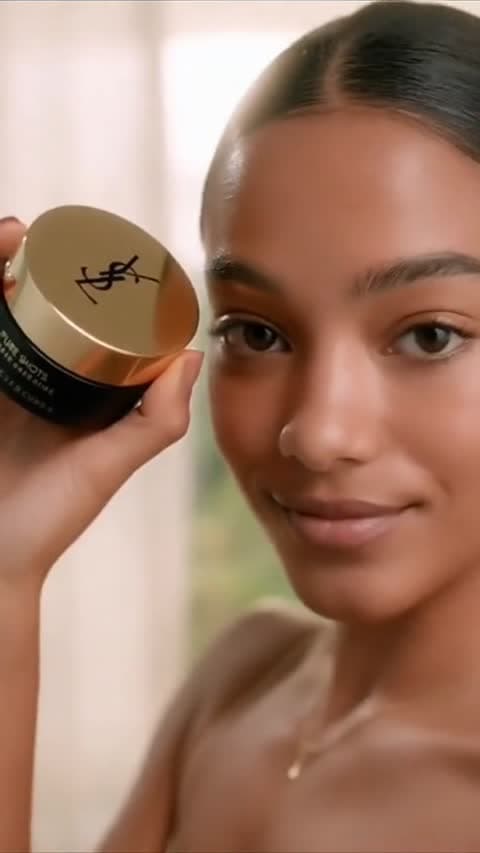
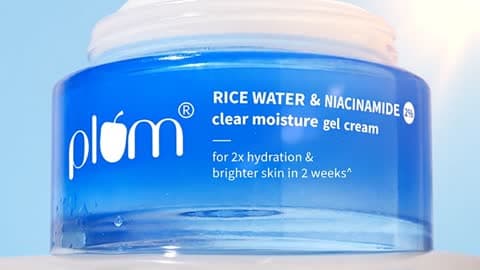
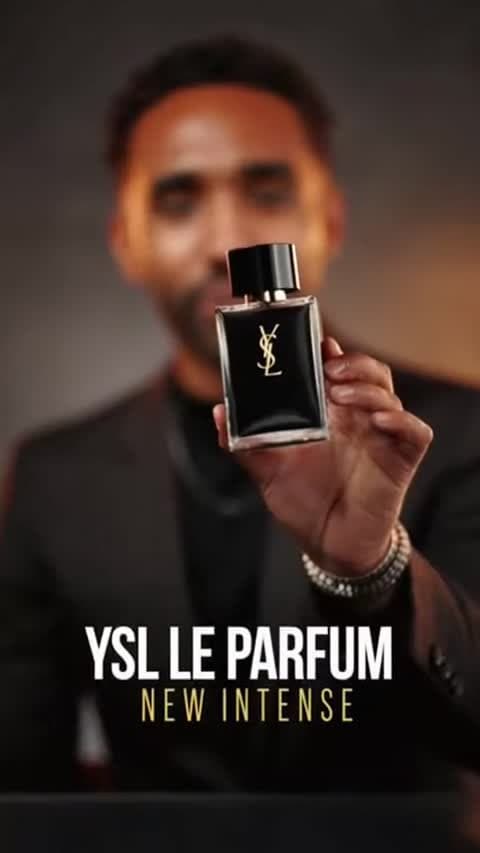
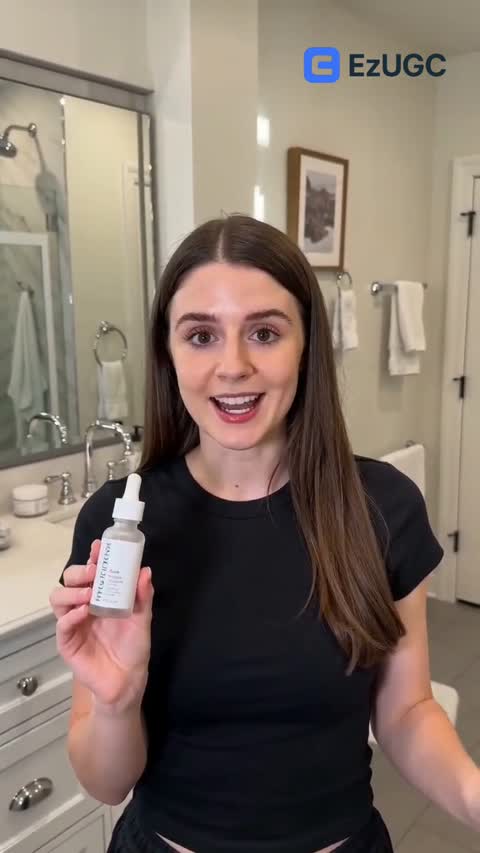
Move from a prompt or first frame into a short ad scene when speed and iteration matter.
Start NowUse HappyHorse 1.0 for simple prompt-led scenes or to animate a clear product frame.
Start NowBest for compact product moments, hooks, and motion ideas before a higher-spec model pass.
Start NowUse HappyHorse 1.0 when the team needs motion quickly, not a slow hero-production pass
Keep the prompt narrow: one product, one camera move, and one thing happening on screen.
Start NowUse it for a fast short-form draft when you need to see motion before choosing a final route.
Start NowReview the short clip against a higher-spec model before scaling the concept into more versions.
Start NowGenerate from a prompt or animate a first frame.
Fits compact ad clips in the current integration.
Find motion ideas worth refining with a clearer prompt.
Useful when speed beats overplanning the first pass.
Fast Product Motion
E-commerce
First-Frame Ad Draft
Paid Social
Hook Concept Clip
UGC Ad
Product Angle Test
DTC
Simple Camera Move
Performance
Quick Motion Pass
Creative Testing
For creators getting started
For growing teams and power users
For brands who need more
HappyHorse 1.0 is best for short text-to-video or first-frame image-to-video tests where the team needs a quick motion pass before committing to a heavier video model.
Yes. EzUGC supports HappyHorse 1.0 as both text-to-video and image-to-video, so teams can prompt from scratch or animate a first frame.
The current EzUGC integration supports short clips in the 3 to 15 second range. Treat exact limits as provider-controlled and verify the live app before a larger batch.
No. It is better treated as a fast short-video model. Use a 4K model when resolution is the reason the brief exists.
EzUGC maps this page to the Runware model ID alibaba:[email protected].