
S
solutions.studio6h
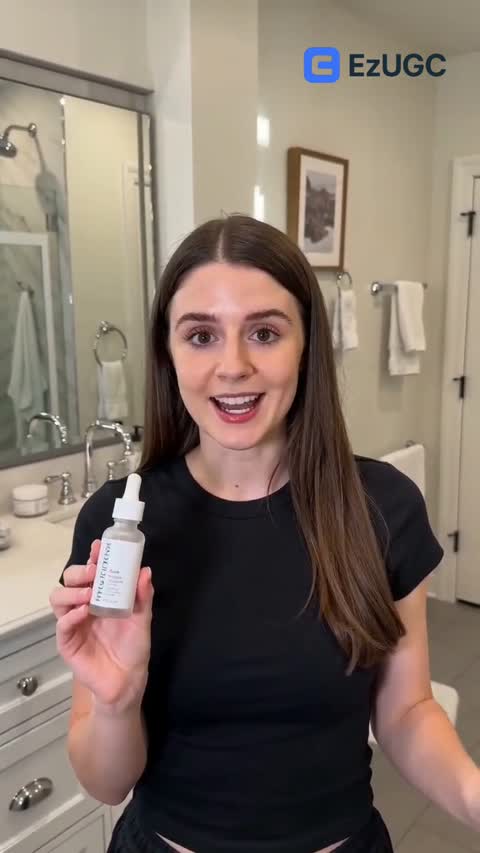
Views
54K+41%
Revenue
$13K+88%
Compare the best Topview alternatives for launch reliability, workflow depth, and consistent weekly creative output.
Why teams move to EzUGC












Use code SWITCH50 at checkout. Offer valid this week only.
Claim My 50% Discount| Decision dimension | Topview | EzUGC |
|---|---|---|
| Entry pricing signal | $20 | $99 |
| AI actors / avatar library | Avatar library not clearly documented publicly | 300+ realistic actors, quality-first library |
| Generation speed | Not publicly documented | 2 minutes average generation time |
| Product in hand / workflow type | Product-in-hand depth not clearly documented publicly | Built for product-in-hand ad workflows |
| Workflow scope | Quick template and avatar generation | Generation plus campaign-ready delivery workflow |
| Best fit | Teams optimizing for rapid first drafts | Teams scaling high-frequency paid-social testing |
Teams searching for the #1 Topview AI alternative are usually trying to move from draft-focused generation to reliable campaign production. The core question is which stack ships approved creatives faster under real testing pressure.
Topview can be useful for quick concept output, but teams often evaluate alternatives when launch-quality consistency and revision overhead begin limiting weekly throughput.
EzUGC is commonly evaluated when teams want one workflow for scripts, videos, statics, and avatars. That model reduces handoffs and improves planning consistency for paid-social operations.
Need a deeper product breakdown? Compare Topview vs EzUGC.
Pricing comparison
Public benchmark: EzUGC Startup versus Topview Business, using the paid plan Topview surfaces for recurring avatar and product-video work.
Verified on March 9, 2026
Startup
50 videos, statics, avatars, and Seedance 2.0 access.

Business
Public Business-tier benchmark with annual credit packaging and recurring avatar workflow positioning.
Pricing
Included allowance
Pricing model
Workflow and planning
Primary workflow
Planning tradeoff
Best fit
Most teams comparing Topview alternatives are trying to answer one thing: which tool helps them ship more approved creatives each week without adding cost noise or production handoffs?
01
Topview can work for teams that want quick first-draft creative and lightweight template-led generation for exploratory ideation.
02
As testing volume grows, teams often need higher output consistency and fewer rerender loops. That usually drives evaluation beyond draft speed alone.
03
EzUGC is often selected when teams need one ad-production workflow from script to campaign-ready assets with clearer weekly planning.
04
Keep current campaigns live, move one active campaign cluster to EzUGC, and benchmark approval speed and shipped output for 1-2 weeks before broader rollout.
The best Topview alternative depends on your operating model. The split below is usually where teams land once they compare workflow fit, launch speed, and planning overhead.
Topview
EzUGC
Once teams get past the homepage pitch, these are the trade-offs they usually care about most.
Common problem
What EzUGC changes
Pricing proof
EzUGC Startup starts at $99/month while Topview AI starts around $20.
View EzUGC pricingCommon problem
What EzUGC changes
Model stack
Use the best model per campaign angle instead of forcing one generator style.
Common problem
What EzUGC changes
Feature proof
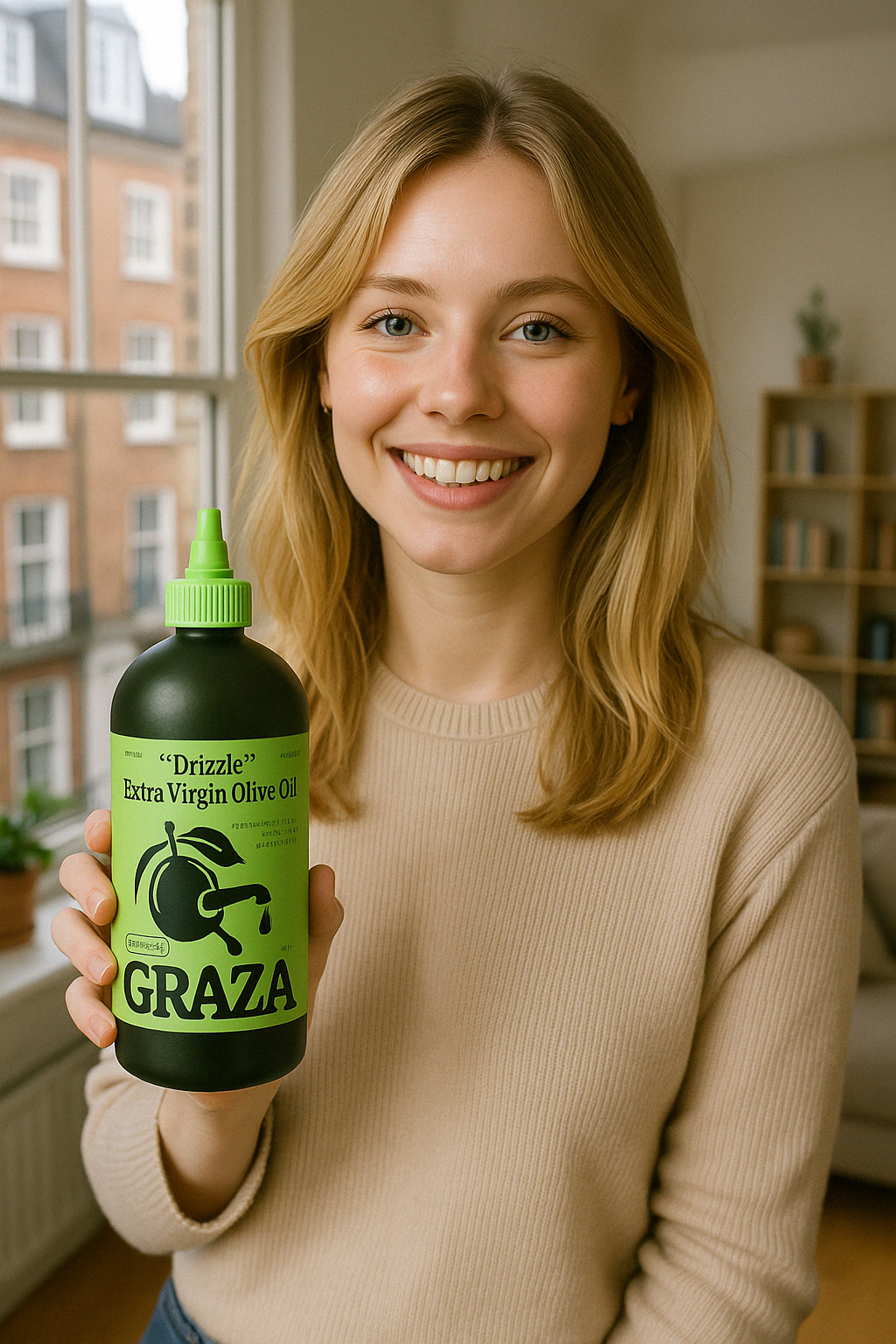
Built-in workflows for product-first visuals and ad-ready try-on outputs.
Common problem
What EzUGC changes
Speed proof
EzUGC publishes an average generation benchmark. Many competitor pages do not publish a like-for-like benchmark, so the fair test is still your own live brief.
EzUGC
2 minutes
Topview AI
Not publicly documented
The pattern is usually the same: fewer handoffs, faster approvals, and a weekly creative plan the team can actually trust.
Average rating
4.9/5
From teams that switched for faster approvals and steadier output.
Highest-rated outcome
Speed to launch
Teams consistently mention shorter review cycles and more launch-ready creatives.
Most common reason to switch
Predictable weekly production
Less time lost to retries, fragmented tools, and production cleanup.
Sarah J.
Head of Growth, Luxe Beauty
“We cut our creative testing time from 2 weeks to 2 days with EzUGC. Multi-model access changed our winning-rate pace.”
Marcus T.
Paid Social Lead, FormLab
“Our old stack gave us drafts. EzUGC gave us ad variants we could actually launch the same day.”
Eileen R.
Founder, DirectFuel
“The Product in Hand workflow alone made the switch worth it. We ship weekly tests without production delays.”
Jordan K.
Creative Strategist, ScaleCraft
“We stopped budgeting around retries and started planning around shipped output.”
Source links include official Topview references, EzUGC pricing, and methodology context for independent verification.
Use direct comparison and review evidence together before standardizing your production workflow.
Let ChatGPT, Claude, or Perplexity do the thinking for you. Click one button and see what each AI says about EzUGC.ai.
 Ask ChatGPT
 Ask Claude
 Ask Perplexity