
Step 1
Create your twin
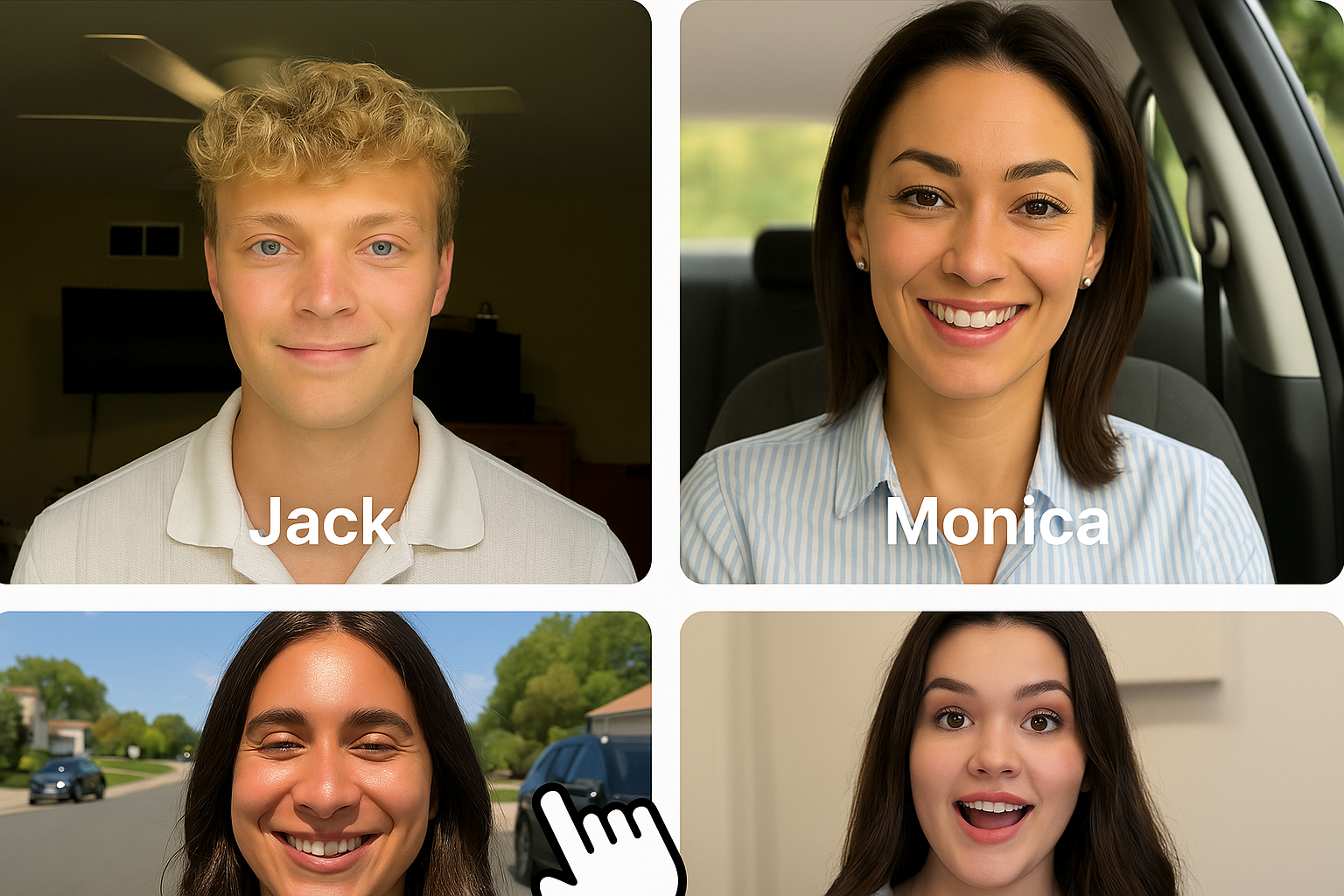
Upload a clear photo of yourself, or generate a face with AI. Your twin is saved once and ready to reuse across every video.
Build a custom AI avatar from your own photo, or an AI-generated one, then turn it into personalized talking videos. Write a script and pick a voice, or bring your own audio, and generate in minutes.
YOUR LIKENESS
Built from one photo
Make a twin from your own photo or an AI-generated face, then reuse the same presenter everywhere.
YOUR VOICE
Script it or speak it
Type what your twin should say and pick a voice, or upload audio you already recorded.
READY TO POST
Talking videos in minutes
Get vertical, feed-ready clips without a camera or a studio.
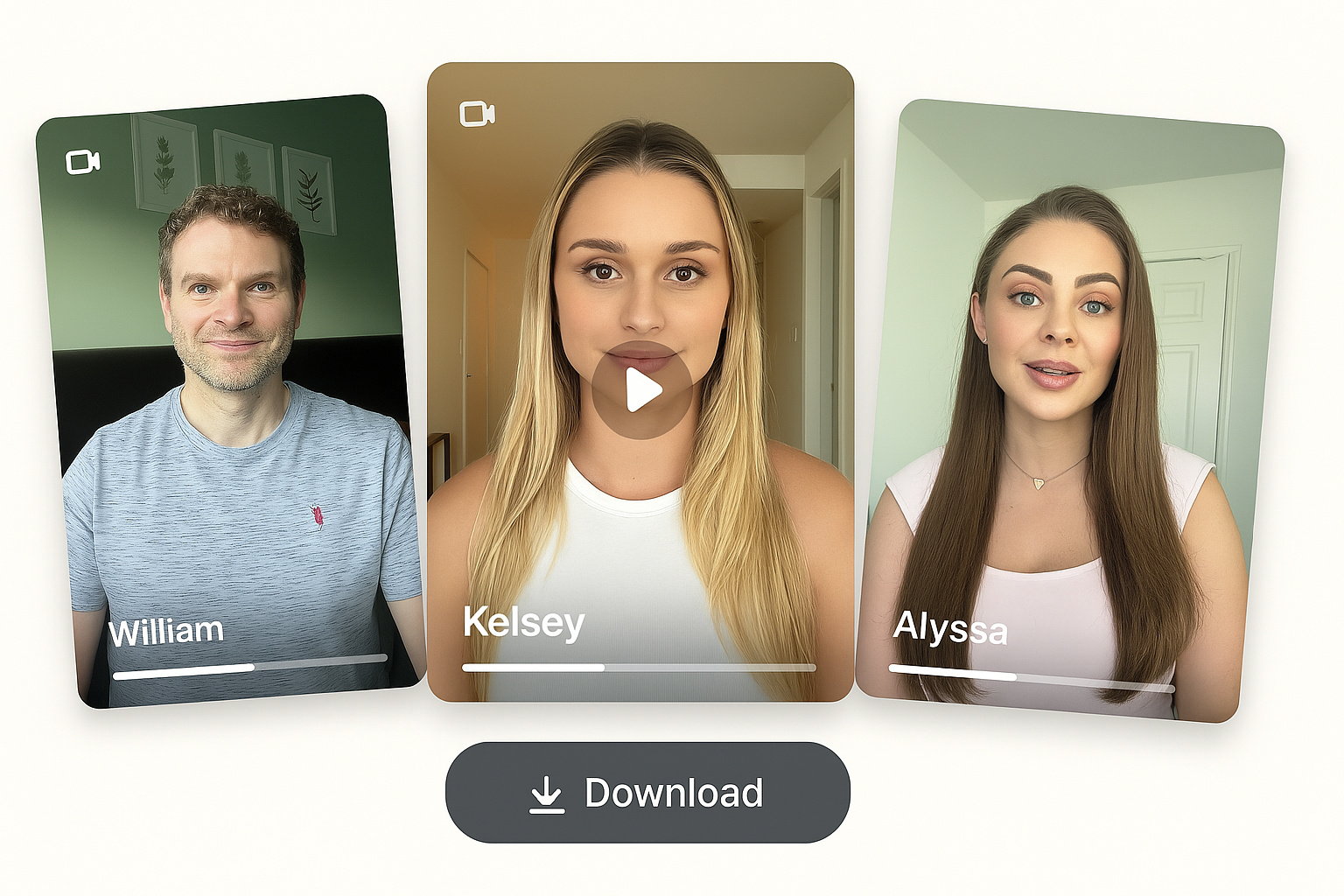
A talking video generated from one AI twin, a script, and a voice.
An AI twin is a reusable on-camera version of you. You create it once from a single photo, either your own face or an AI-generated one, and it becomes a presenter you can direct entirely with text.
To make a video, you write what your twin should say and choose a voice, or upload audio you already recorded. Your twin delivers the lines with matched mouth movement, and you get a vertical clip sized for TikTok, Instagram, and Meta.
The advantage is repeatability. One twin can front a full content calendar, so you post on a steady cadence, test more hooks in less time, and localize into other languages without booking a new shoot for every version.
Three steps from a single photo to a finished talking video. Set your twin up once, then reuse it for everything that follows.
Step 1
Upload a clear photo of yourself, or generate a face with AI. Your twin is saved once and ready to reuse across every video.
Step 2
Type what you want to say and pick a voice, or upload your own recording when you want to control the exact delivery.
Step 3
Get a vertical, lip-synced clip in minutes. Download it, post it, or spin up more variants from the same twin.
WHY A TWIN
Set up your presenter once, then keep the same face and voice across everything you publish.
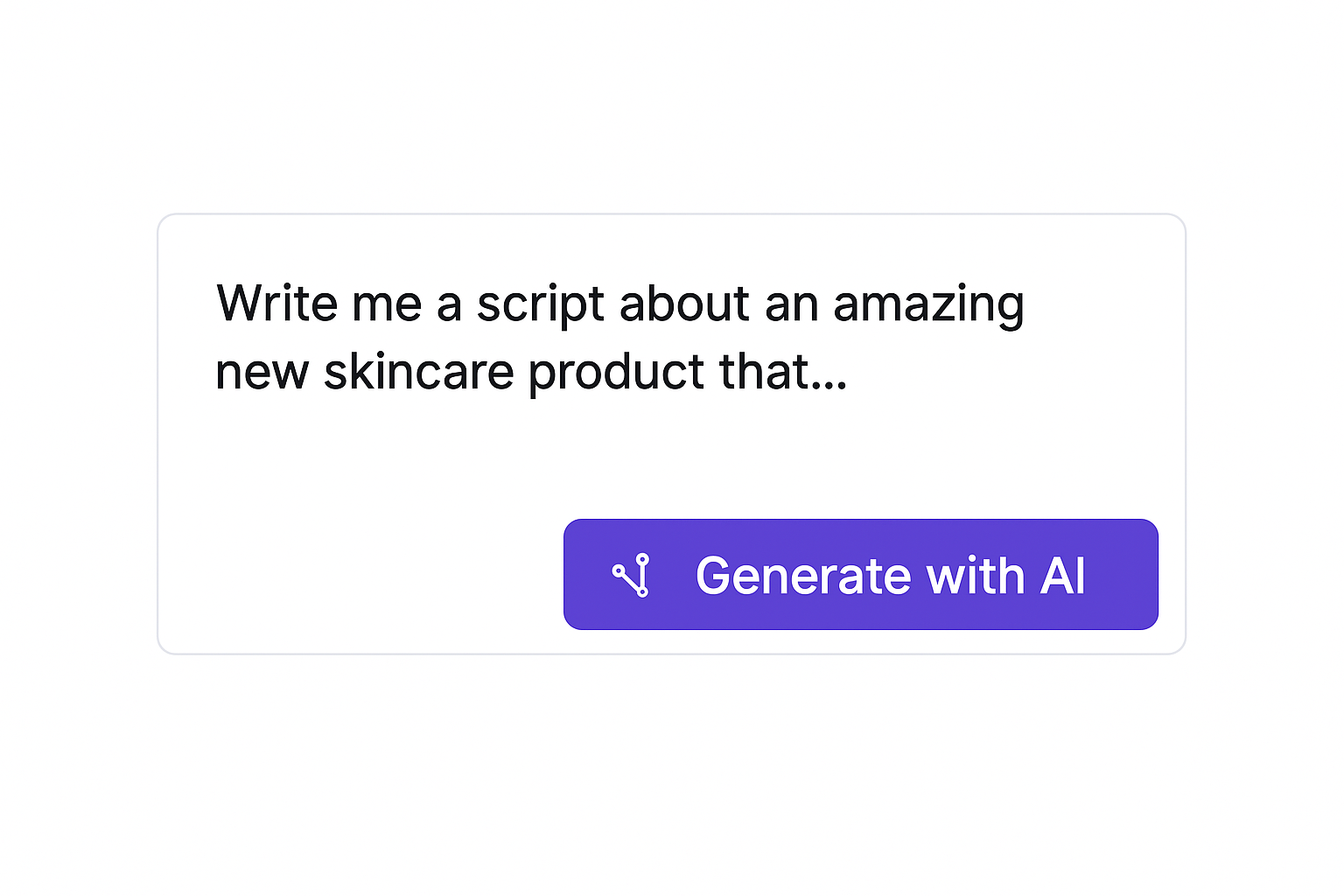
Type a script and choose a voice when you want speed, or upload your own audio when you want the delivery to match exactly how you would say it. Your twin follows either one.
Put a consistent on-screen face in front of your content without turning on a camera or booking a creator for every clip.
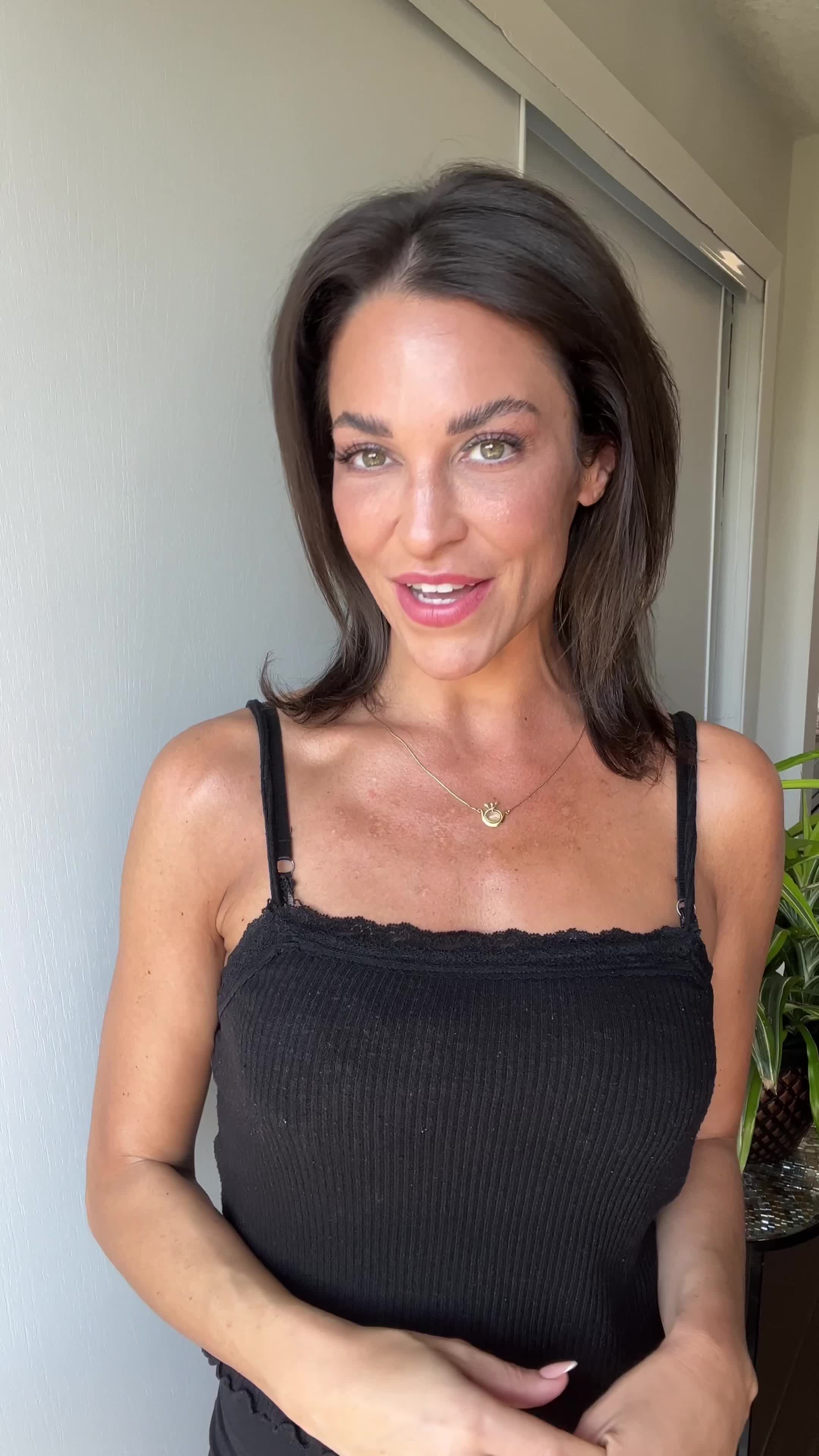
Reproduce a winning video in other languages with native-sounding voices, so one idea reaches more audiences without a new shoot for each market.
Reach
29 languages
Format
Vertical, feed-ready
Turnaround
Minutes, not shoot days
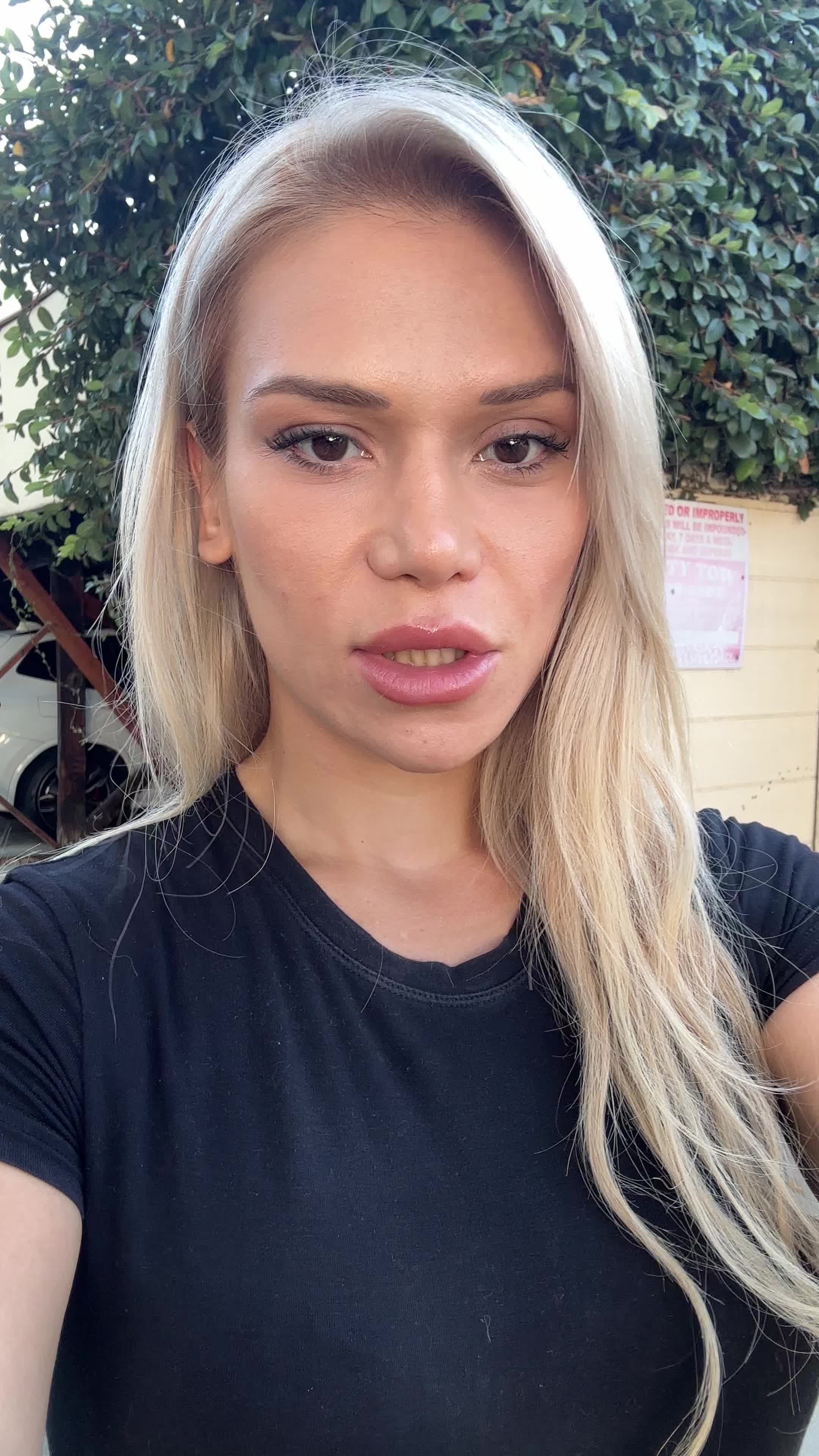
One twin covers a lot of jobs. Here is where it earns its keep.
Turn a founder or spokesperson into a repeatable ad face, then generate fresh hooks for paid social every week.
Record one script, then swap names, offers, and openings so sales and follow-up videos feel one-to-one.
Take one winning video and reproduce it across 29 languages with native-sounding voices.
Put a real presenter in front of a faceless channel without ever turning on a camera or showing your own face.
Step 1
Lock in a face, look, and voice so every future video starts from the same on-brand presenter.
Step 2
Write the lines or upload your audio. Adjust the hook and offer without re-recording anything yourself.
Step 3
Generate launch-ready clips in minutes, then test, localize, and refresh the ones that work.
Common questions about creating an AI twin, choosing a voice or your own audio, and using talking videos.
Related features and guides for turning one presenter into a lot of video.