
S
solutions.studio6h
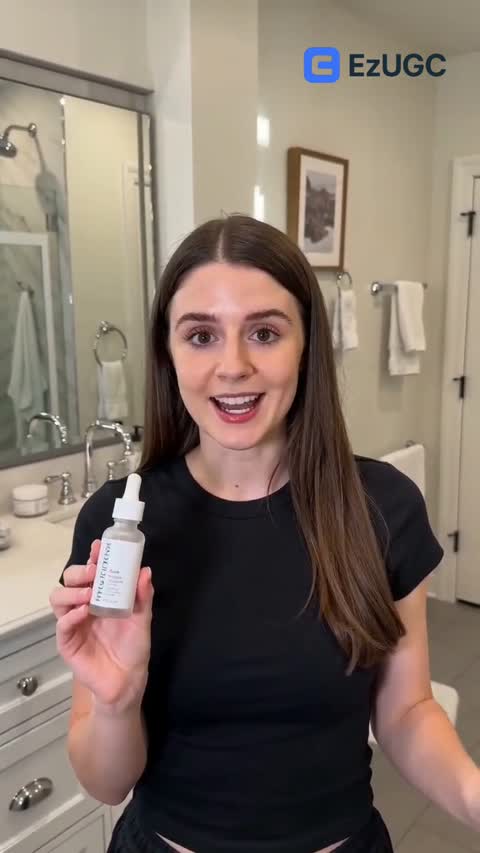
Views
54K+41%
Revenue
$13K+88%
UGC creator workflows can work well, but teams often slow down once scripting, revisions, and approvals run through long external cycles. This guide shows how to launch faster, control cost per approved ad, and keep a steady weekly testing cadence.
Snapshot date: 2026-10-05

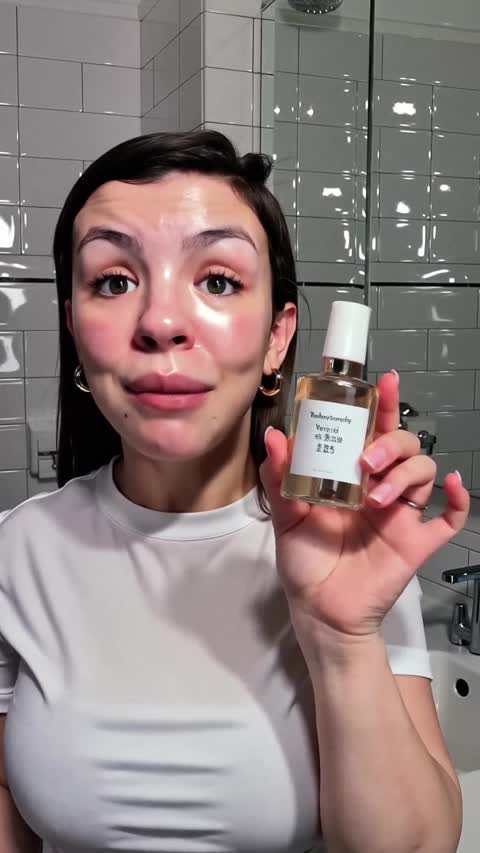


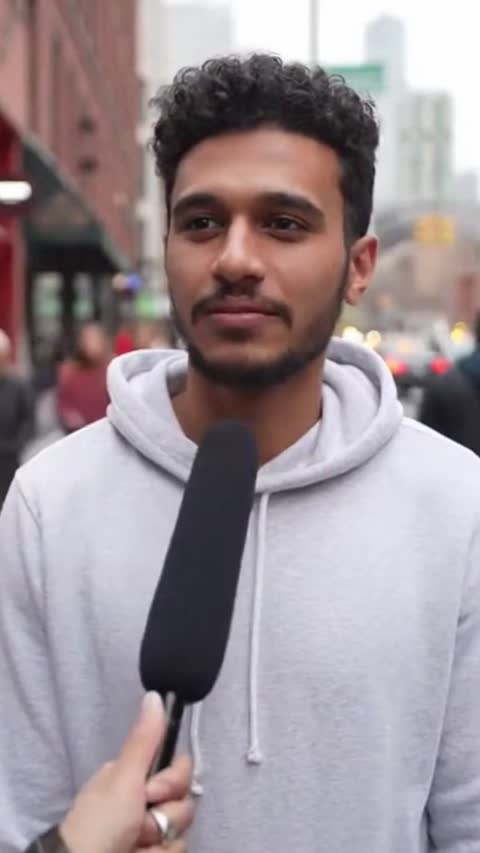







A UGC creator makes creator-style content that brands use in paid-social campaigns. The goal is practical: launch more ad variants, learn what converts, and scale spend on proven creative.
AI actors available
300+
Starting plan
$99/month
Supported languages
29
Some managed UGC creator services still quote up to $500+/video and around 10-12 business days for delivery. AI UGC systems cut manual back-and-forth, so teams can ship and retest within the same week.
| Workflow | Turnaround | Cost view |
|---|---|---|
| AI UGC workflow | Average generation time: 2 minutes | Starts at $99/month |
| Traditional creator workflow | Around 10-12 business days in public managed-service examples | Can reach $500+/video in public package pricing |
Creator-side figures come from a managed-service provider's public pricing and delivery page, recorded 2026-02-20. Package rates move, so treat them as a planning benchmark and price your own shortlist before committing.
Step 1
Start with one offer and one audience
Pick one product promise and one audience segment before production starts. Mixed briefs usually lead to generic ads.
Step 2
Write a short script with one CTA
Open with a direct hook, show the product in context, and end with one clear action.
Step 3
Produce multiple creator variants
Generate several creator-style angles in one batch so your media team can test in the same weekly cycle.
Step 4
Launch, measure, and iterate weekly
Keep the winners, cut the weak ads, and feed performance learnings into the next script round.
A UGC creator makes creator-style ads and social content that brands run in paid and organic campaigns.
Creator-led workflows rely on outreach, external coordination, and revision cycles. AI UGC workflows compress those steps so teams can launch variants faster.
Most teams start with Meta and TikTok, then reuse winning variants across landing pages and retention channels.
Compare approved creatives launched per week, time to launch, and total production cost per approved ad, not raw render count.