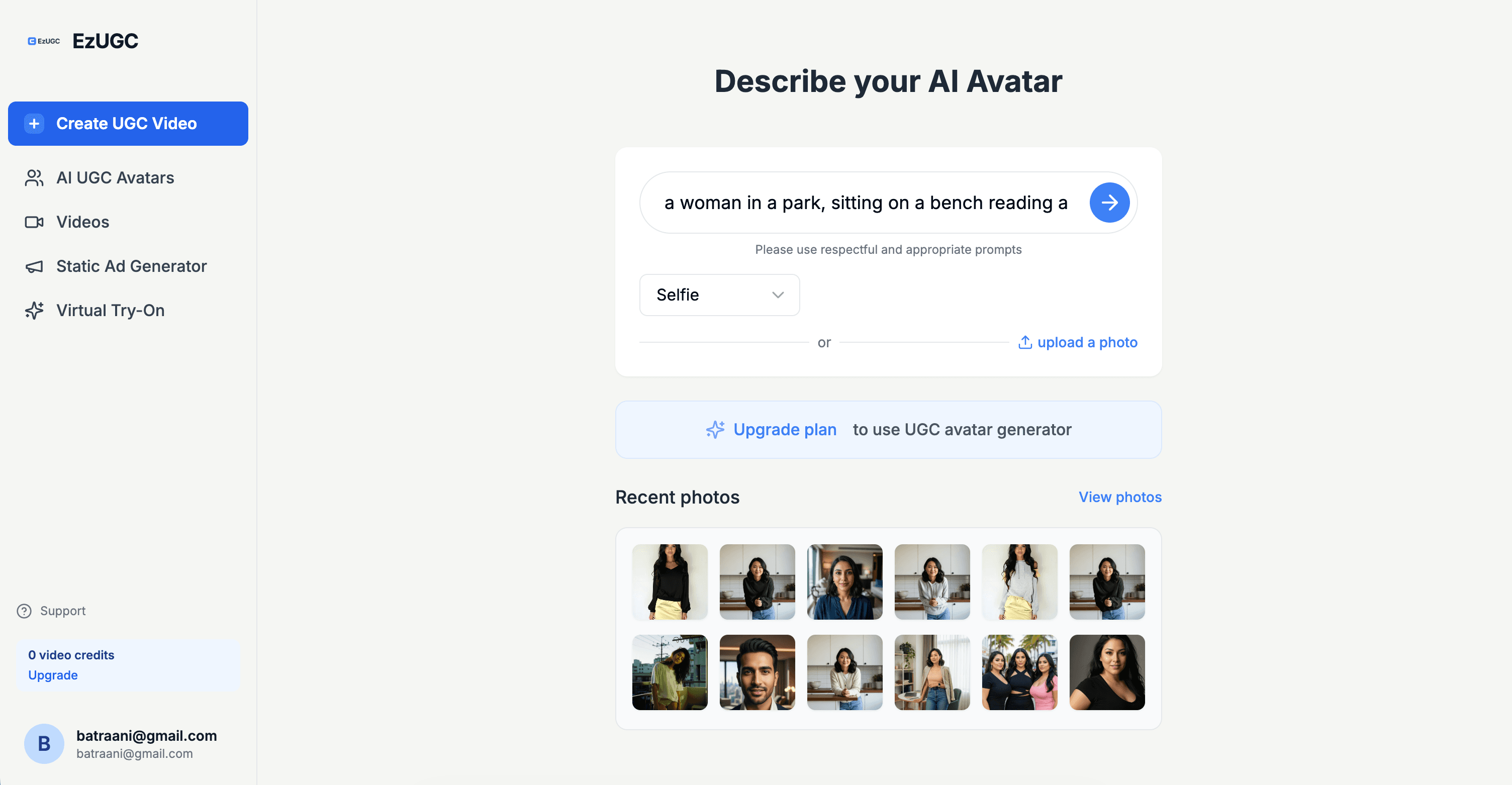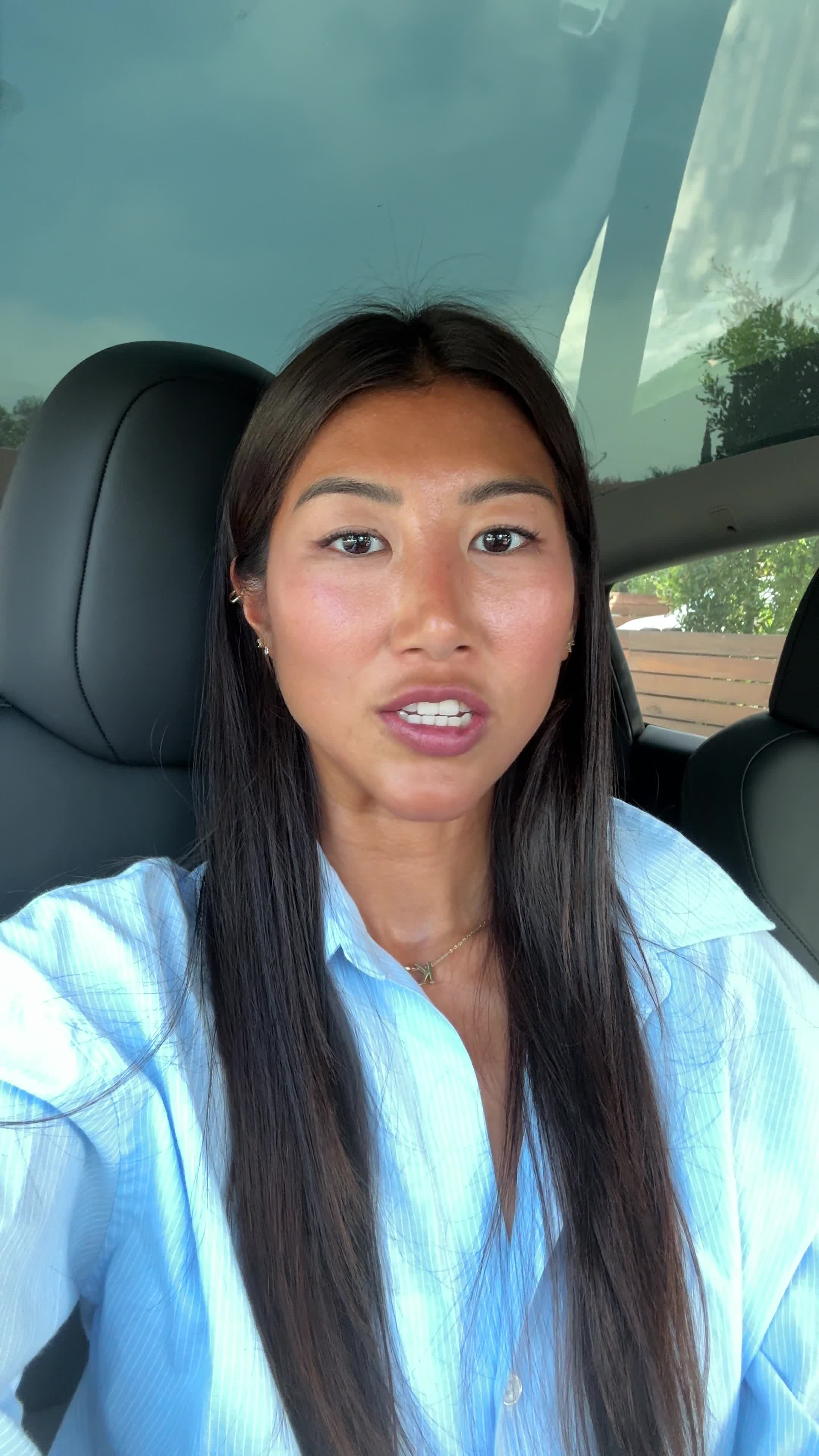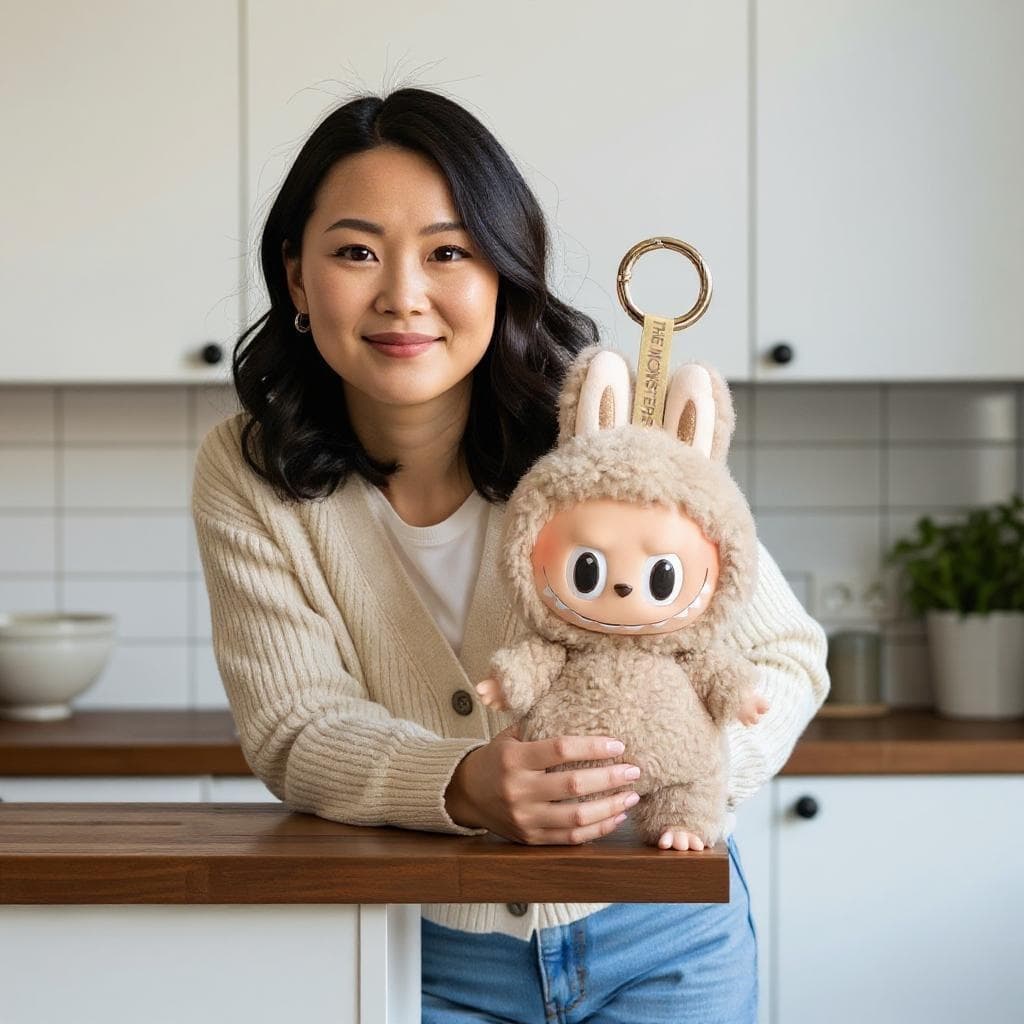
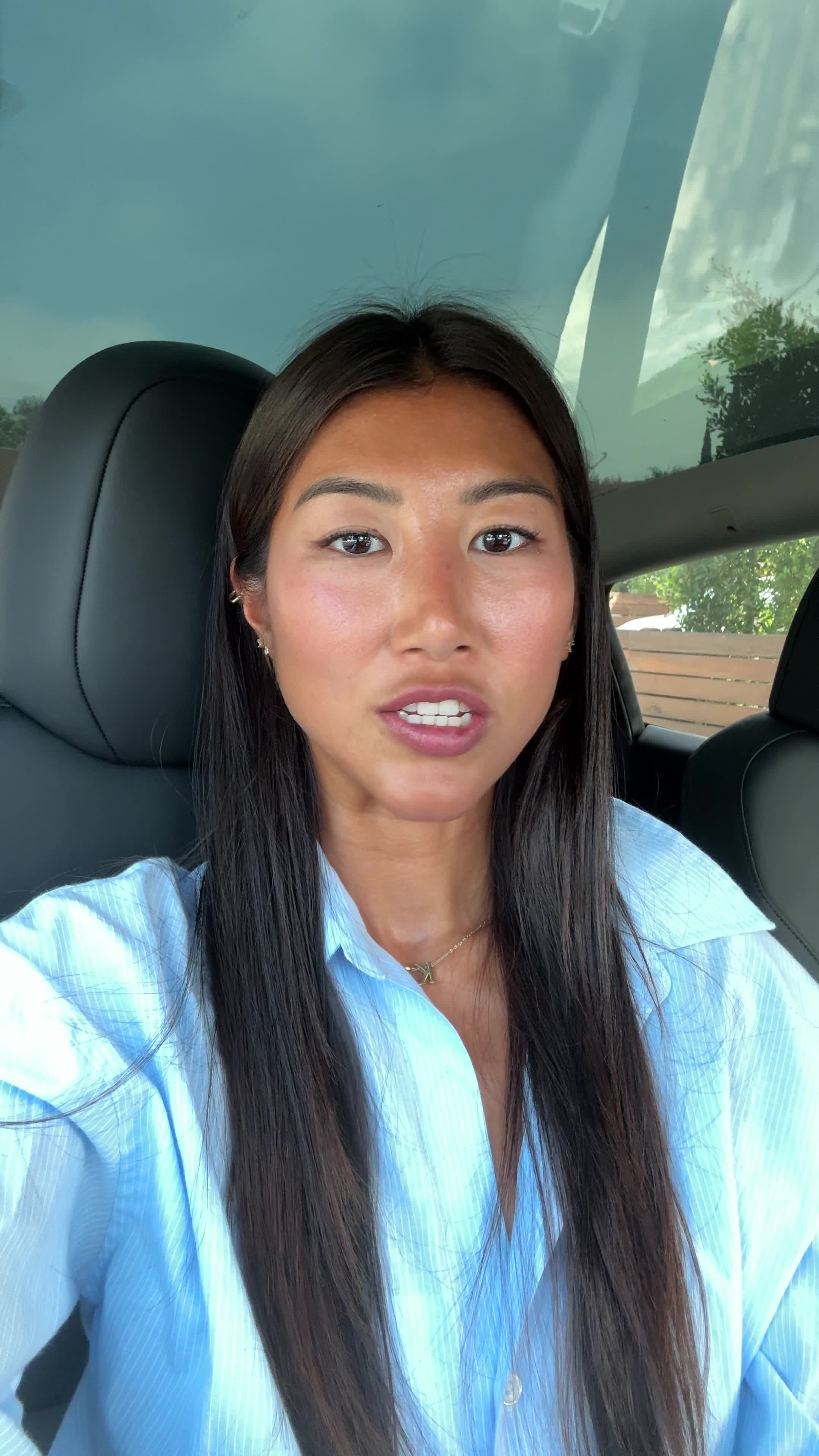
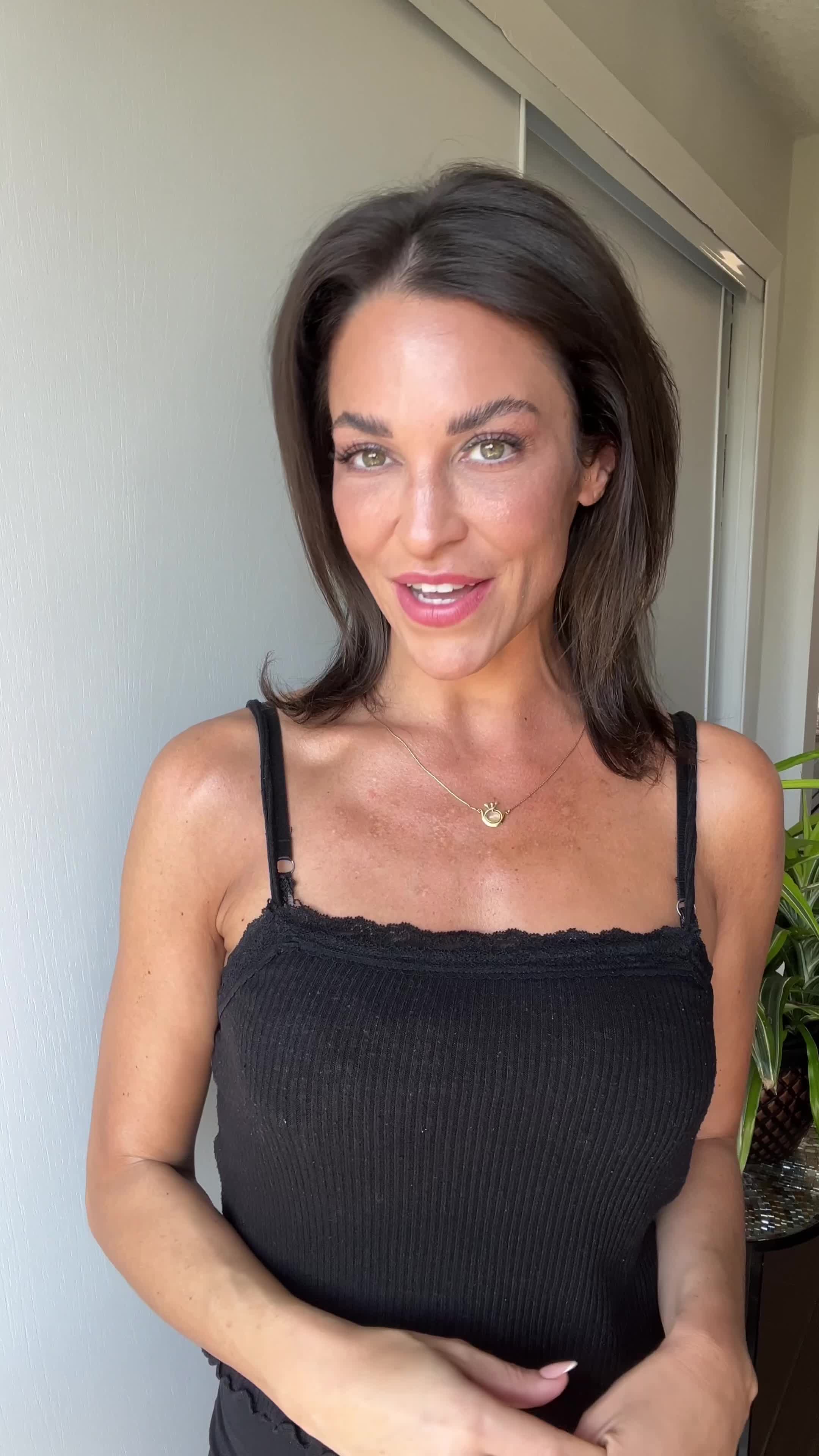
Multiple Input Options
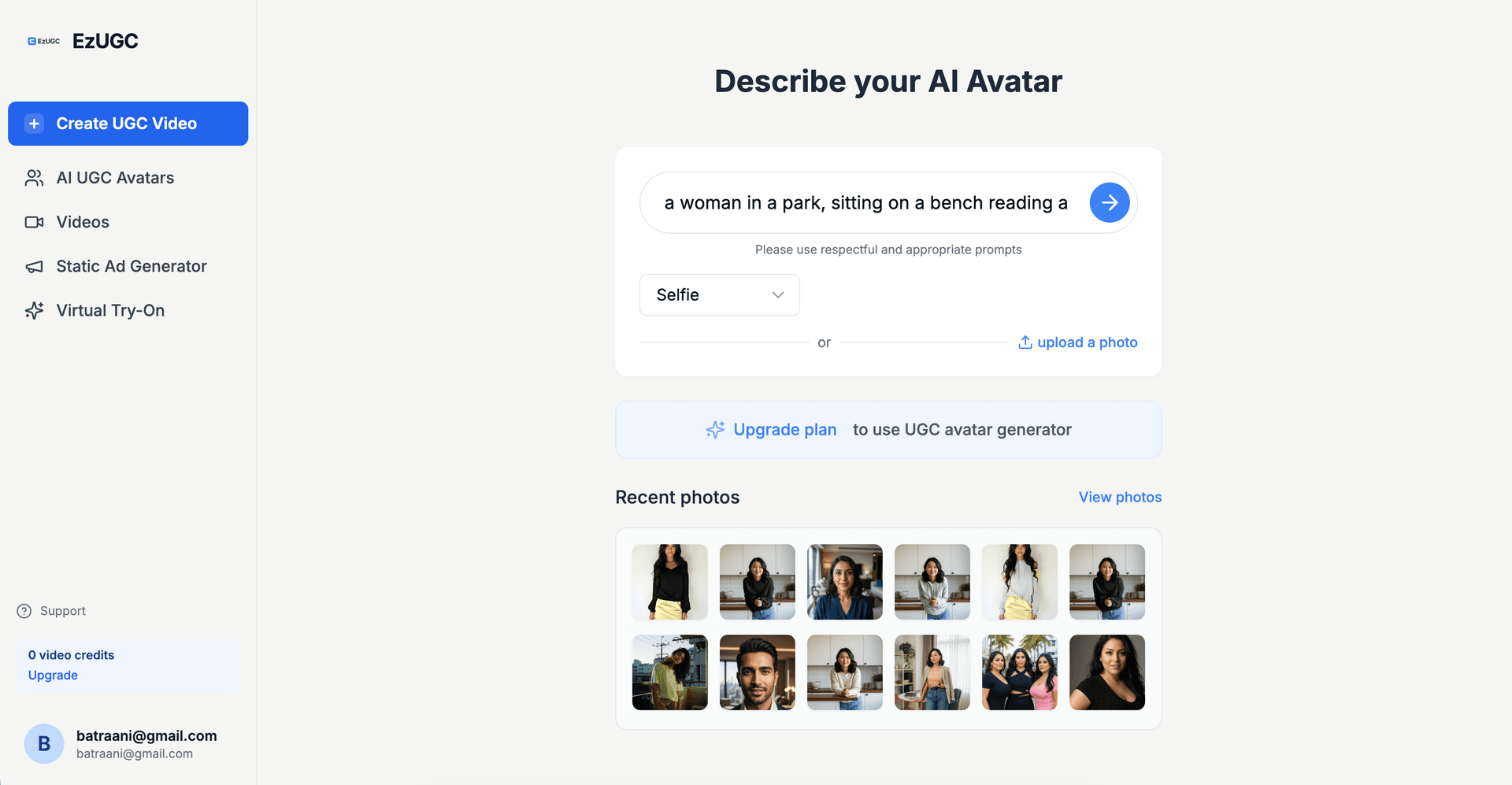
Start with text prompts, upload reference images, or combine both. Control creative direction without extra tools.
Convert prompt ideas into production-ready image assets. Create social creatives, product visuals, concept art, and campaign graphics in minutes with EzUGC.
Need the commercial page for both still-image and video workflows? Start with the AI Video Generator.
Trusted by professionals and creators from leading brands





Start with text prompts, upload reference images, or combine both. Control creative direction without extra tools.
Improve weak prompts into clear, high-performing creative instructions with better style and composition detail.
Generate fast previews, refine direction quickly, and produce more creative variants per campaign sprint.
Keep visual identity stable across ads, product narratives, and content series for stronger brand recognition.
Create crisp visuals for paid social, landing pages, email, and storefront assets with production-ready quality.
Generate clean cutouts and transparent variants for product composites and channel-specific creative production.
Pick the right model for your campaign goal and generate exactly the visuals you need.
Fast, high-quality image generation and editing for ad-ready visual workflows.
Explore model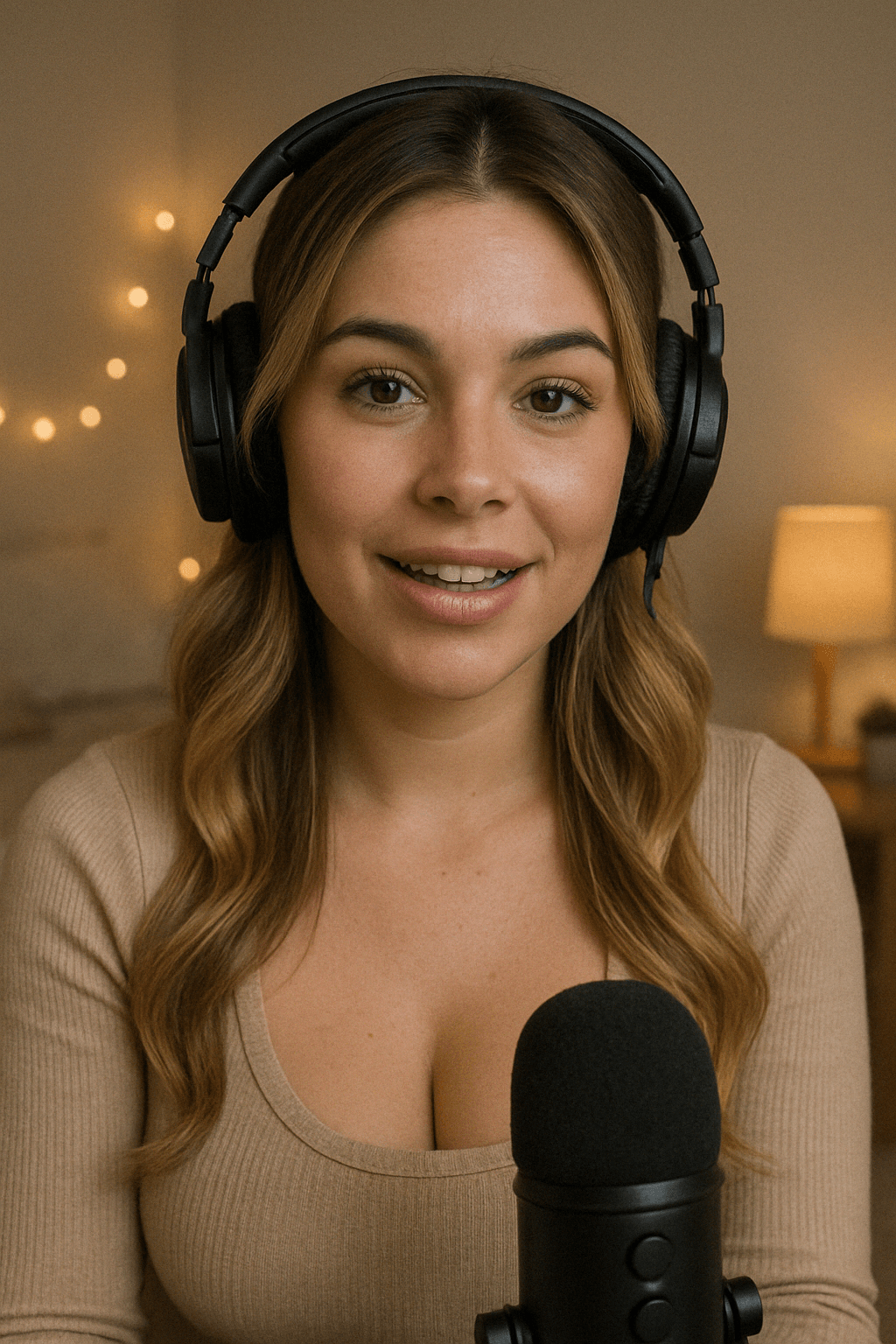
Strong visual reasoning for prompt-driven concepting and polished creative output.
Explore model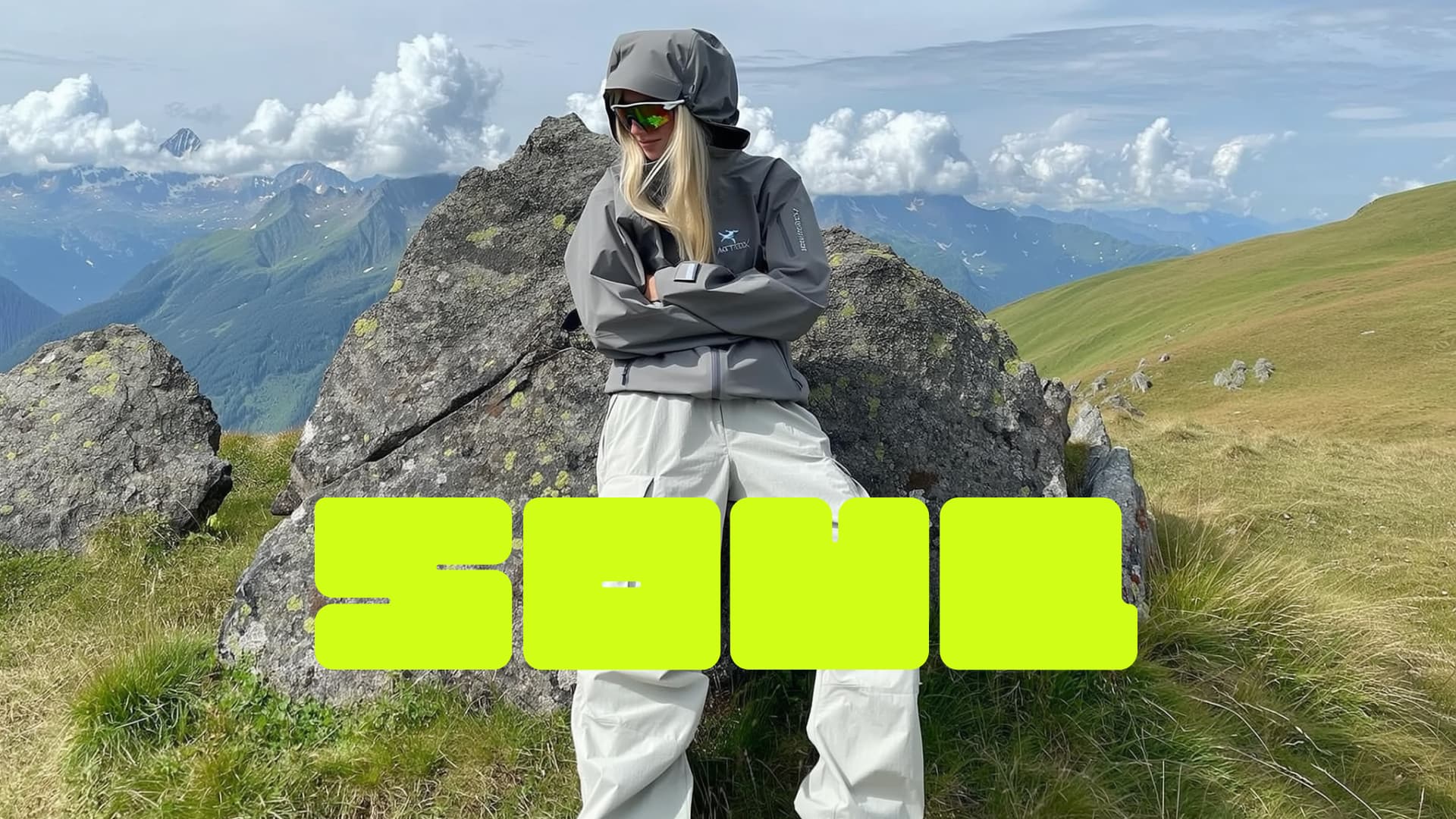
Aesthetic-first image generation for fashion, beauty, lifestyle, and premium static ad concepts.
Explore model
Sharper AI video generation with smoother motion, stronger prompt control, and campaign-ready output.
Explore modelBuild product hero assets, promotional banners, and campaign visuals quickly without booking expensive studio shoots.
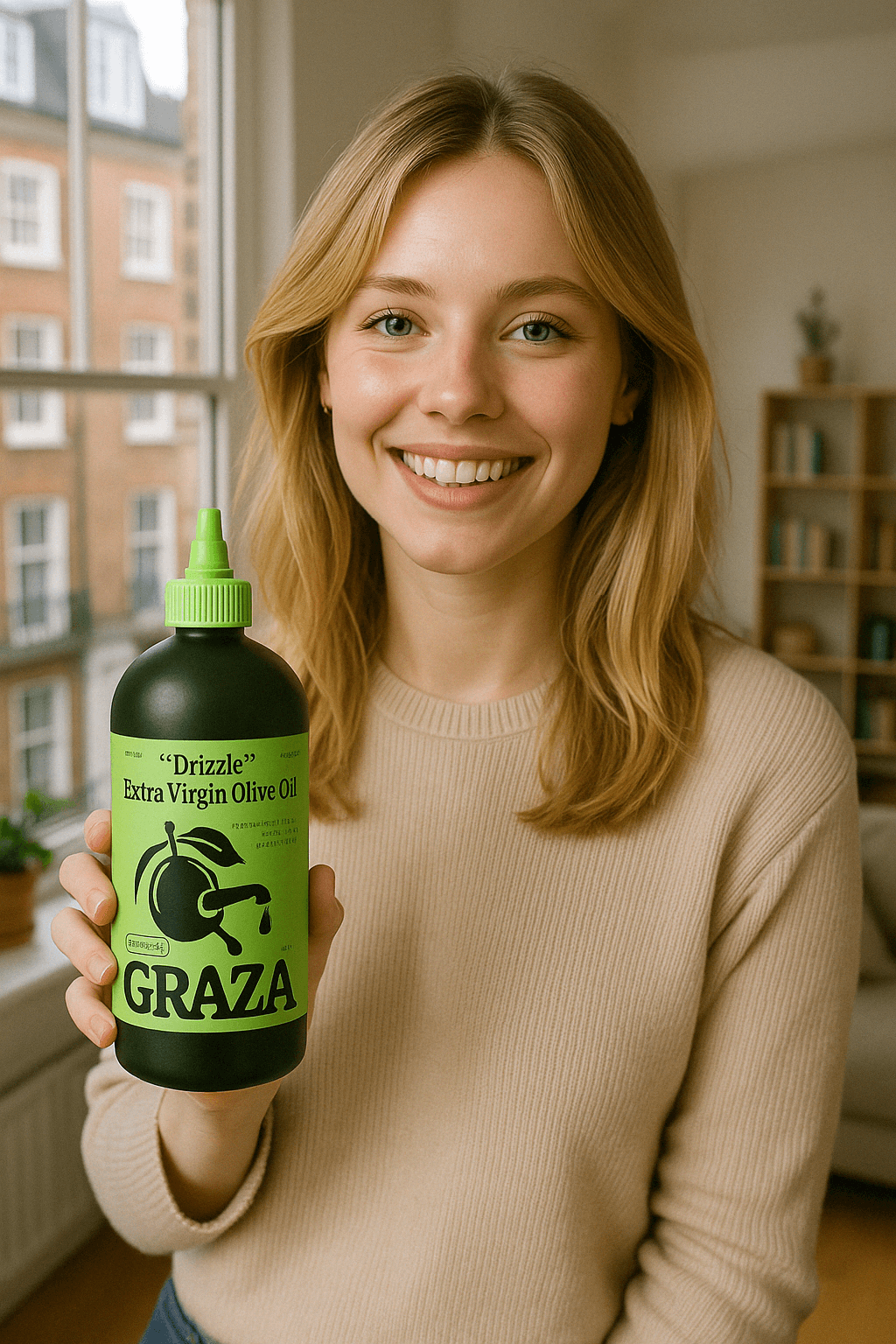
Practical feedback from marketers and creators using AI image generation in production.
“We replaced stock-photo dependency with on-brand AI assets. Creative velocity went up and campaign iteration got much easier.”
Sarah Jones
Performance Marketer
“Our team publishes faster now because we can generate polished visual directions in minutes instead of waiting on external design queues.”
Emily Brown
Content Lead
“Product lifestyle shots became a repeatable workflow. We test more image concepts and launch stronger ads every week.”
Katherine Lee
Ecommerce Founder
“The prompt workflow is simple but powerful. It is fast enough for daily posting and reliable for brand work.”
Isabelle Dubois
Creator
Answers to common AI image generation questions.
For creators getting started
For growing teams and power users
For brands who need more
Learn practical creative workflows from the EzUGC blog.

Locked out: Forgot password, then a login link or security code. Still in: change the password under Accounts Center, Password and security, and turn on two-factor authentication.

A private account makes people request to follow before they can see your lists. Public accounts on those lists can still show, and business profiles cannot go private.

190+ original funny Instagram captions sorted by situation, from selfies and coffee to Mondays and product drops, plus the current caption length and five-hashtag rules.