
S
solutions.studio6h
Views
54K+41%
Revenue
$13K+88%
Generate cinematic videos in seconds and keep performance testing moving. PixVerse gives your team fast creative cycles without sacrificing output quality.
Preview mode: generate is enabled in the app workflow.
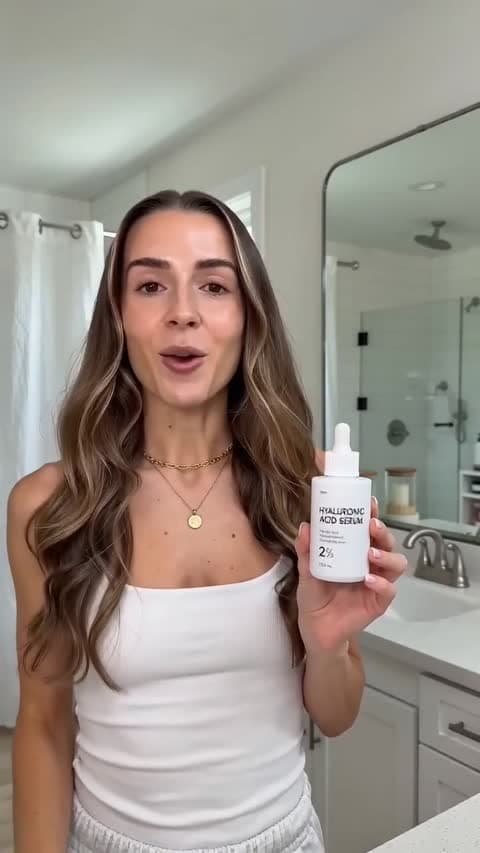
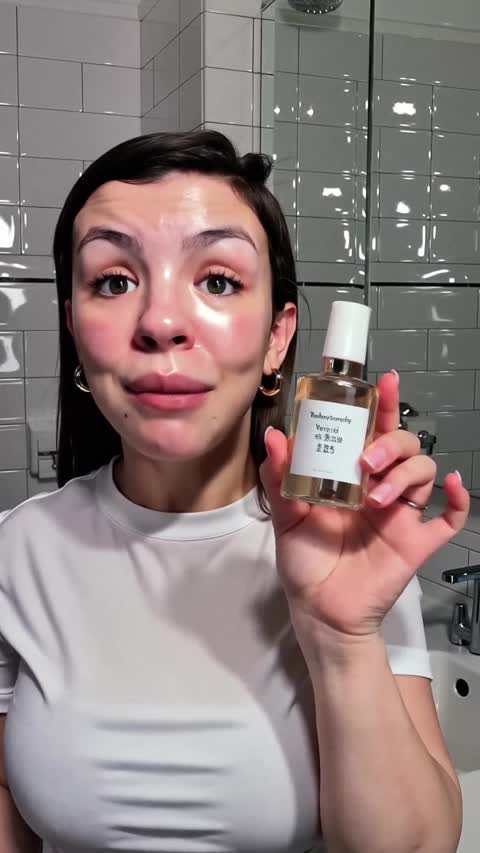
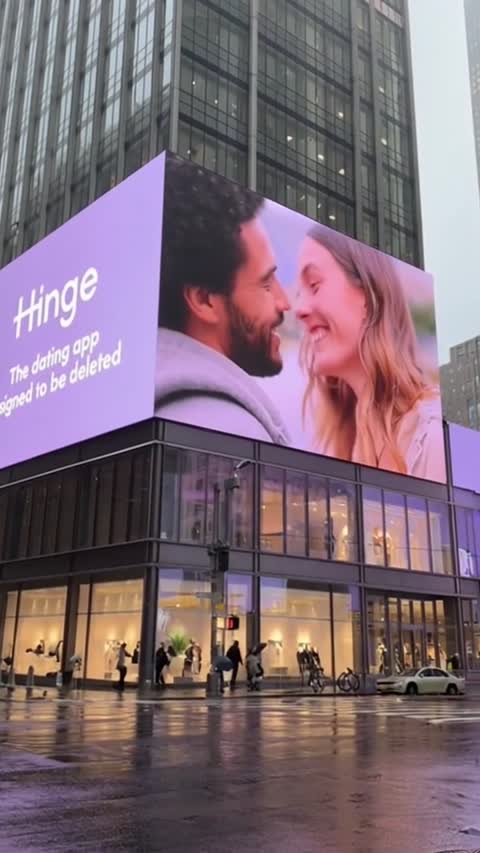
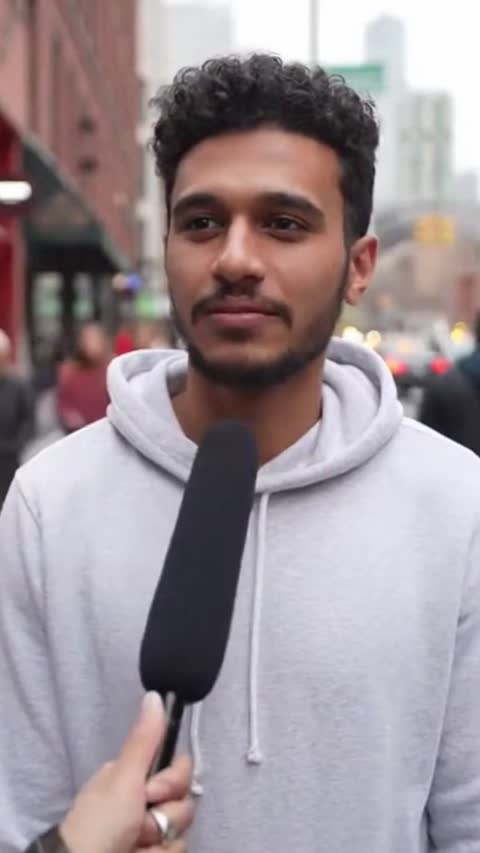
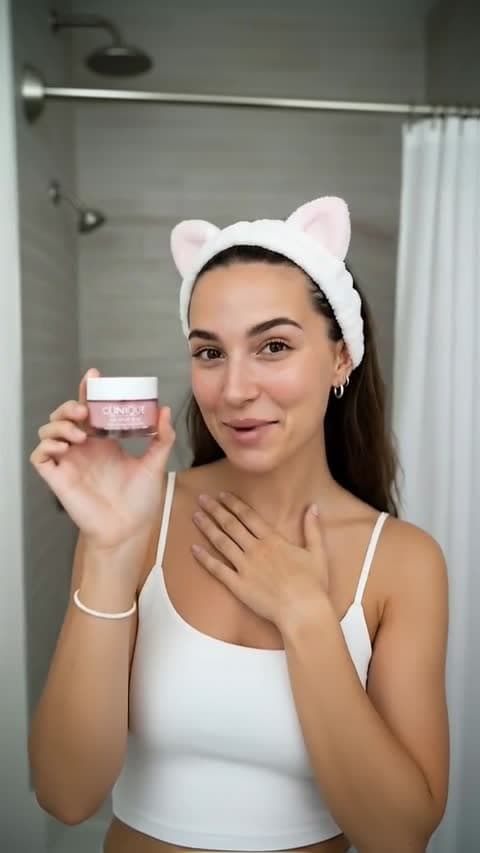
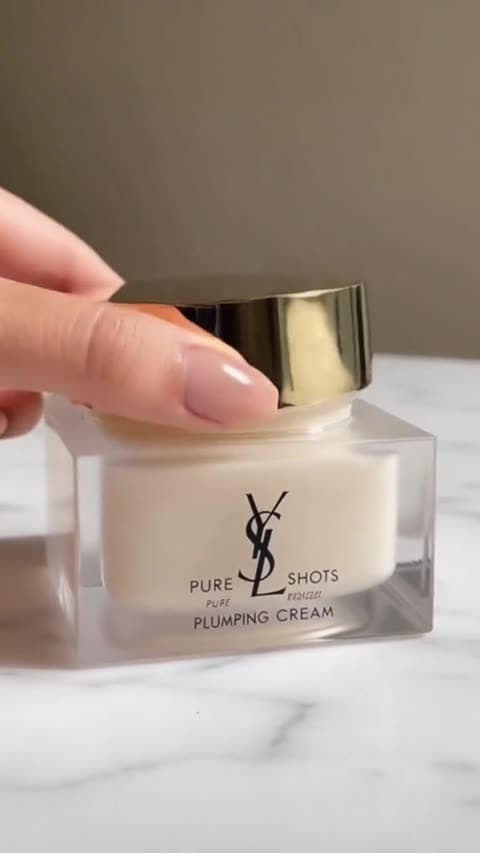
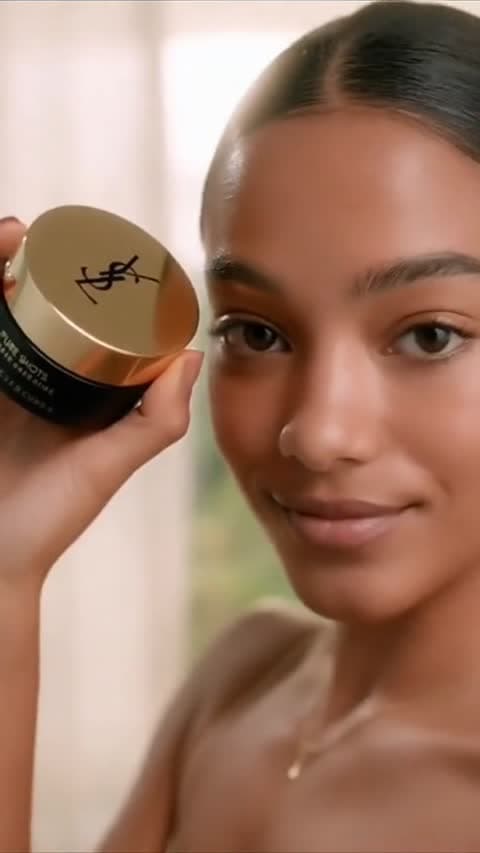
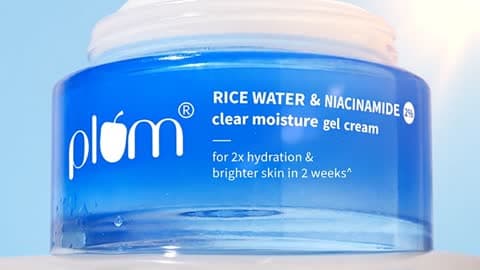


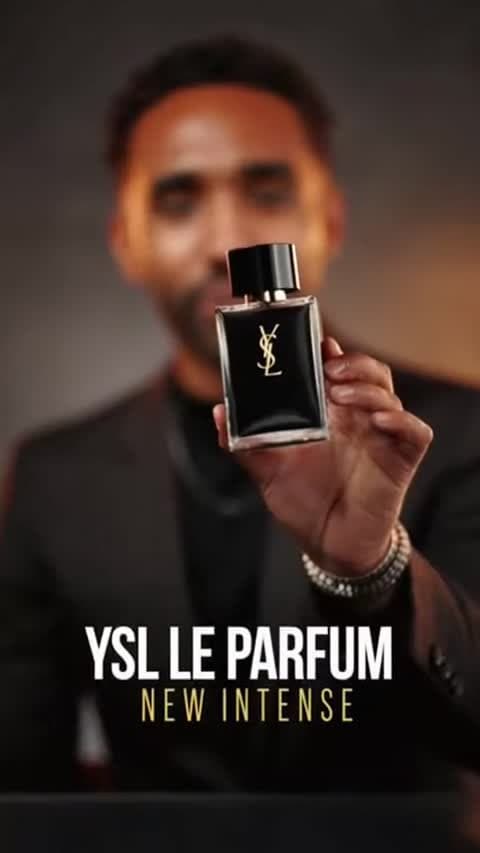
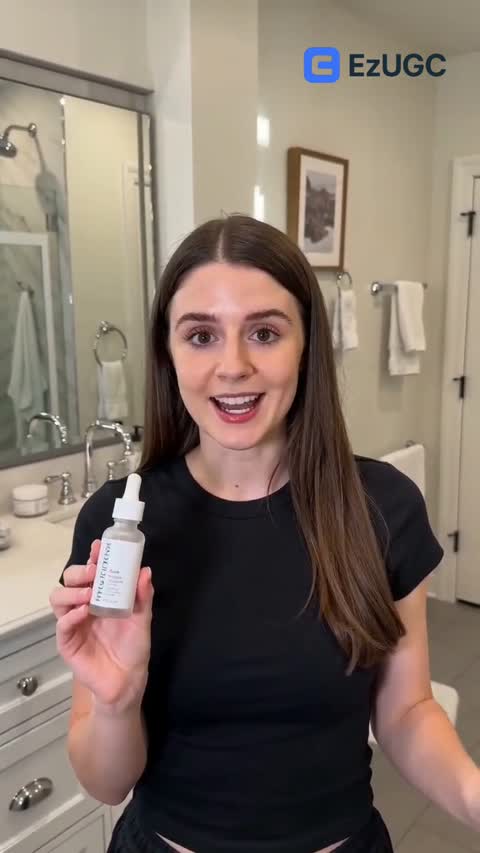
PixVerse AI is built for rapid generation without losing visual quality. Move from idea to draft in seconds for faster campaign output.
- Fast text-to-video and image-to-video turnaround
- Cinematic output with clean lighting and depth
- Built for ad-ready social and performance creatives
Ship more variants in less time. PixVerse helps teams iterate hooks, scenes, and offers quickly so testing cycles stay aggressive.
- Quick iteration for paid social performance teams
- Natural motion and stable scene continuity
- More creative throughput per week
Guide style, framing, and camera behavior through prompt-first controls designed for growth teams and agencies.
- Flexible styles from UGC to cinematic promo
- Prompt-led direction for consistent outputs
- Simple handoff from creative to media buying
Eileen Lee
Marketing Lead, NanoFoam
“We moved from waiting on production to shipping variants daily. PixVerse speed made our creative testing much tighter.”
Patrick Qureshi
Founder, Sharewine
“The turnaround time is the difference maker. We can now test multiple visual directions in the same sprint.”
Jordan Welch
DTC Brand Owner, Ziltac
“When fatigue hits, speed wins. PixVerse on EzUGC lets us refresh creatives before performance drops.”
Everything you need before generating.
Keep learning while scaling PixVerse campaigns.

Akool bundles face swap, 155+ language video translation and avatars under one credit balance. Here is what each plan includes, who it fits and what to check before paying.

Instagram does not pay every creator per view. Here is what the invite-only bonus requires and where creator income actually comes from in 2026.

A step-by-step way to find out why your Instagram reach is stuck and fix it, from eligibility checks to the watch time and send signals Instagram ranks on.