
S
solutions.studio6h
Views
54K+41%
Revenue
$13K+88%
Use our library of 300+ AI actors, or create your own AI avatar, then move from prompt to launch-ready ad variants in one workflow.
STEP 1
Write your prompt
Describe your product, audience, and the message you want in the ad.
STEP 2
Choose an AI avatar
Pick from 300+ AI actors or create your own custom avatar.
STEP 3
Generate your AI ad
EzUGC creates a scroll-stopping AI UGC ad in minutes.
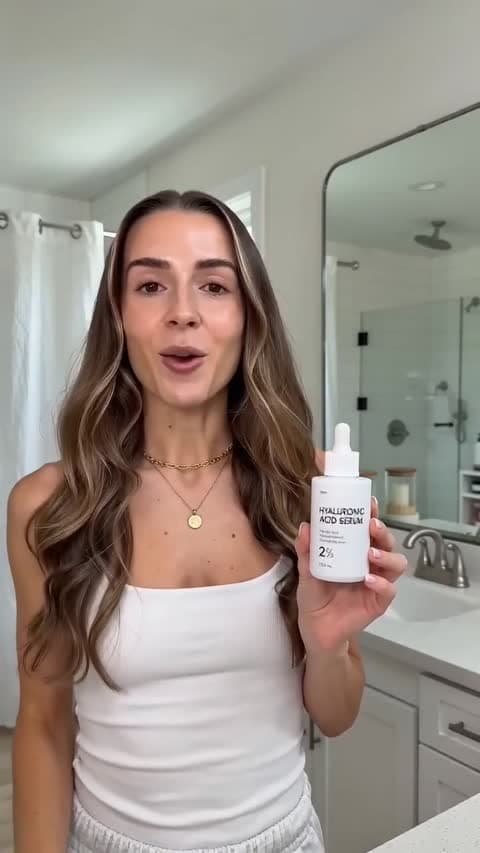
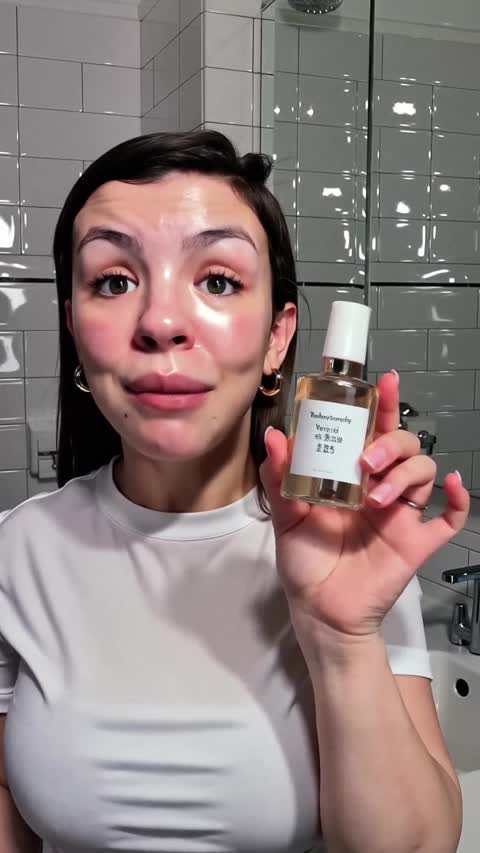
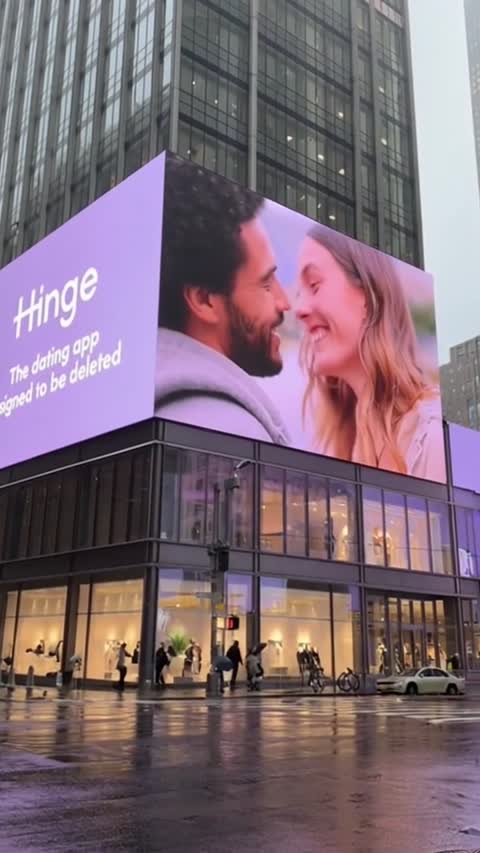

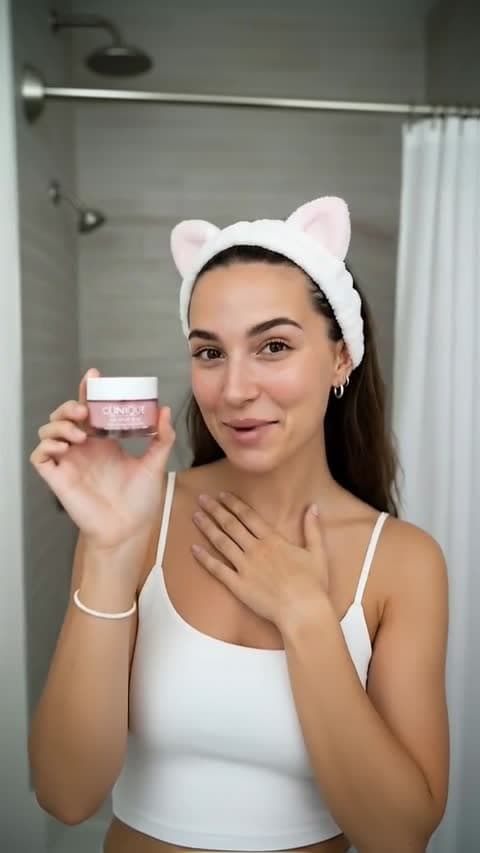
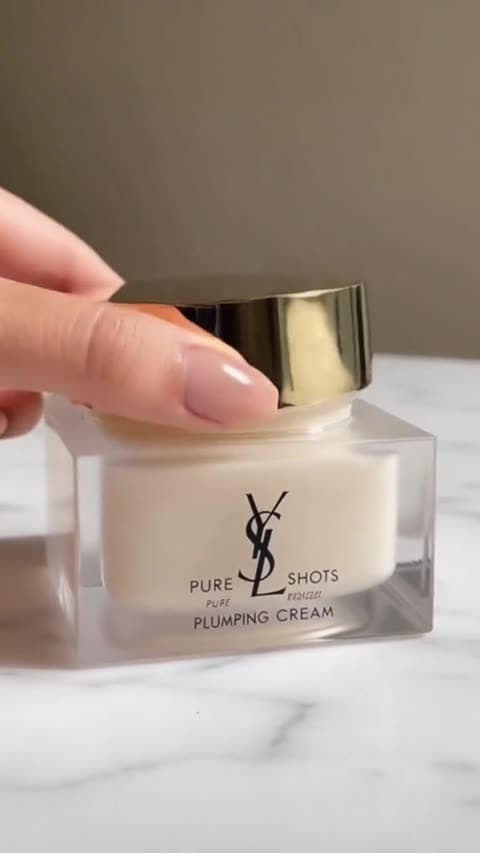
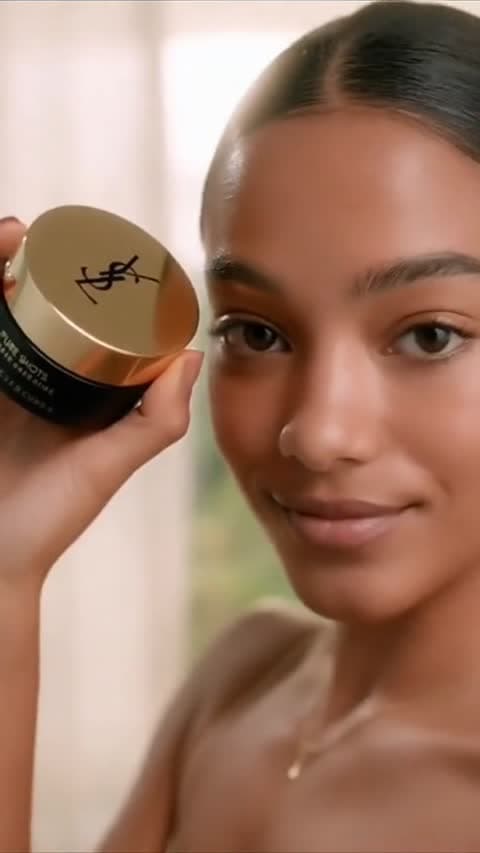
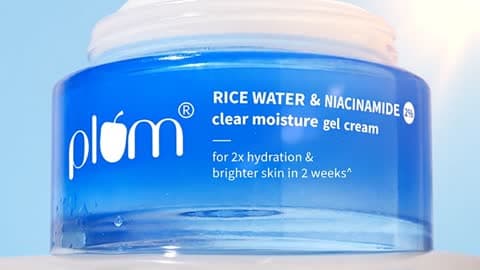
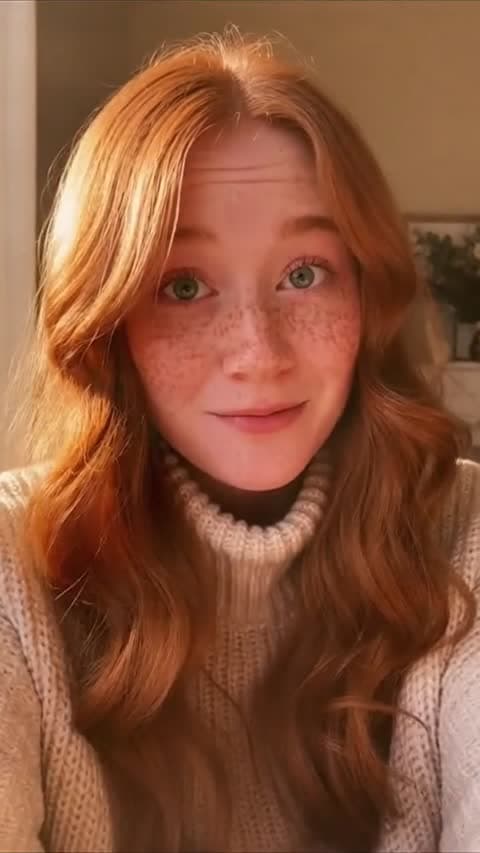
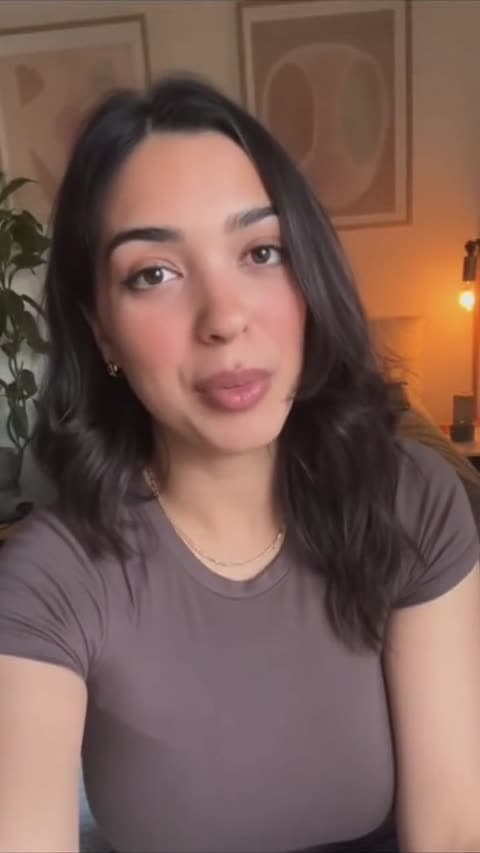
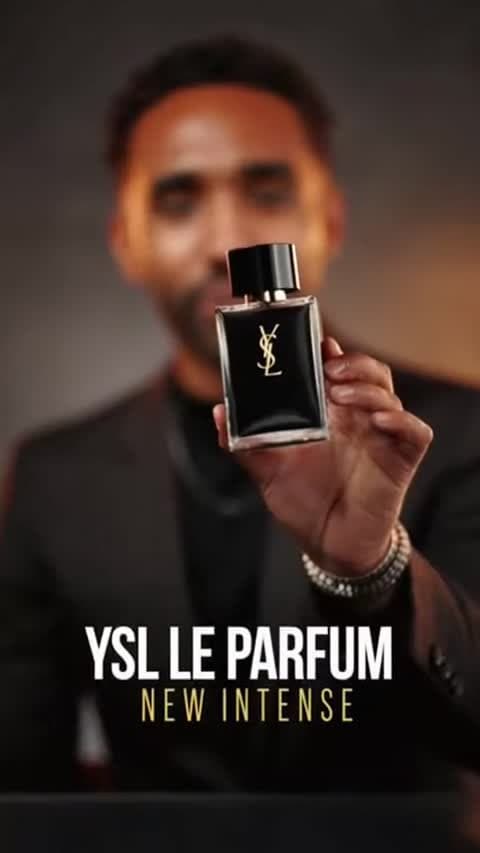
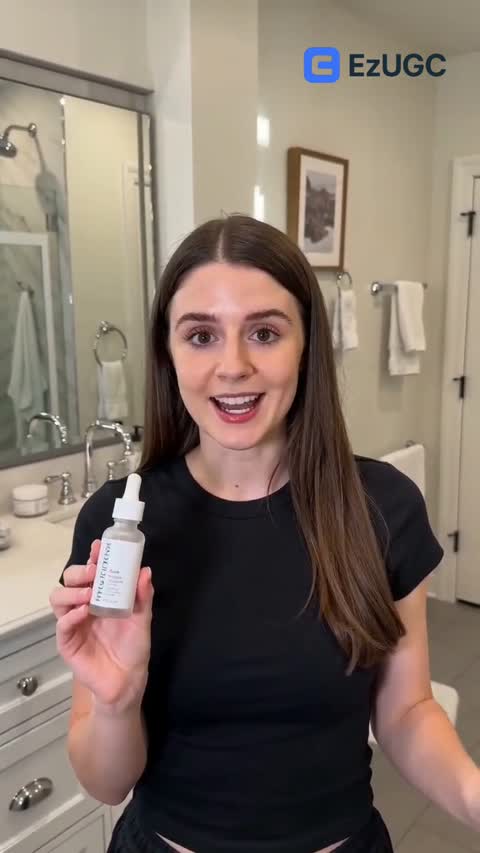
Step 1
Tell EzUGC what product you are promoting and who the ad is for.
Step 2
Pick from 300+ AI actors or create your own custom avatar.
Step 3
Get a launch-ready AI UGC ad in minutes, then create more variants fast.
Step 4
Test multiple versions, keep winners, and replace low performers quickly.
CORE FLOW
Follow one simple flow: write your prompt, pick an avatar, generate your ad, and launch variants.
Step 1
Write your prompt
Tell EzUGC what product you are promoting and who the ad is for.
Step 2
Choose an AI avatar
Pick from 300+ AI actors or create your own custom avatar.
Step 3
Generate your AI ad
Get a launch-ready AI UGC ad in minutes, then create more variants fast.
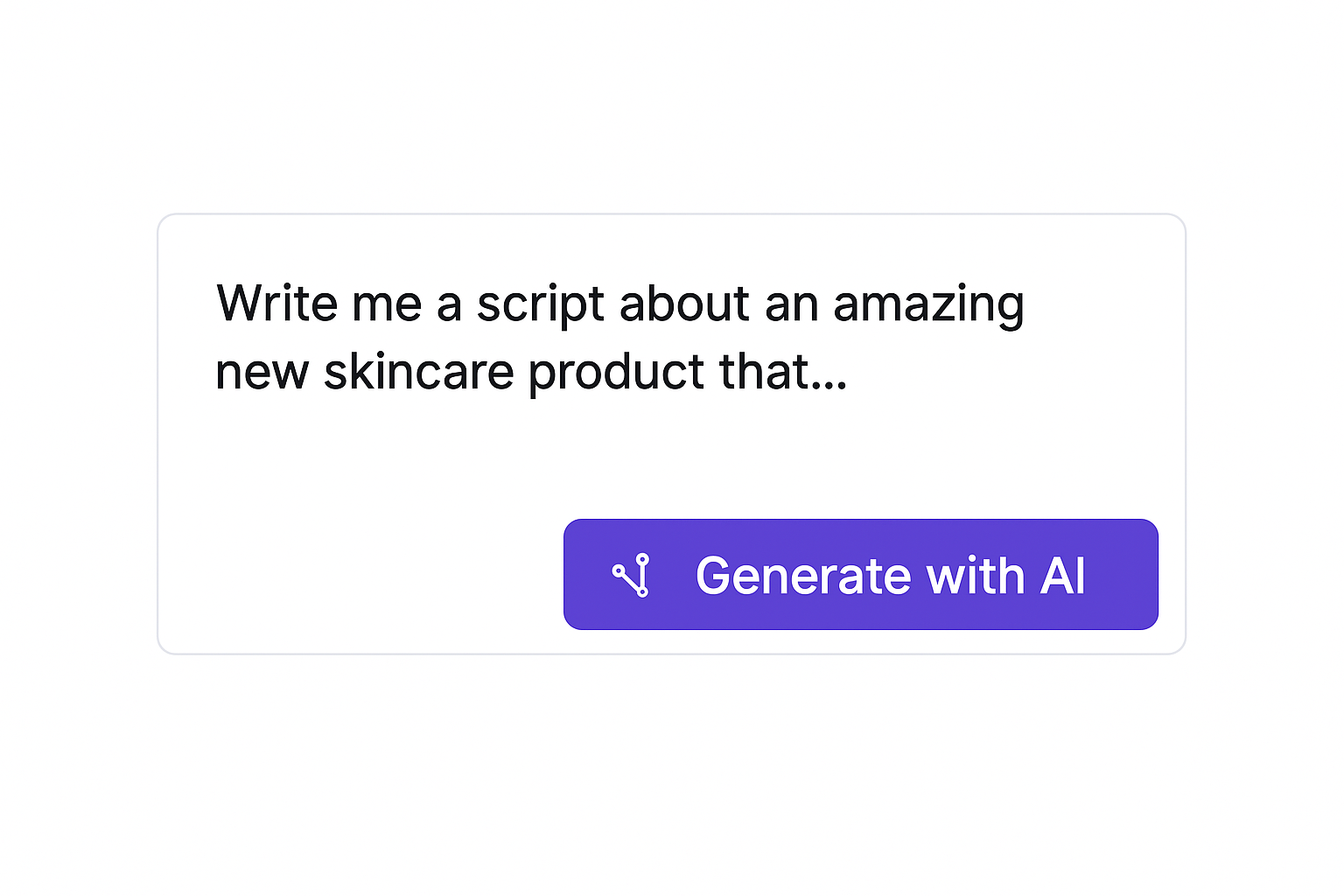
Tell EzUGC what you are selling, who you are targeting, and the angle you want in your ad.
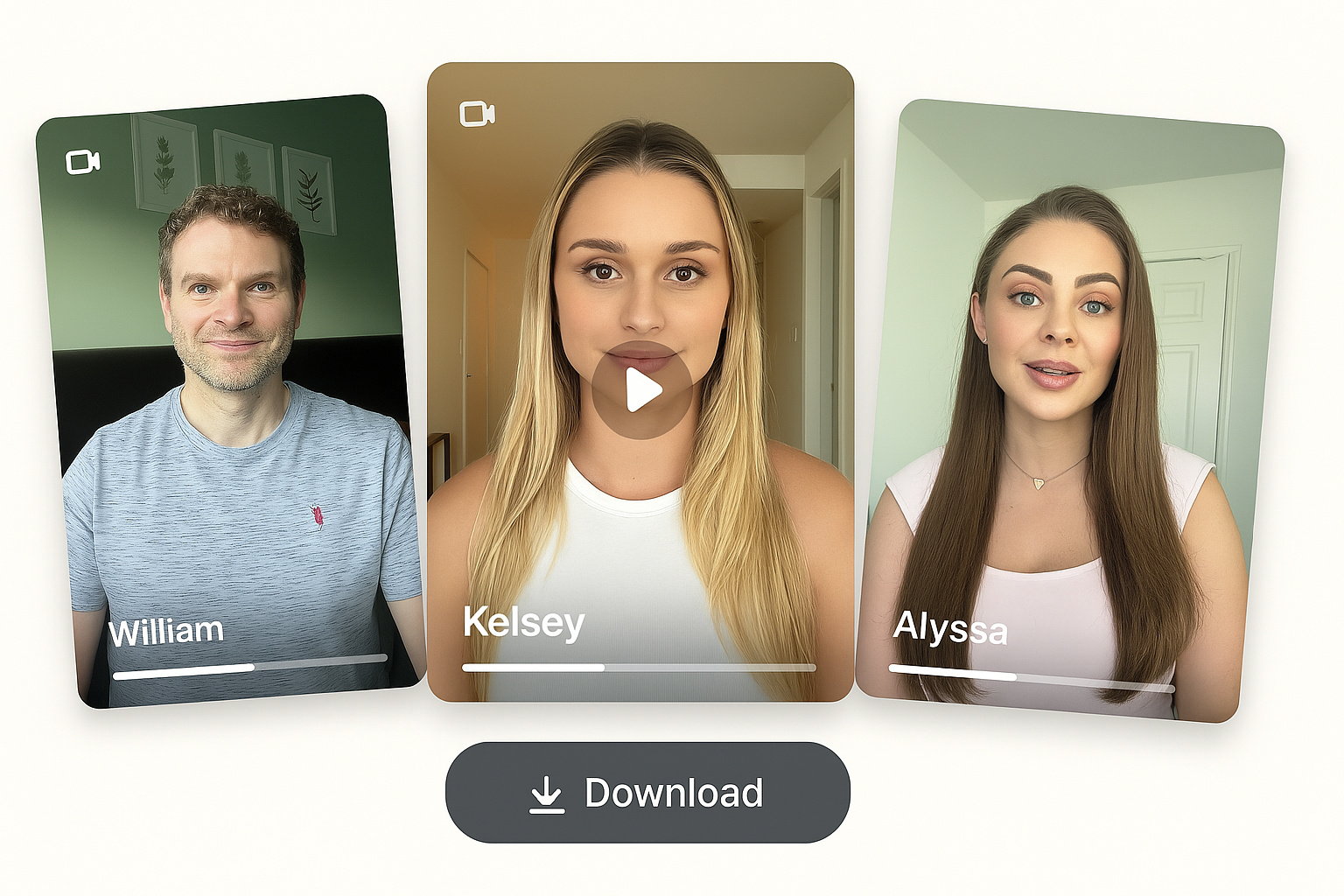
Pick from 300+ AI actors or create your own avatar that matches your brand and audience.
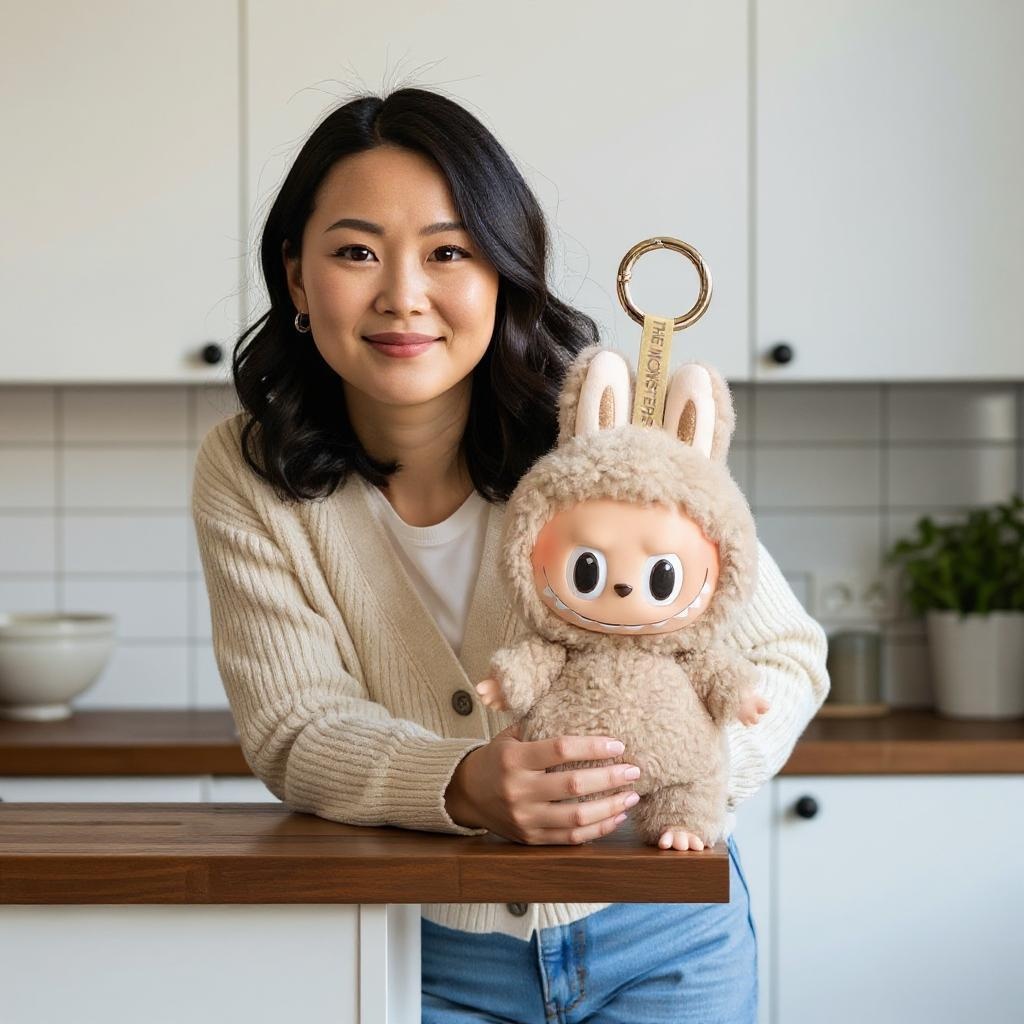
EzUGC generates your AI UGC ad in minutes. Launch multiple variants and keep only the winners.
Step 1
Describe your product, audience, and ad angle so EzUGC understands what you want to create.
Step 2
Pick from ready-to-use AI avatars or generate a custom avatar that matches your brand style.
Step 3
Generate launch-ready creative fast, then test, iterate, and scale winning variants.
EzUGC's AI video generator is tuned for ad production, including prompt structure, iteration speed, and campaign deployment workflows.
Yes. The feature is designed for paid-social operators who need frequent creative refresh and quick test loops.
Yes. Teams can generate and evaluate multiple variants in compact cycles to keep campaign volume consistent.
Yes. Most teams use existing campaign briefs and hook libraries as inputs, then iterate variants in EzUGC.