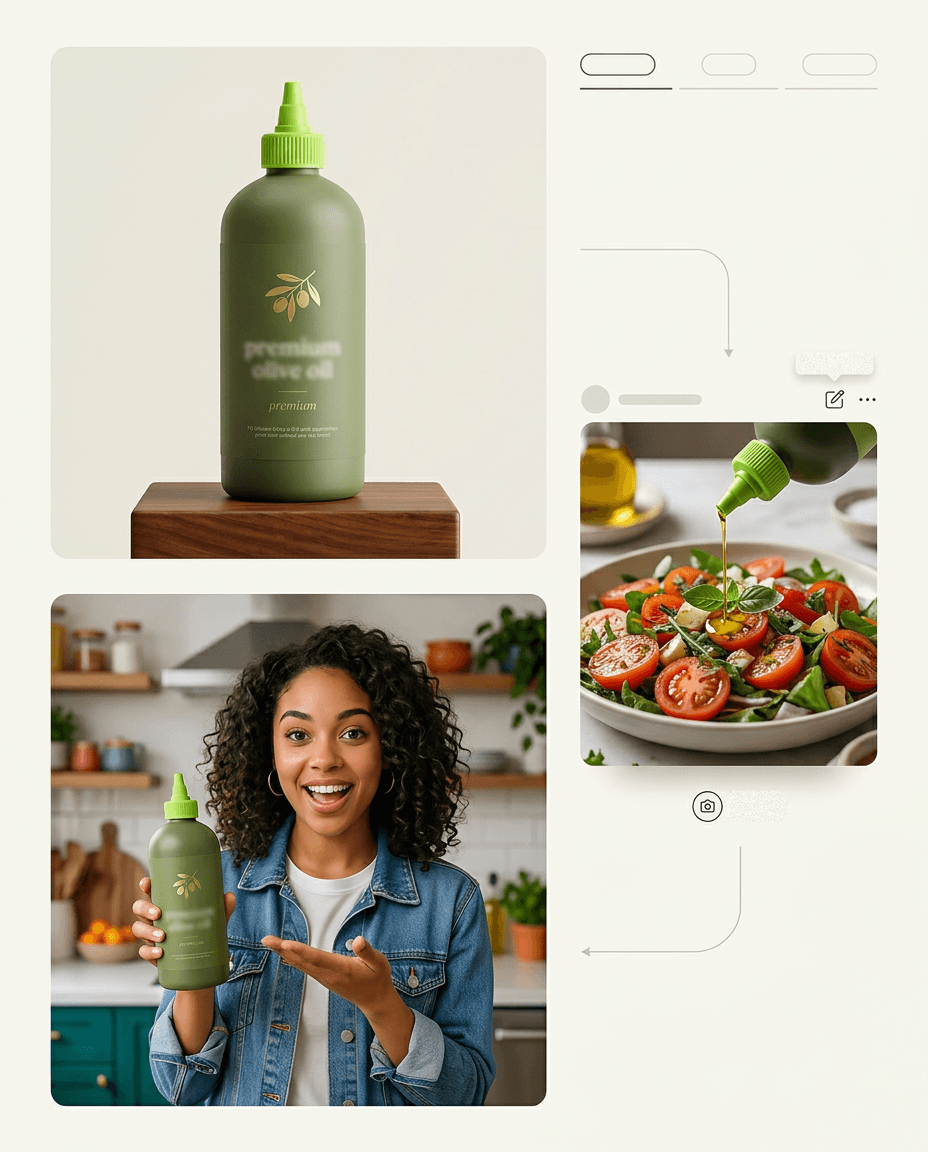
Product in hand
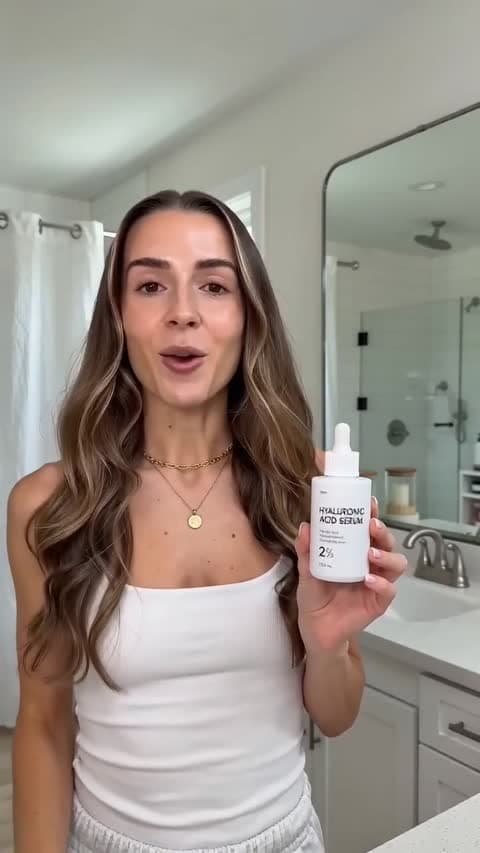
Upload one product photo. The actor holds it, uses it and shows it on camera.
Describe your product. EzUGC writes the script, puts an AI actor on screen holding it, and renders the video ad and matching statics.
Trusted by 50+ DTC brands · $25M+ in generated revenue
Upload one product photo. The actor holds it, uses it and shows it on camera.
Hook
“I stopped buying three serums after I tried this one.”
Body
Hooks and full scripts from your product and audience. Edit them or paste your own.
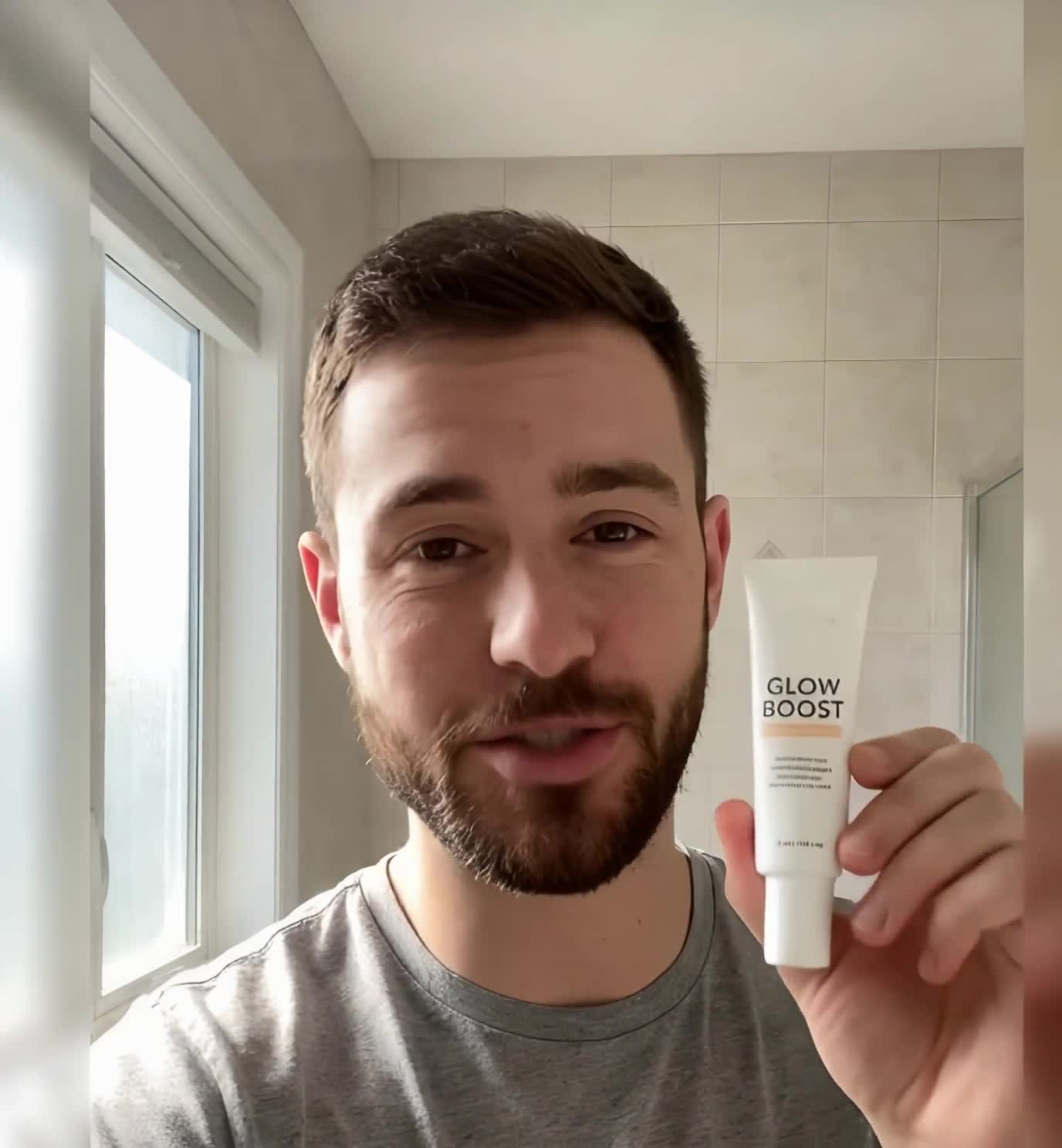
Glow in 7 days
Shop nowFeed and story statics from the same brief, so each launch has both formats.
If a shot misses on one model, re-render it on another without rebuilding the ad.
Localize one winning ad for every market without a reshoot.
Upload one photo of yourself or your founder. EzUGC turns it into an AI twin you direct with text: type the script, pick a voice or upload your own audio, and ship founder-led ads without filming each one.
See how AI twin works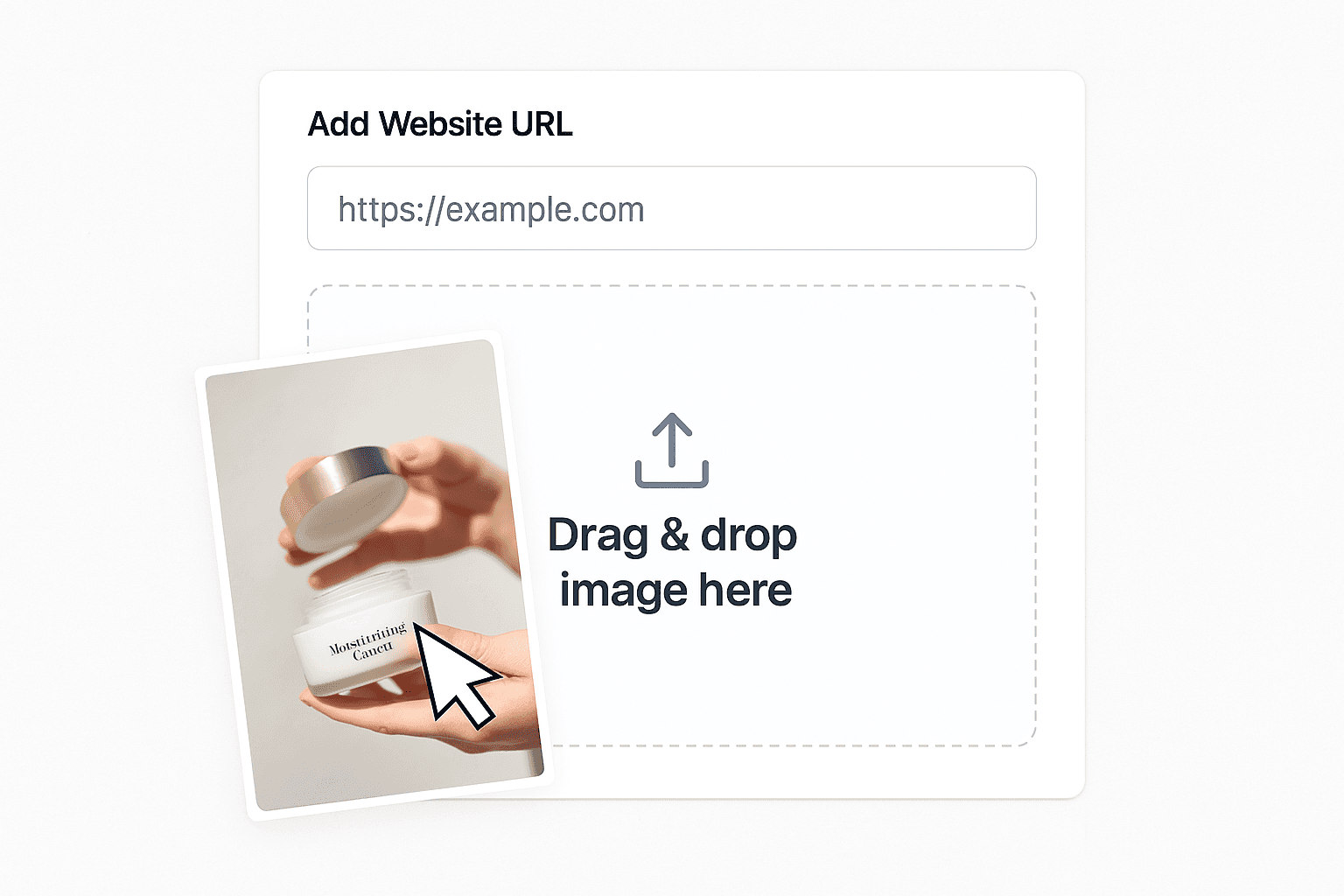
01
Paste your website or drop in a product image, then name the audience and the angle. The script generator writes the hook and body.
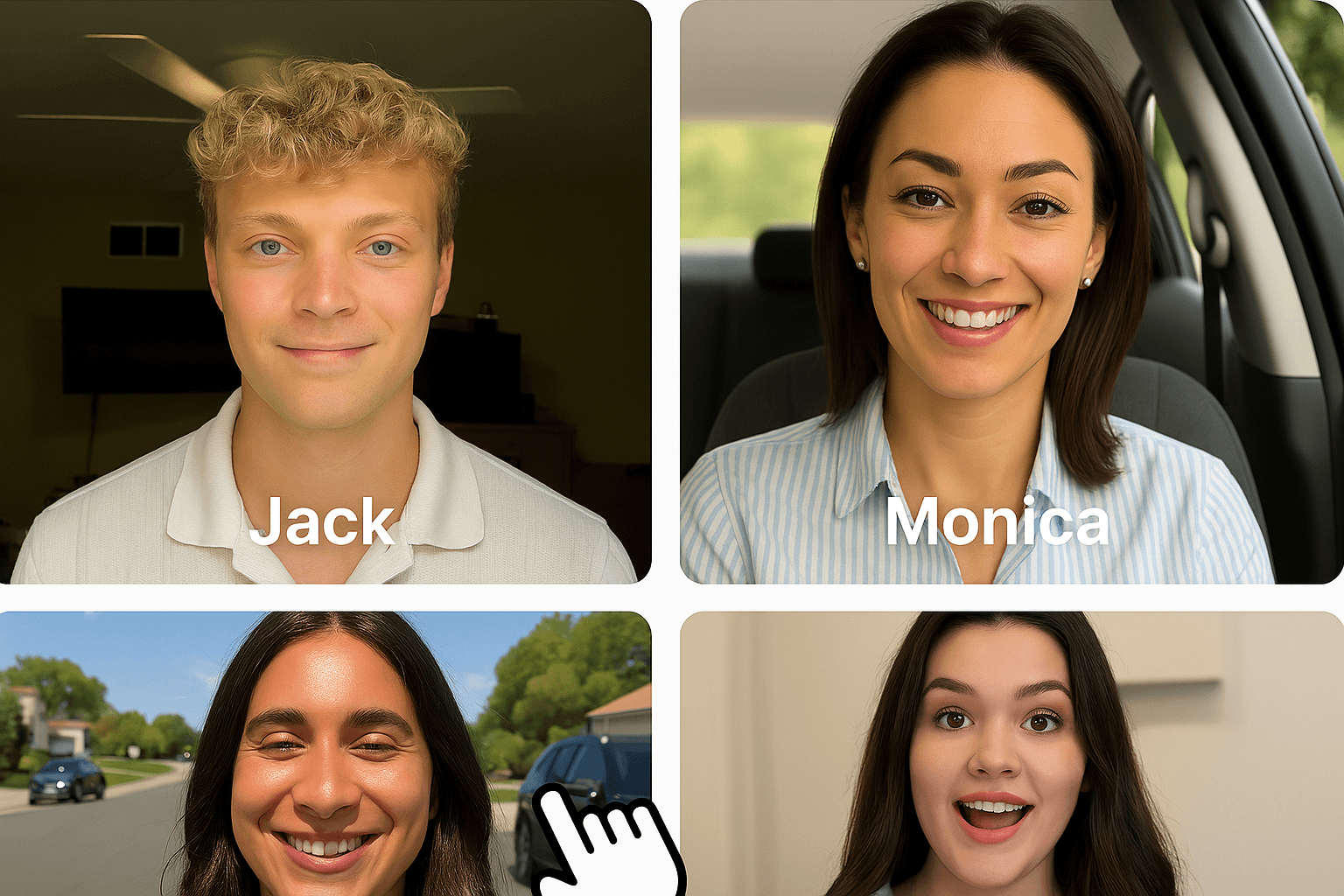
02
Choose from 300+ actors by age, style and setting, or build a custom avatar that matches your brand.
03
Render the ad, then change one thing at a time (hook, actor or model) to build the set you will test. Export with captions.
Most tools sold as AI ad generators make a banner with generated copy or a short cinematic clip. The ads that scale on Meta and TikTok right now usually look like a real person talking about a product they use, filmed on a phone, with the product in frame and captions on screen.
EzUGC is built around that format. You get the presenter, the product shot, the script and the captions in one place, plus static ads cut from the same brief. When a clip misses, you can re-render it on Veo 3.1, Seedance 2.5 or Kling 3.0 without starting over.
Direct answer
EzUGC is an AI ads platform for producing video and static creative from one campaign brief. The workflow includes 300+ AI actors, product-led UGC-style video, and localization across 29 languages. The listed Startup plan begins at $99 per month, so teams can build repeatable ad sets and replace weak variants without coordinating a new shoot for every test.
Run the same test in any tool: one product, one brief, five hook variants with captions. Then ask:
01Can it put a person on screen?
Talking-head UGC is one of the most tested formats on paid social. A generator that only makes scenes leaves you to find that person yourself.
02Can the product appear in the ad?
If the product never appears, the caption has to do all the selling. Look for product-in-hand or reference-image support.
03How many models can you pick from?
Every model misses on some shots. Being able to re-render a stubborn shot on a different model saves a rewrite.
04What does one finished ad cost?
Divide the plan price by the ads you would actually launch, counting retries, captions and variants. Headline credit counts hide this.
Running mostly on TikTok? See the TikTok ads generator. Comparing tools? Start with the alternatives hub.
An AI ad generator is software that turns a product and a short brief into ready-to-run ad creative, such as a script, a video with a presenter, product shots and static images, without a film shoot. EzUGC is built for paid-social ads, so it combines AI actors, product-in-hand shots and 30+ video models in one workspace.
No credit card · 3-day refund